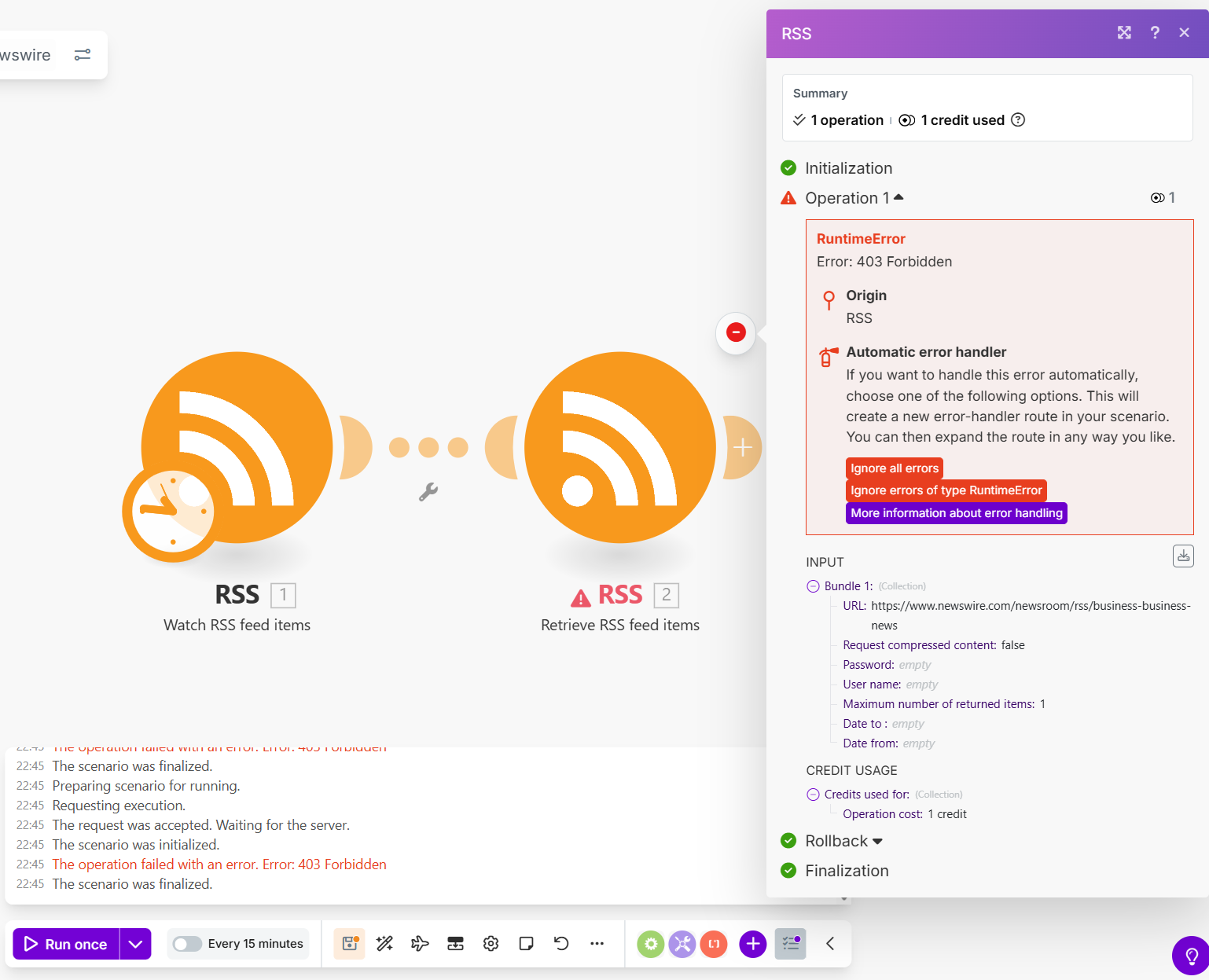
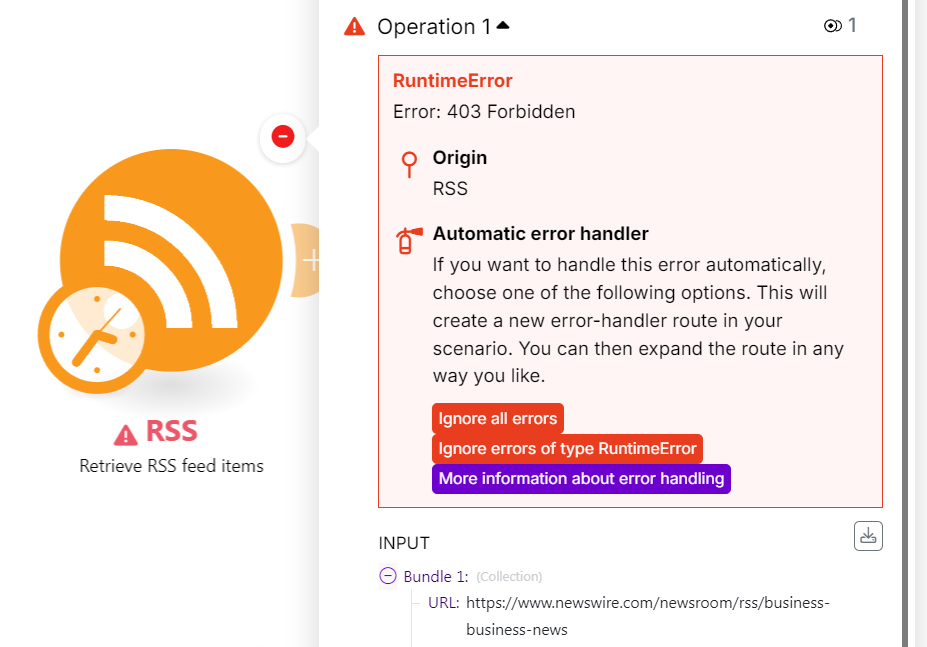
Here’s a workaround.
Similarly to web scraping, you can use third-party URL scraping services that specialises in bypassing Cloudflare security proxy, to get the actual content of the web page.
For example, here’s how I successfully managed to fetch the Newswire RSS feed using DumplingAI:
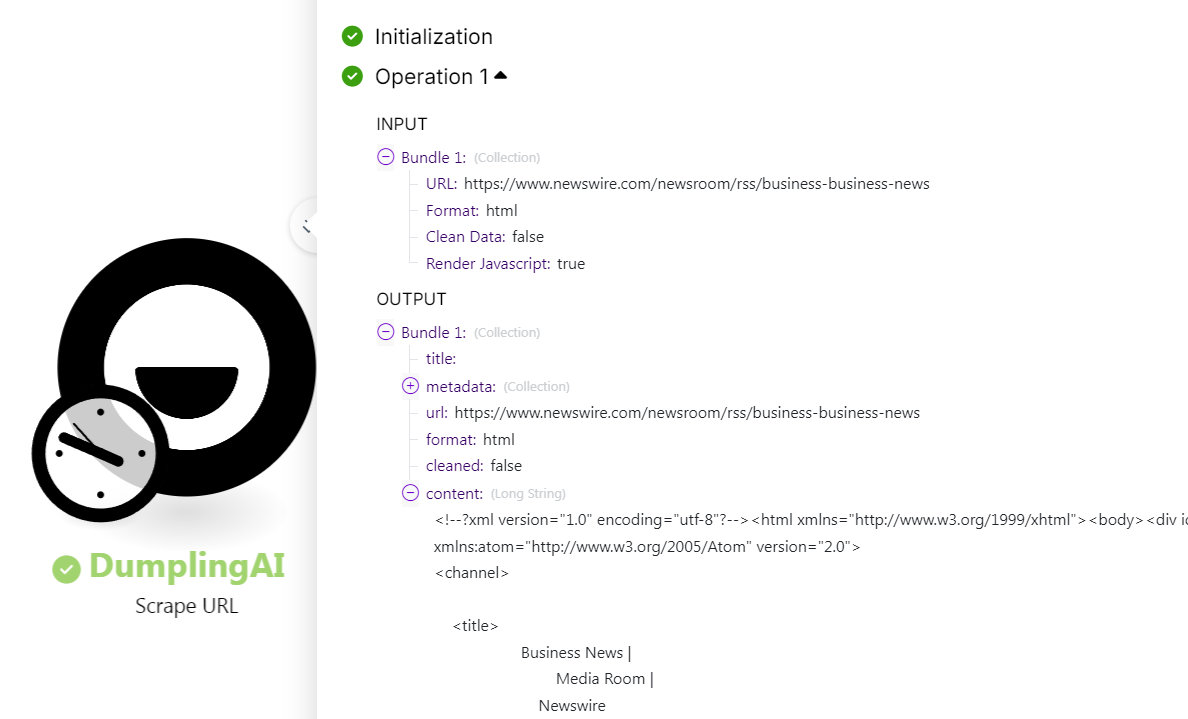
Then, you can put that through the XML parser, to get the array of feed items:

You can get 20% off Dumpling AI by using this discount code: 20PERCENT
So you basically need to “visit” the site yourself to get the content. This is called Web Scraping.
Web Scraping
For web scraping, a service you can use is ScrapeNinja to get content from the page.
ScrapeNinja allows you to use jQuery-like selectors to extract content from elements by using an extractor function. ScrapeNinja also can run the page in a real web-browser, loading all the content and running the page load scripts so it closely simulates what you see, as opposed to just the raw page HTML fetched from the HTTP module.
If you want an example, take a look at Grab data from page and url - #5 by samliew
AI-powered “easier” method
You can also use AI-powered web scraping tools like Dumpling AI.
This is probably the easiest and quickest way to set-up, because all you need to do is to describe the content that you want, instead of inspecting the element to create selectors, or having to come up with regular expression patterns.
The plus-side of this is that such services combine BOTH fetching and extracting of the data in a single module (saving operations), and doing away with the lengthy setup from the other methods.
More information, other methods
For more information on the different methods of web scraping, see Overview of Different Web Scraping Techniques in Make 🌐
Hope this helps! If you are still having trouble, please provide more details.
— @samliew
P.S.: investing some effort into the tutorials in the Make Academy will save you lots of time and frustration using Make!

 https://www.newswire.com/newsroom/rss/business-business-news