Hello Everyone,
I’m new to make.com and trying to figure out how do I make the leads generated in unbounce landing page automatically register in google excel sheets, Please help me in this area.
explain like I’m 5 years old.
here is the official make walkthrough.
I am working on giving you a more specific walkthrough in a little while, but will only be available to write it once I get back to my computer.
1 Like
Process Unbounce Data With Make (A Complete Step by Step Guide)
Get Started In Make.com
Apologies for the delay, here it is @Makeisgreat Hope it helps!
1. Create New Scenario
You Can Click any of these headers that have the icon, to see the image.

[details=“3. Search for “Unbounce””]
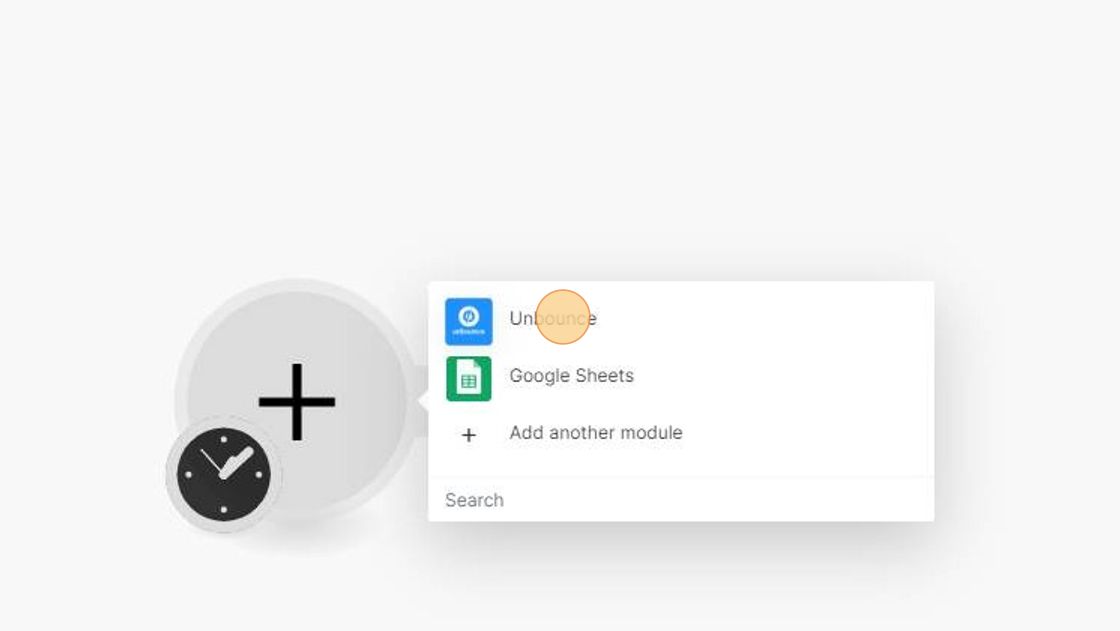
[/details]
[details=“4. Chose the “watch form submissions module””]

[/details]


Webhooks are used to transfer information from one webpage/webserver/webapp to another.
In this situation it is triggered by a user filling out the form and clicking submit.
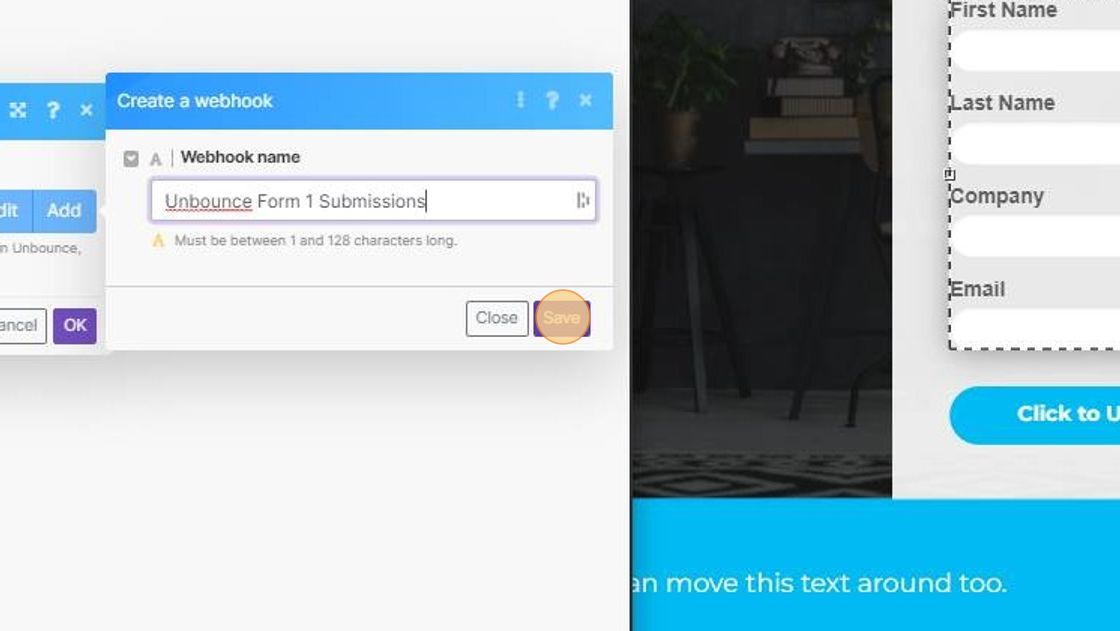


Unbounce Page Designer and Form.
This Following Instruction Set Relates to the Unbounce Classic editor.
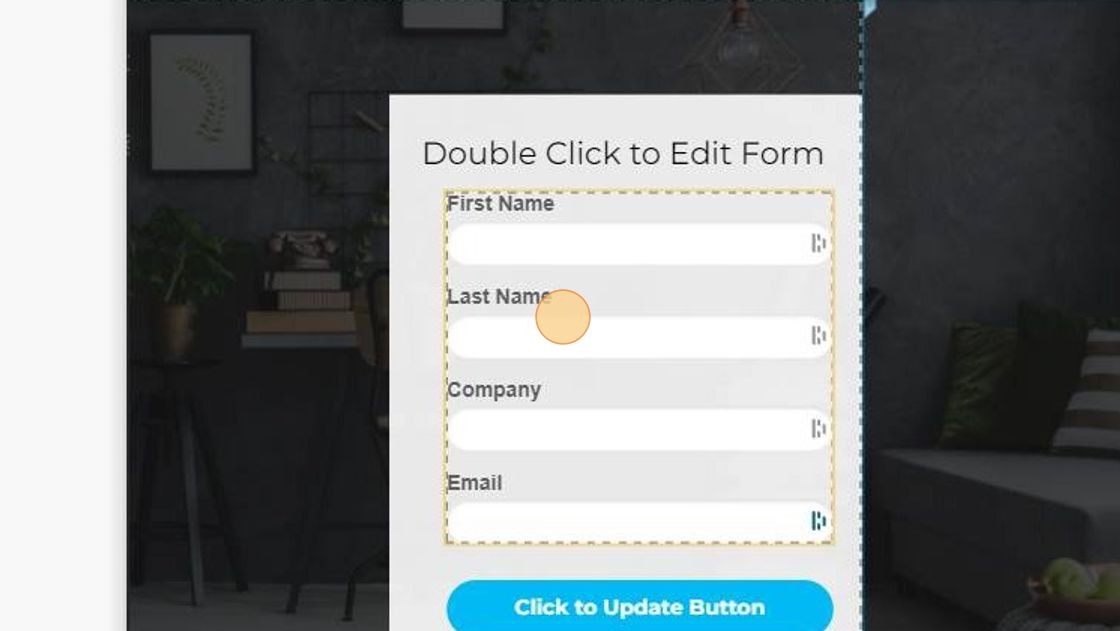
11a. Click the Confirmation dropdown: Select Post Form Data to URL.
Click on the URL input in Form Confirmation. (right sidebar)


Back to Make
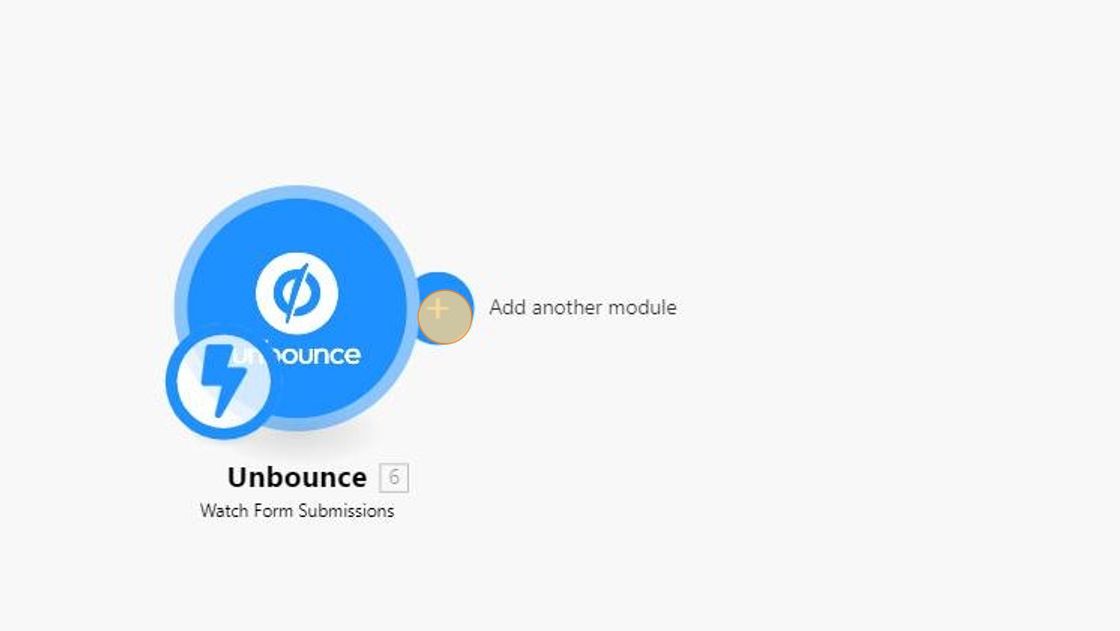


If you need help splitting the answers into multiple cells ill write a separate tutorial for that!


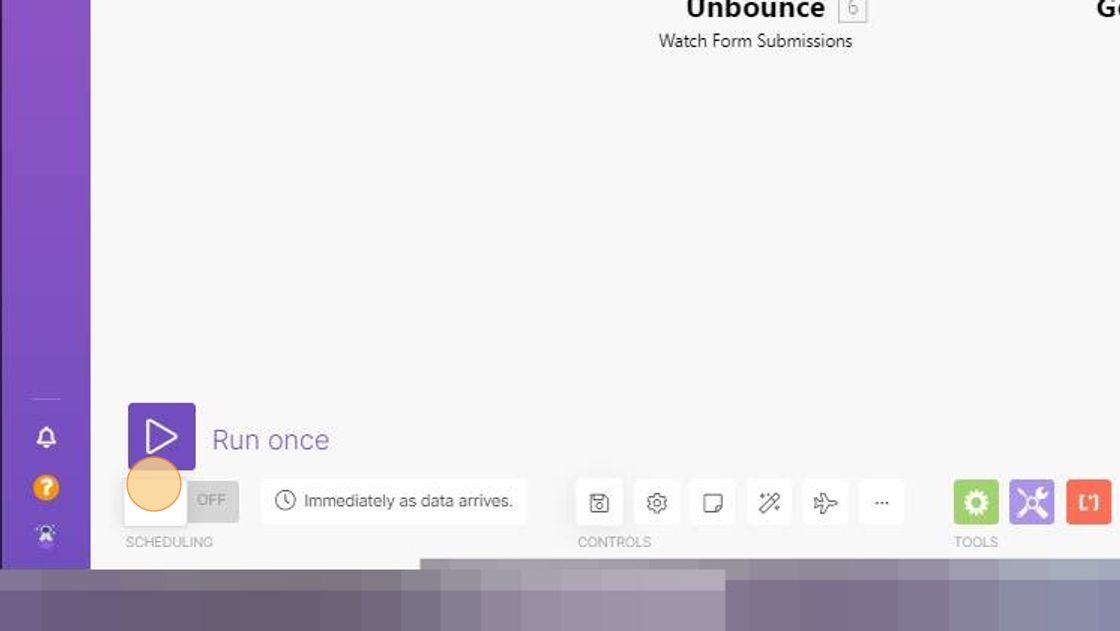
Made by JugaadiTech with Scribe
I will provide a scribe markdown export re-formatter make scenario blueprint(for make community formatting) for y’all if there is interest.
2 Likes
Thank you for being very descriptive about the approach,
I appreciate it 
1 Like
Thanks so much for taking the time to break this down so neatly @JugaadiTech 
Super impressive & super valuable!
3 Likes