I have some products and I am trying to generate a click up workflow for every product. There are several custom fields for these, like what tier the product is, the name of it and it’s tracking category.
I need the make scenario to be dynamic, so if I get a new product and create a tracking category for it, it will automatically get listed. So I have to map every field.
Steps taken so far
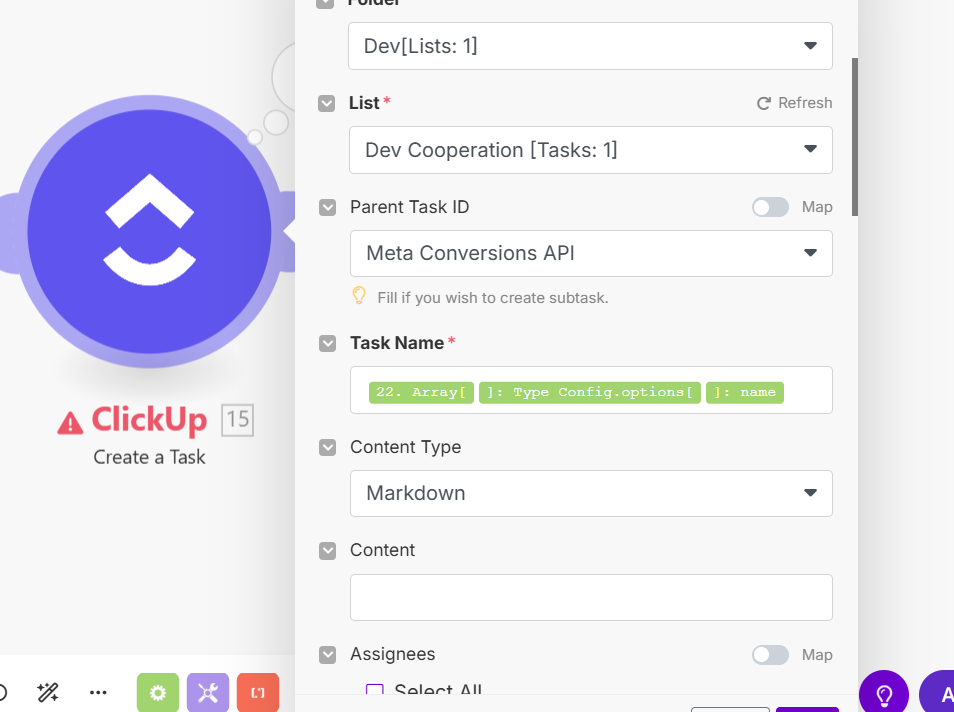
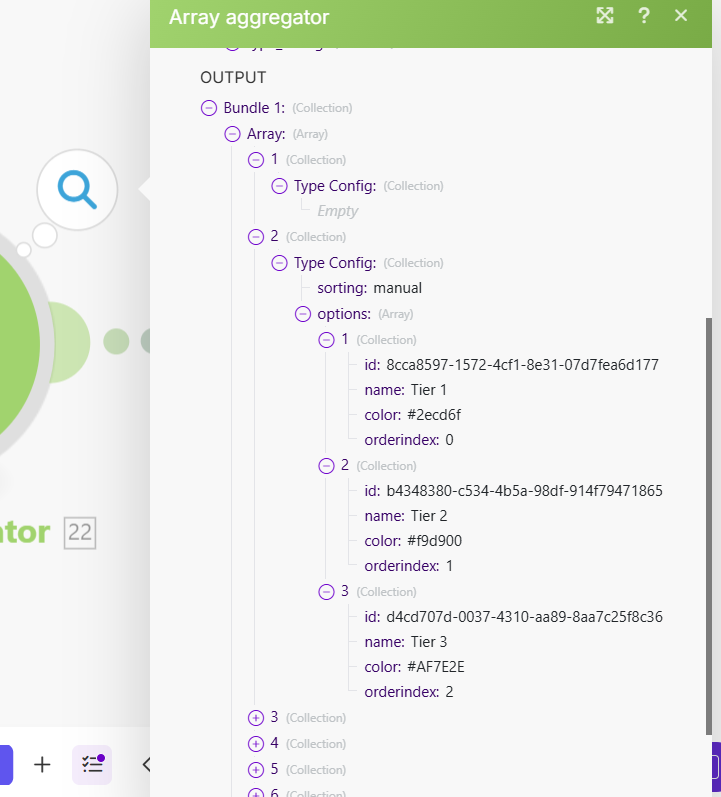
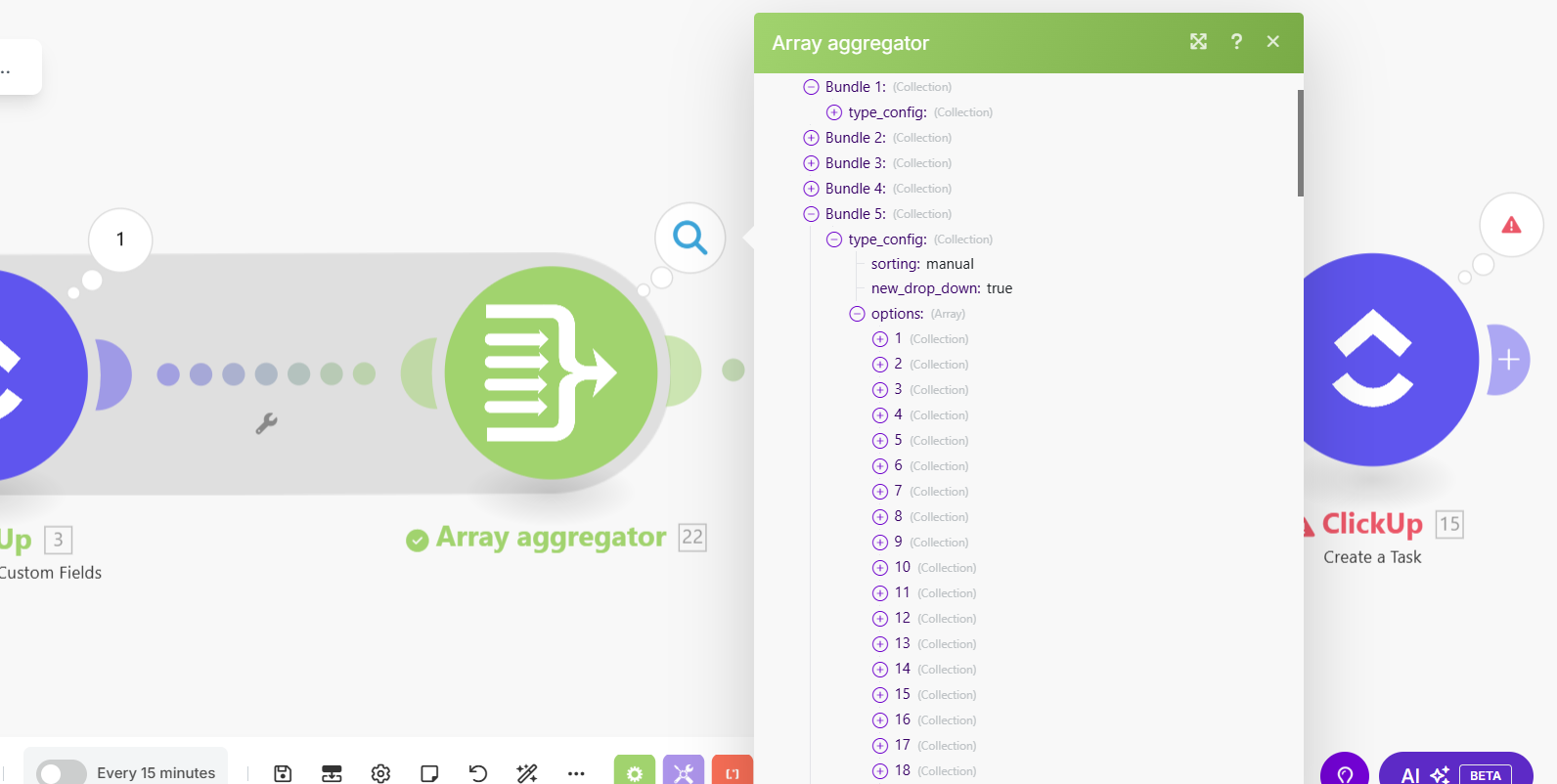
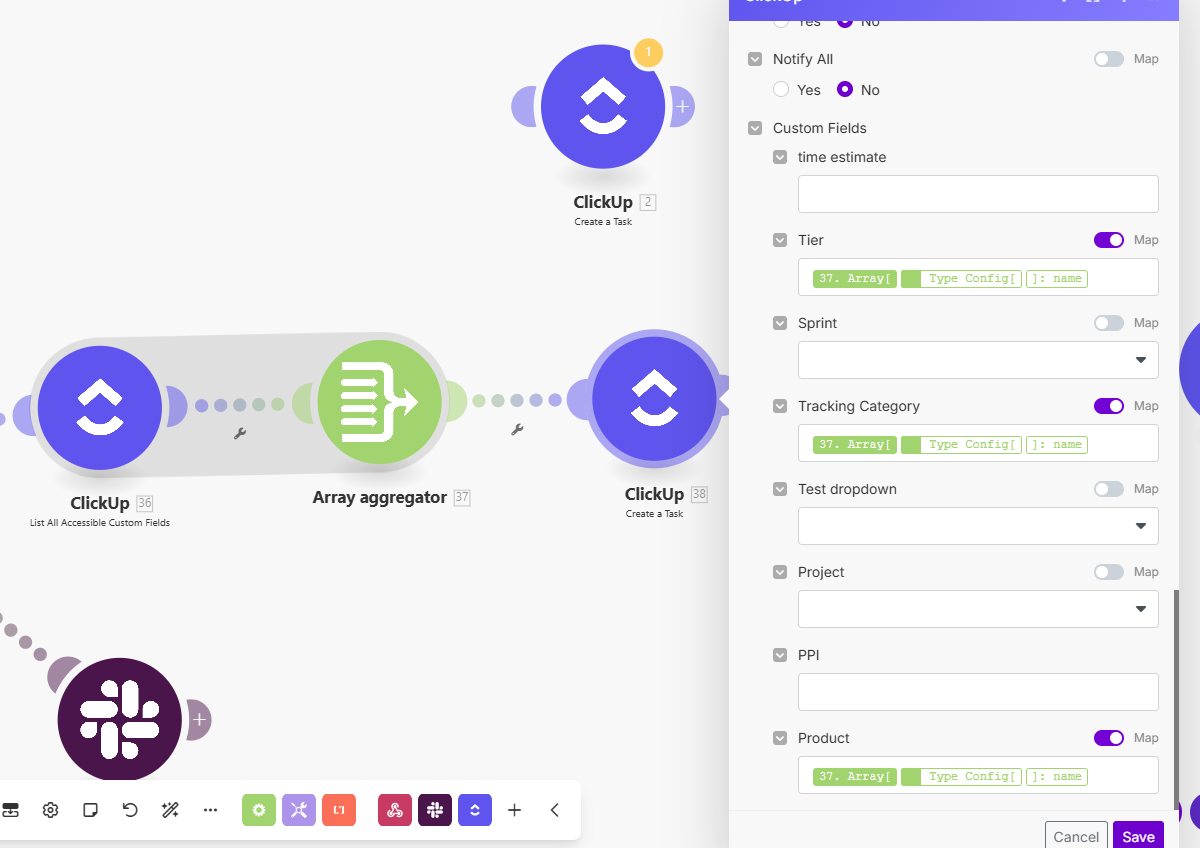
I used the Click Up List All Accessible Custom Field to get all the custom fields. It arranges the fields in bundles. Then I used an aggregator, to be able to map these as an array. Then a Create a Task module, where I need to actually map the fields, but it only shows the first one as an option, because it sees the agregator module just until the first bundle.
I tried to reach the data from bundle 5 with this: {{37.array.type_config.options.name}}, but realised, that this exists in every bundle, so it won’t necessarily give back the data from bundle 5 or 6 or 8.
How can I map this path correctly, so I can get back the tracking category, tiers or product name dynamically, where I want them?
There are a few ways to handle this, and it depends a bit on how you want to use the data. My first recommendation is to use the map() function in Make. This lets you collect values from each bundle in the array and return them as a list, instead of being stuck with just the first one.
If you need more control, you can:
Iterate through the array, so you process each bundle one by one.
Filter inside your iterator or aggregator to grab only the field you actually need (like category, tier, or name).
That way you’re not tied to bundle numbers, and your scenario will still work even if new items are added later.