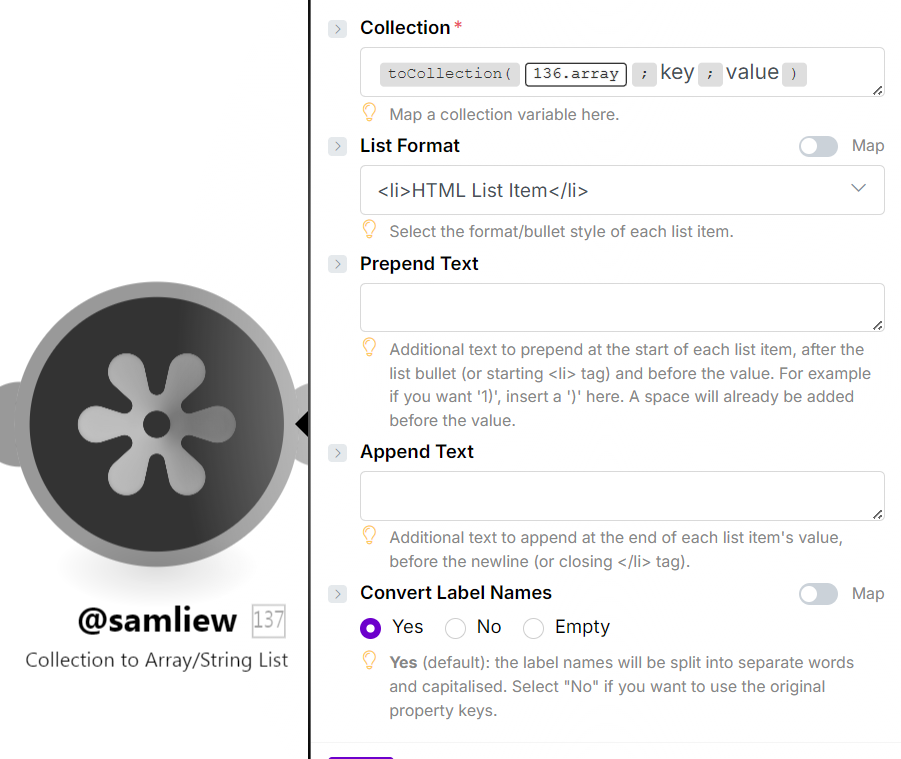
I have a form which has multiple questions, user could skip some questions and based on that the array would dynamically change. I need to pass these form fields into a HTTP Post. I am getting a 400 ERROR Message. I did try adding a function to map the array in the text aggregator

function MapFormFields(array) {
  return array
    .map(item => {
      if (
        item.field_label != null && item.field_label !== "" &&
        item.field_value &&
        item.field_value.option &&
        item.field_value.option.value != null && item.field_value.option.value !== ""
      ) {
        return item.field_label + ": " + item.field_value.option.value;
      }
      return null;
    })
    .filter(value => value !== null)
    .join("\n");
}
Text Aggregator is returning the Output bundle as

In my Post this is the Input I am recieving
{
  "name": "Welcome Call Outcome",
  "branch": { "id": 1001 },
  "status": 1,
  "current_priority": 4,
  "initial_priority": 4,
  "details": "Were you able to reach the client: Yes
Was the welcome call completed?: Attempt 1: Welcome Call Completed
We have your emergency contact as (info will be on CLSP) is that accurate?: Yes
The address we have for you is (client’s address). Is this the correct address?: Yes",
  "created_at": "2025-09-16T11:39:31Z",
  "due_at": "2025-09-17T11:39:31Z",
  "contexts": [
    {
      "primary_id": "2252",
      "type": "api.patients.client"
    }
  ]
}
and the output is returning 400 Error. How can i pass the bundles of data from aggregator to HTTP POST Request
 "details": "Were you able to reach the client: Yes
Was the welcome call completed?: Attempt 1: Welcome Call Completed
We have your emergency contact as (info will be on CLSP) is that accurate?: Yes
The address we have for you is (client’s address). Is this the correct address?: Yes",