Hey! I would be really thankful if you helped me out with the following:
Via a HTTP Get a file request I can succesfully obtain an Excel file (.xslx), but how do I parse it to a JSON file that I can then upsert all the rows to my supabase table? I’d love any pointers on the best Make.com approach (modules, mapping tricks, or even “don’t-do-that” advice).
Thanks,
Mate
Hey Mate,
here are some options on how to convert an xlsx file to JSON.
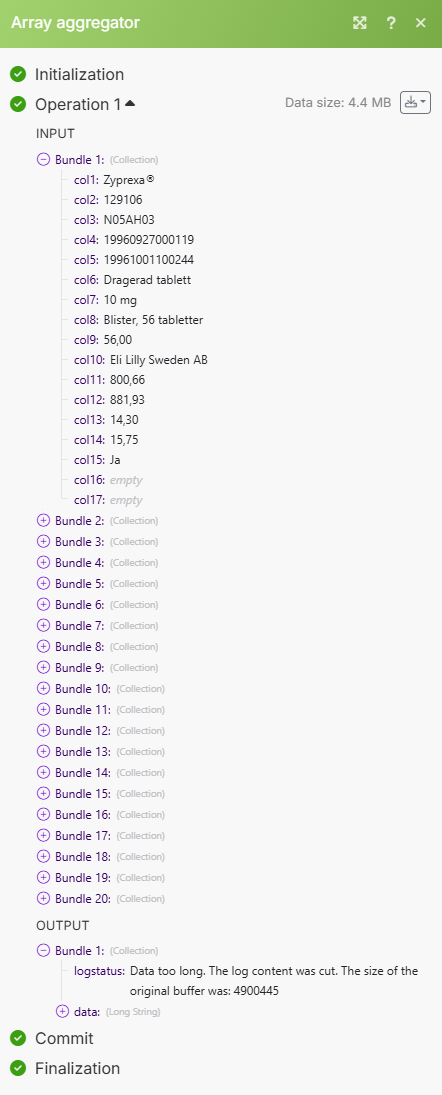
@digiPanda_Automation thank you for your kind help! I managed to complete the automtation until the parse CSV which returns the following:
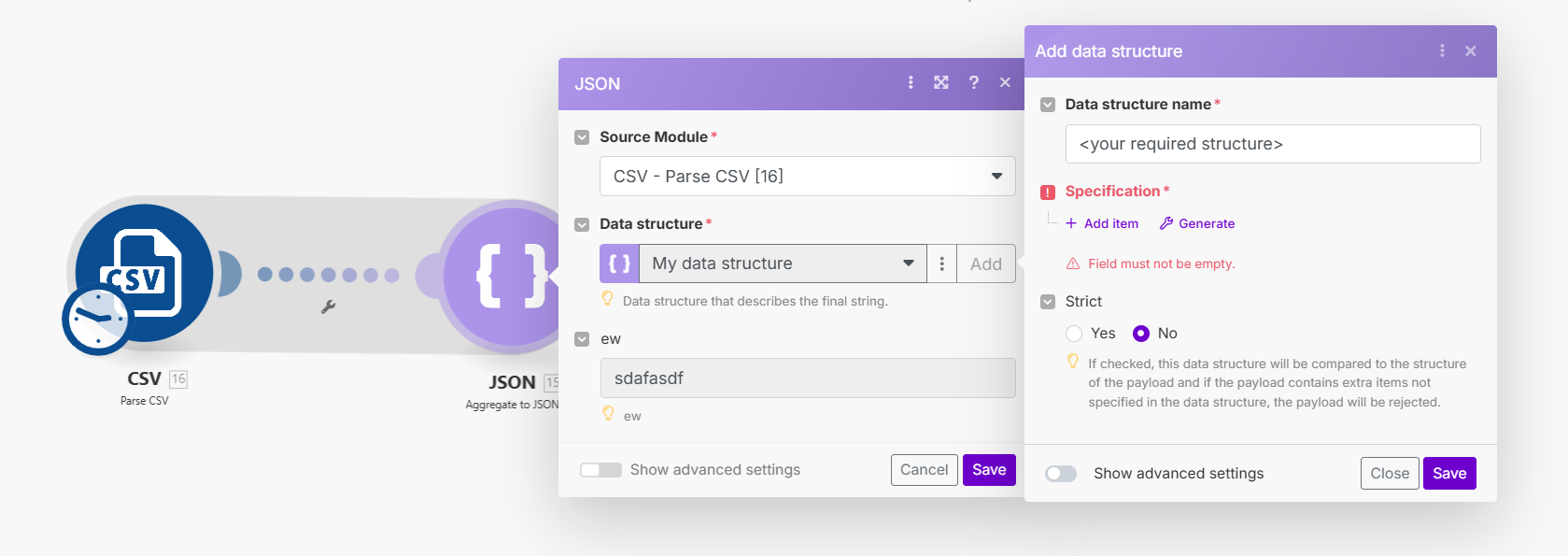
However even if I use the custom structure of the array aggregator like this:
It returns the following output with the incorrect variable names:
Which does not match my headers in the supabase table. Do you have any other suggestion how to solve this?
Thanks,
Mate
Hey @Mate_Szilcz 
Thanks for implementing our solution — love seeing it in action!
We noticed you’re trying to get your .xlsx data into a parsed JSON format. Instead of using the “Aggregate Array” module, we’d recommend going with the “Aggregate to JSON” module directly. It allows you to define your desired JSON structure and map values from the earlier “Parse CSV” module with precision.
This approach gives you a clean, ready-to-use JSON output — perfect for upserting into your Supabase table.
Let us know once you’ve implemented it — happy to review or assist further.
Best regards,
Digipanda Consulting Pvt. Ltd
@digiPanda_Automation