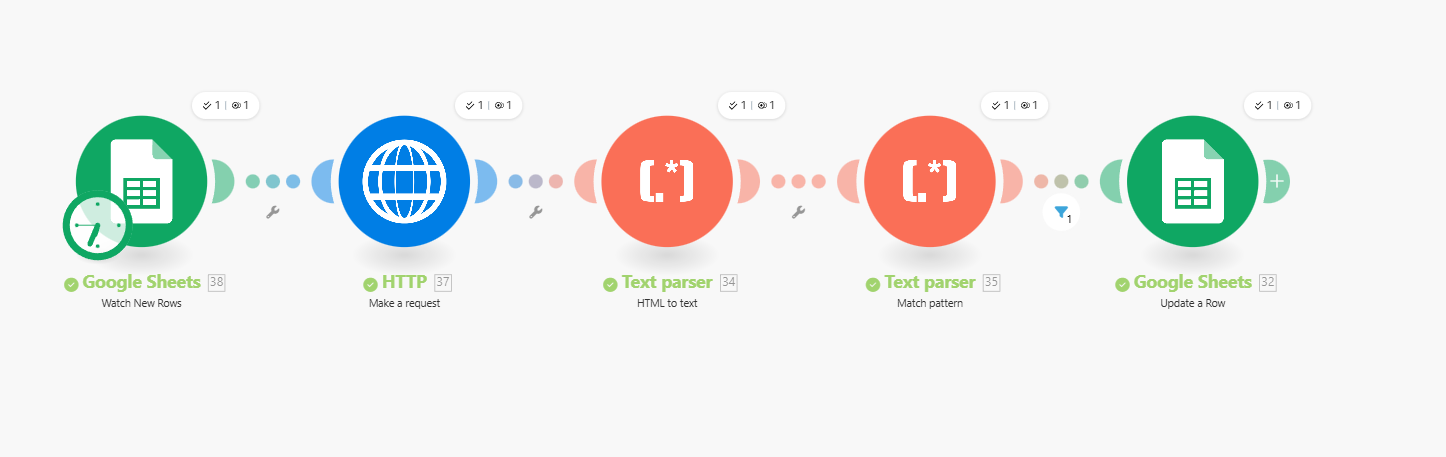
The HTTP module is working as expected. It only fetches one URL per request, so it will always return just the first page unless you explicitly tell it to load the others.
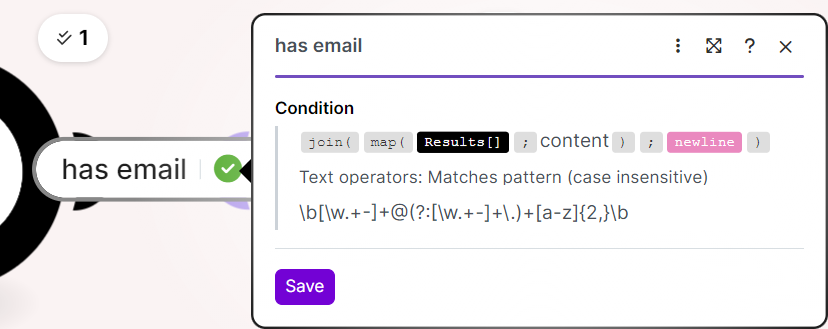
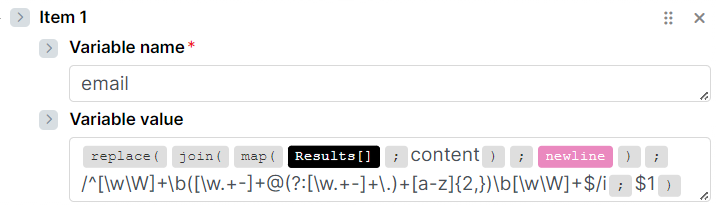
To scrape all pages, you need to first collect the page URLs, then loop over them. A common approach is to fetch the first page, extract all internal links (or pagination links) using a text parser or regex, and then pass those URLs into an iterator. Each URL can then be sent through the HTTP module to retrieve and scrape its content.
If the site uses pagination, you can also generate the page URLs yourself (for example by increasing a page= parameter) and iterate over those values.
In short, the missing piece isn’t the HTTP module itself, but the loop/iterator that tells Make to request every page one by one.
 What is your goal?
 What is the problem & what have you tried?
 Screenshots (scenario flow, module settings, errors)