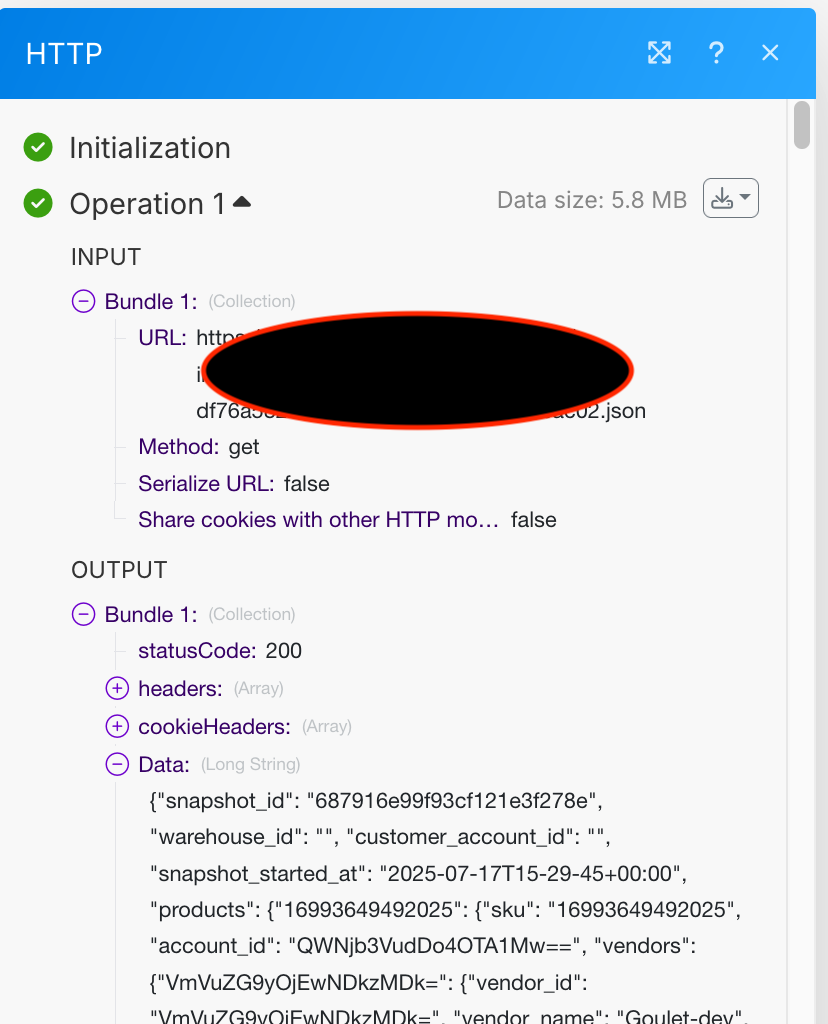
Hello! I’m using the HTTP Get a File module to grab a JSON file coming from ShipHero, and when I try to send the data to the Parse JSON module, the output has a bundle where there’s a response that says:
logstatus: Data too long. The log content was cut. The size of the original buffer was: 5631701
I also tried switching to the HTTP Make a Request module and turning on the “Parse Response” option, but it does the same thing.
I’m on a plan that says it can process 100mb at a time, so this file shouldn’t be a problem.
Thanks!
Hi @jwhetzel,
Even though you’re seeing the “Data too long. The log content was cut” message in the logstatus, the good news is the scenario is still processing the full response behind the scenes.
Make limits what you can see in the execution logs (usually around 500 KB)
So you can continue using the data in downstream modules even if the full payload isn’t shown in the UI.
— Robin @Trainward_Consulting
@Trainward_Consulting If I’m correctly understanding what you’re saying, I should be able to reference the “snapshot_id” key from the “data” string that’s returned from the Parse JSON output?
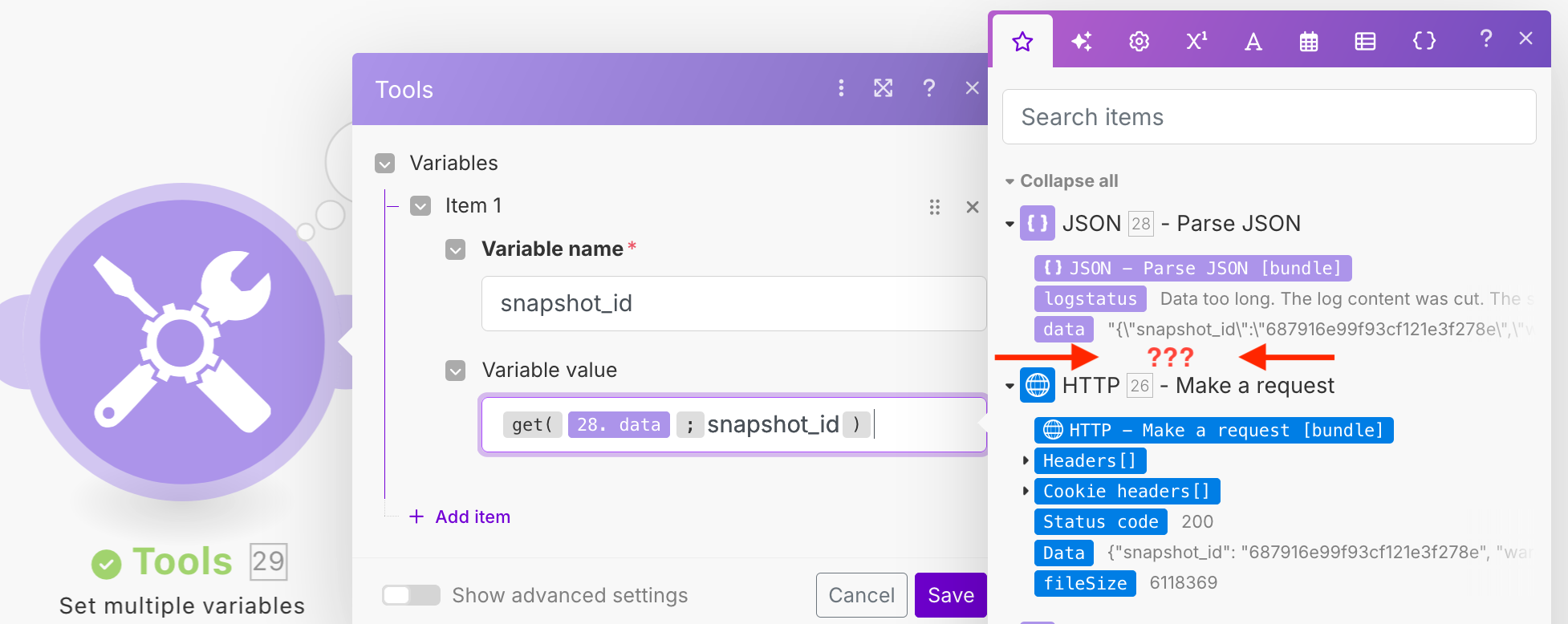
Unfortunately that doesn’t seem to be the case. For example, if I want to assign the value of the “snapshot_id” key to a separate variable, it should show up in the tree of available keys on the right side.
Since it’s not there, as you can see, I tried using get() to extract it, but since “data” is a string and not a structure, it comes back empty.
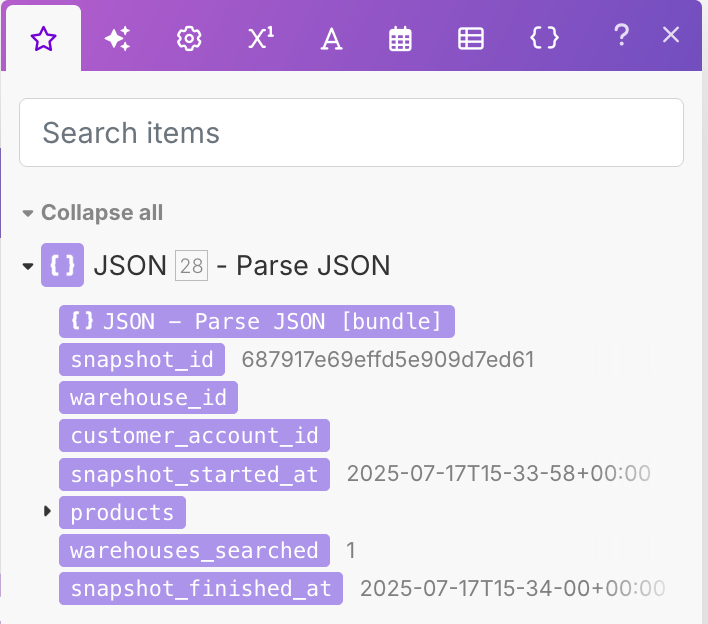
I tried this with a file that’s smaller, where the HTTP module reports the buffer length is 2167232, or just over 2MB. In this case, Parse JSON works as expected, generating a tree structure in the output bundle:
As a result, when setting a variable, the picker now lists the fields coming out of the parsed JSON.
Unfortunately this only seems to work with the smaller 2MB file. The larger <6MB file still does not work, even though it’s well within the 100MB file processing size for my account.
I just wanted to follow up on my own post in case anyone runs into a similar thing in the future. Robin was partially correct with the idea that Make is still processing the full response behind the scenes, but I had to reach out to support really get it solved.
It turns out the Parse JSON module does NOT continue processing as normal behind the scenes when used in this way. In order to get at the data, I had to instead turn on the “Parse Response” option within the HTTP Make a Request module. From there, the UI showed the same “Data too long” message, but I was then able to use something like get(26.Data; snapshot_id) to extract the snapshot_id from the response. Doing the same thing coming out of the Parse JSON module doesn’t seem to work for whatever reason.
Hello @jwhetzel 
Thank you for coming back and sharing your solution!! It might help many other Makers in need.