What are you trying to achieve?
To parse the text of a PDF file that I received from a mailhook.
Steps taken so far
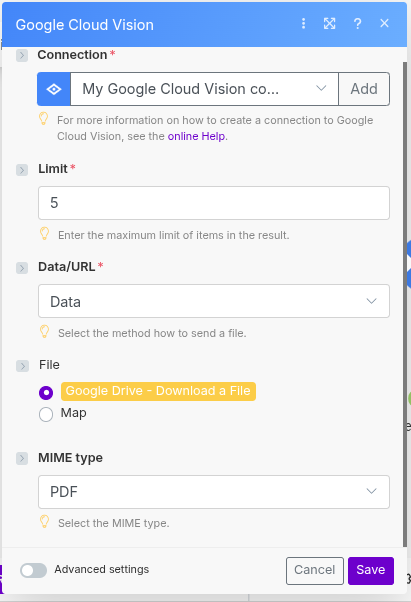
I have been able to grab the file from the attachment, it is stored into a google drive.
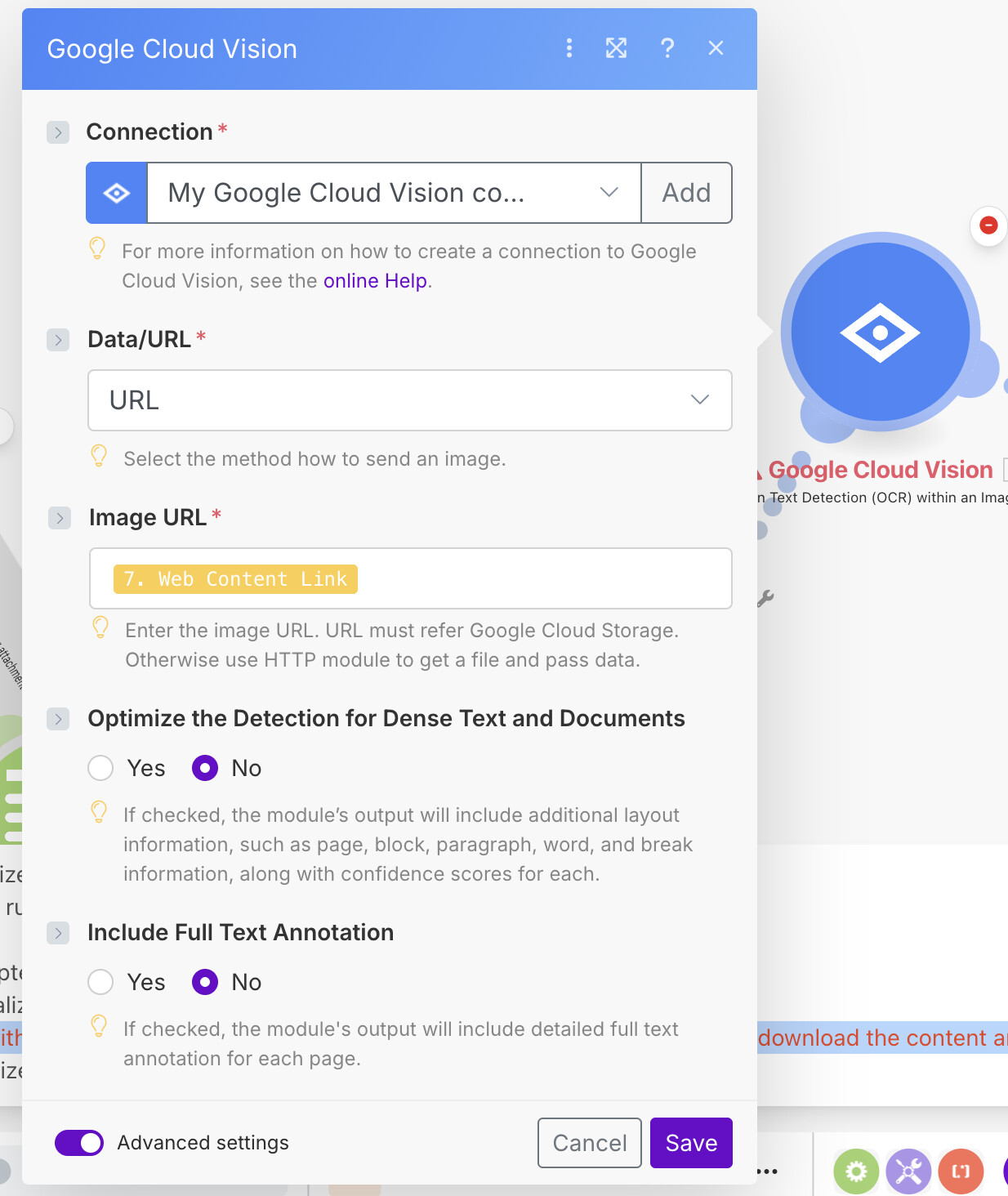
TEST 1 : I have tried to pass the Google drive pdf file URL : Web view Link into the Cloud Vision module but I receive this error : The operation failed with an error. The URL does not appear to be accessible by us. Please double check or download the content and pass it in.
TEST 2 : same as test 1 but with the Web Content Link from the drive module. The operation failed with an error. We’re not allowed to access the URL on your behalf. Please download the content and pass it in.
TEST3 : with the agregator data , but then the error is : The operation failed with an error. Bad image data.
Not sure how to iput the right pdf data to cloud vision