Putting tags from google sheet (or airtable) into my wordpress post

What are you trying to achieve?

I want to put tags from google sheet(or airtable) into my wordpress post.

So basically take a column that has
tag1example, tag2example, tag3example

and add those tag to a post

I have read few posts here when I was googling, and it seems that other much more experience members couldn’t make this happen or it was very complicated, so I was wondering, can somebody make me a tutorial on how to do this? basically click by click?

i mean I appreciate just an explanation, but I’m quite new, and only way I would be able to do this is by watching somebody else do it. A video or tutorial from a person that did this would also be fine, I tried to find it but failed.

it seems that such a simple thing can be so complicated

Steps taken so far

I tried but failed

1 Like

Hi @Iwanttolearn
If you have a comma-separated list of tags (like tag1, tag2, tag3), splits them into individual tags as first route, iterate them and check if each tag already exists in WordPress, and creates any missing ones. Then it searches again in the second to get the IDs of all the tags, combines those IDs into a list, and finally creates a WordPress post with the tags correctly attached. This works because WordPress needs tag IDs—not names—when creating posts.

Best regards,
Msquare Automation
Platinum Partner of Make
@Msquare_Automation

2 Likes

Hi @Iwanttolearn

You can refer the attached blueprint for better understanding.

tags.blueprint.json (33.7 KB)

Best regards,
Msquare Automation
Platinum Partner of Make
@Msquare_Automation

2 Likes

First of all, I want to really thank you for helping me, it saves me so much time.

What you wrote in the first answer makes sense, and it’s probably the way to do it, but since I literally started recently, I can’t be 100% sure since I am not familiar with all the tools yet. So the blueprint that you attached helps me much more as I would literally lose few days trying to implement this to work correctly.

I imported blueprint, and I only added airtable at start since I do plan to pull tags from that (or google sheet), but for now, rest of blueprint doesn’t pull any data from airtable (everything is as you sent me basically)

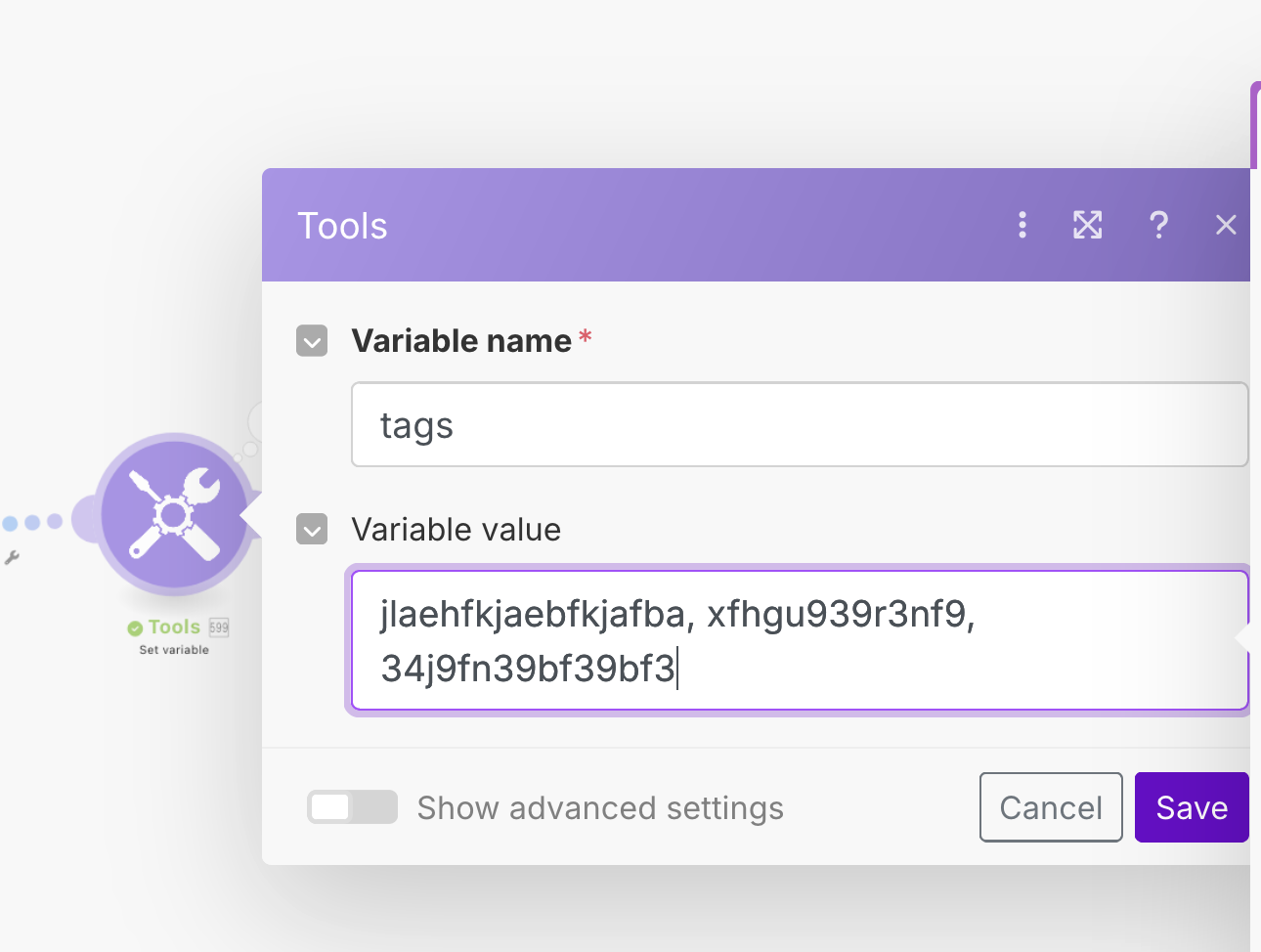
Tags that I do write in “tools > set variable” (something unique for example “thisismynewtag1”) do appear in my wordpress>posts>tags, however when it publish the post itself, it doesn’t add those tags to the post, and there is error on “create a tag “as you can see on image below.

the error is that the tag that it creates already exist (it didn’t exist 30 seconds before, I made sure to create a unique tags)

here are my tags so you can see they are unique

So something in the blueprint produces error when it tries to create same tag that was just created few seconds ago.

Now, Im sure it can be something really simple, or maybe something on my end that I didn’t reproduce exactly. What I did besides adding airtable at start (but that doesnt affect rest of the blueprint) is just make connection with wordpress, and that’s it.

Now, as much as I would appreciate explanation of what I need to change, unless it is something really simple that I missed, I think I would learn much faster if you could provide me with a new blueprint that solves the error I am getting?

Welcome to the Make community!

You’ll need to split the categories by comma-space so that it becomes an array.

Then, use an iterator on the array so that you can process each category at a time.

Create new category using the name.

Then, if category exists, there will be an error. Handle the error by searching for the category, and resuming with the existing category ID.

Then, aggregate the category IDs into an array using the Array Aggregator.

You can then insert the array of category IDs into the tag/category field.

Similarly, this works the same way for the Wordpress Tags field.

For more information, see How to deal with WordPress errors

Hope this helps! Let me know if there are any further questions or issues.

@samliew

1 Like

I literally didn’t understood single sentance :sob:
Im just so new that i don’t even understand what does iterator or array means or does, nor how to implement it properly. And this seems to have like 10 different modules so I just get lost

I mean a managed to learn things in last few days by watching somebody on the video and copying step by step, then doing it on my own from scratch slowly, but when it comes to Wordpress tags, I couldn’t find any videos online about that ( the ones that I did find didn’t help), the closest I came from was @Msquare_Automation blueprint, but even that doesn’t produce tags in the post itself (but at least it does creat tags in the wordpress so that’s something), however when it shows the error I just don’t have knowledge to do it. Is there any way you can do it via blueprint and paste it here? I don’t want to waste your time, but it seems that this should be really simple thing to do, yet for some reasons it needs 10 modules to add wordpress tags to the post alone :sweat_smile:

In that case, I would suggest completing the Make Academy before jumping into building a complete scenario.

Here are some useful links and guides you can use to learn more on how to use the Make platform, apps, and app modules. I found these useful when I was learning Make, and hope they might benefit you too —

Getting Started

Help Centre Basics

Articles & Videos

You can also use the Hire a Pro category to request for private 1-to-1 assistance via video call/screenshare/private messaging/etc. This may help you get your issue resolved faster especially if it is urgent or contain sensitive information. It is important to post your request in the Hire a Pro category, as forum members are not allowed to advertise their services in other categories like here (even if it’s free/unpaid). Posting in the Hire a Pro category will allow other members to assist you over other forms of communication.

Hope this helps! Let me know if there are any further questions or issues.

@samliew

1 Like

I will surely check all the resources, thank you, and I do plan to learn as much as I can in the long run, but the thing is that I need this to be done asap, and I’m not able to hire a pro for this currently.

So I guess I will just have to skip wordpress tags for now and focus on something else, and manually enter them once posts are published, which sucks but unless somebody here post me a video for that specific thing or gives me a blueprint, I don’t see a way around it (for my own specific reasons currently and position im in)

My hopes is that @Msquare_Automation will be able to explain why the error happens and maybe post a blueprint that solved it, but I know that’s pushing it and making me seem a little bit rude even, but Im not im really grateful it’s just that im in unique position right now that I don’t want to bother you guys with :slight_smile:

But thanks again, I will make sure to follow the topic in case somebody else had same issue and finds a solution that he or she is willing to share publically with us, thank you! :slight_smile: :growing_heart:

1 Like

I have the same issue. I tried a few things and modals, but unsuccessfully. Namely, I’ve tried using a text parser and also watched some of the YouTube videos. However, there isn’t a good explanation on how to add tags in WordPress.

If someone can help or send a blueprint, how to check if tags exist or not, and then create new article with that tags I’ll be grateful.

Thanks.

1 Like

Is there any chance you could give us working blueprint for wordpress tags and check why it shows the error? please

I really tried to find it everywhere but couldn’t solve it, if it’s in your course or whatever I would sign up, I just need location cause I really cant find working solution

1 Like

btw I watch your youtube channel and just subbed, Its not that Im lazy I want to learn and I did learn how to use rapid api for amazon affiliate links etc, but i couldnt make this work for tags not sure why