I got really excited by seeing Beaver’s solution to this problem 
While a native solution would be nice, this is fairly awesome as we can automate it 
I decided to build this out as a test and I screenshot’ed it all as I was building it.
Sharing here in the hopes it helps someone!
Create a new Datastore:
Make sure one of the items is of type “Date”, this is important.

Create a new Scenario:
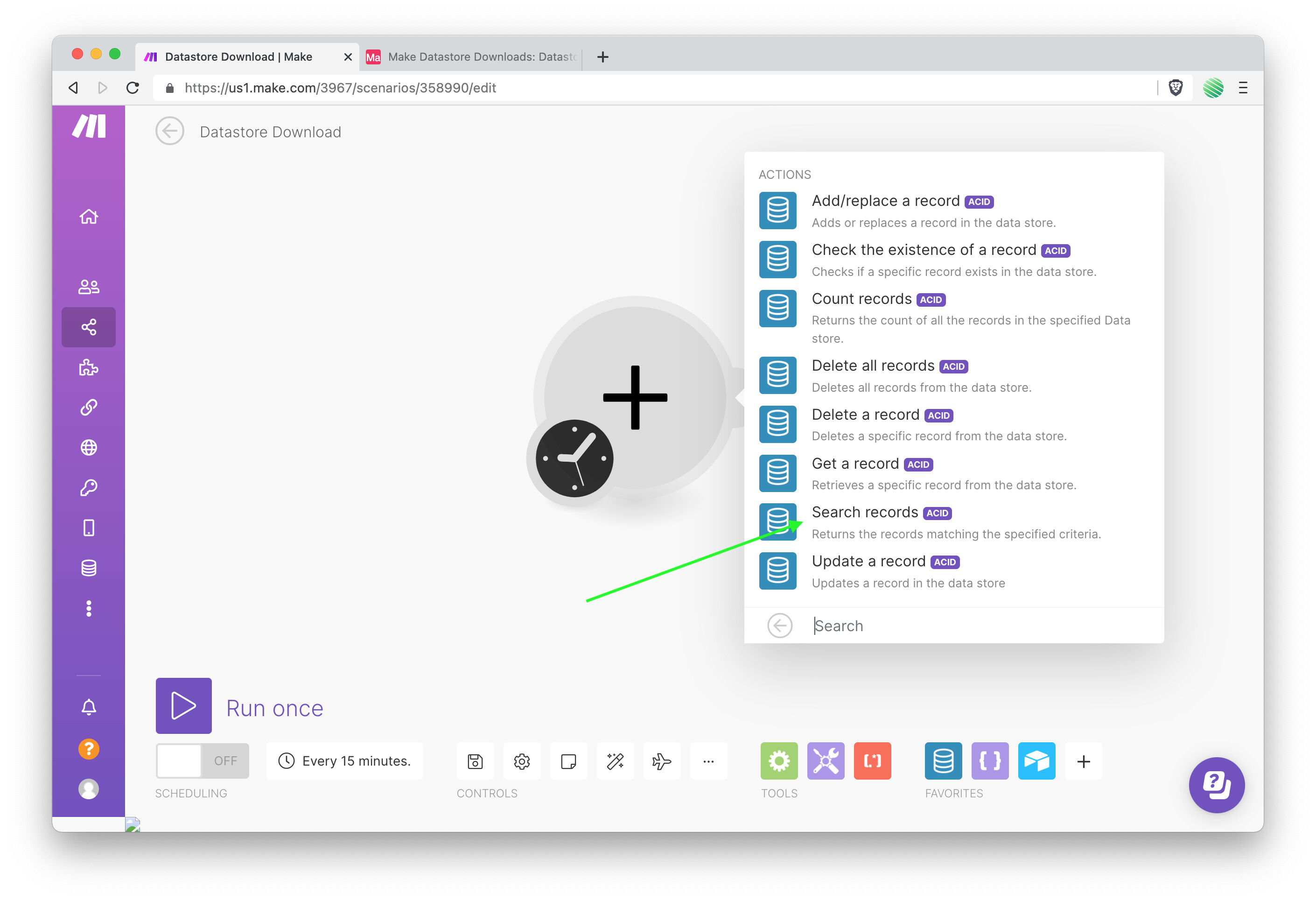
Search for and select the Datastore module and choose “Search records” from the option list.
Create a new Data structure:
Make sure your Datastore’s item that is of type “Date” is also a of type “Date” within your Data structure.
Search Filter:
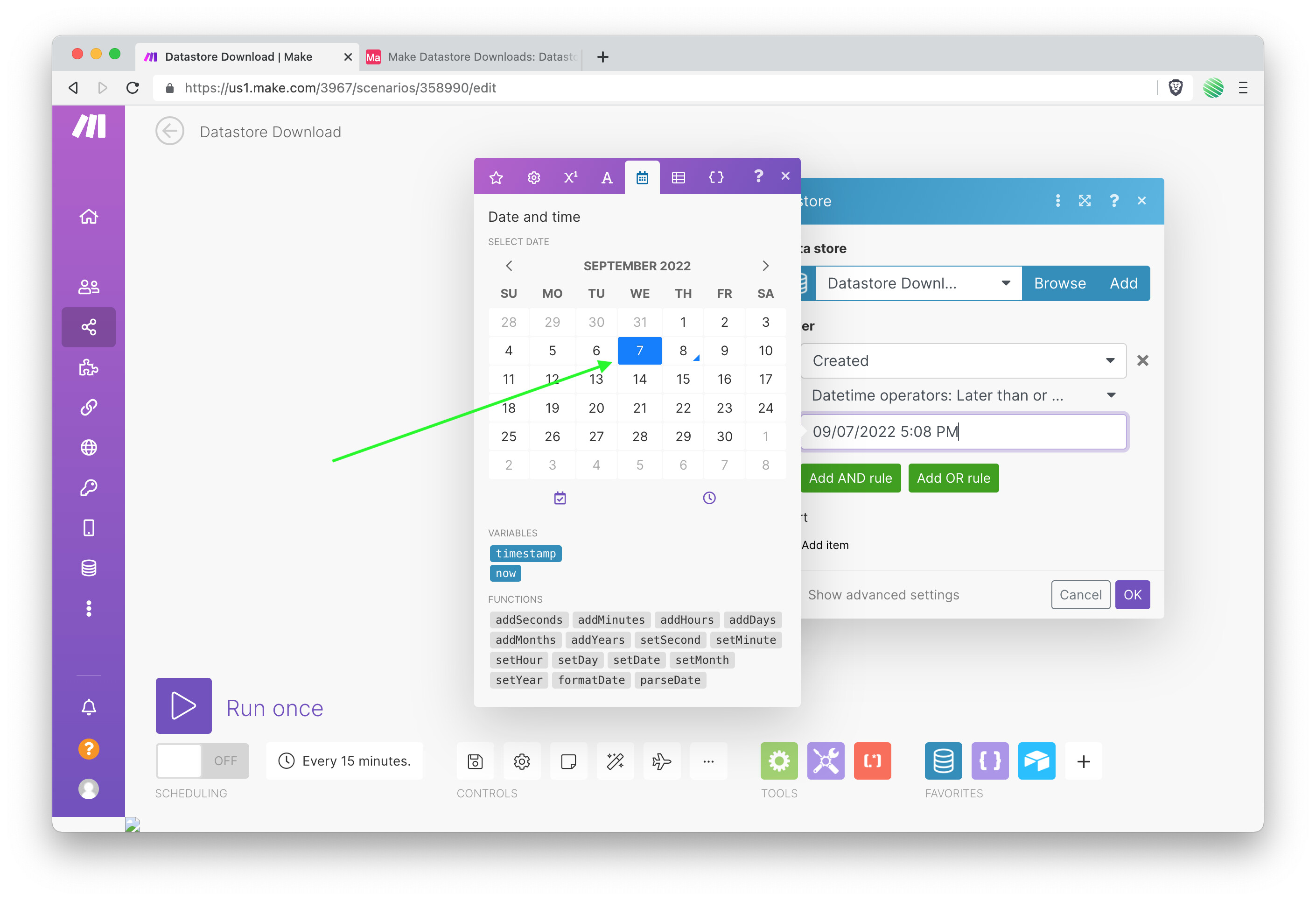
After choosing your Date item to search against, change the operator.

Select the “Laster than or equal to” date time operator.

Select yesterdays date as a value:
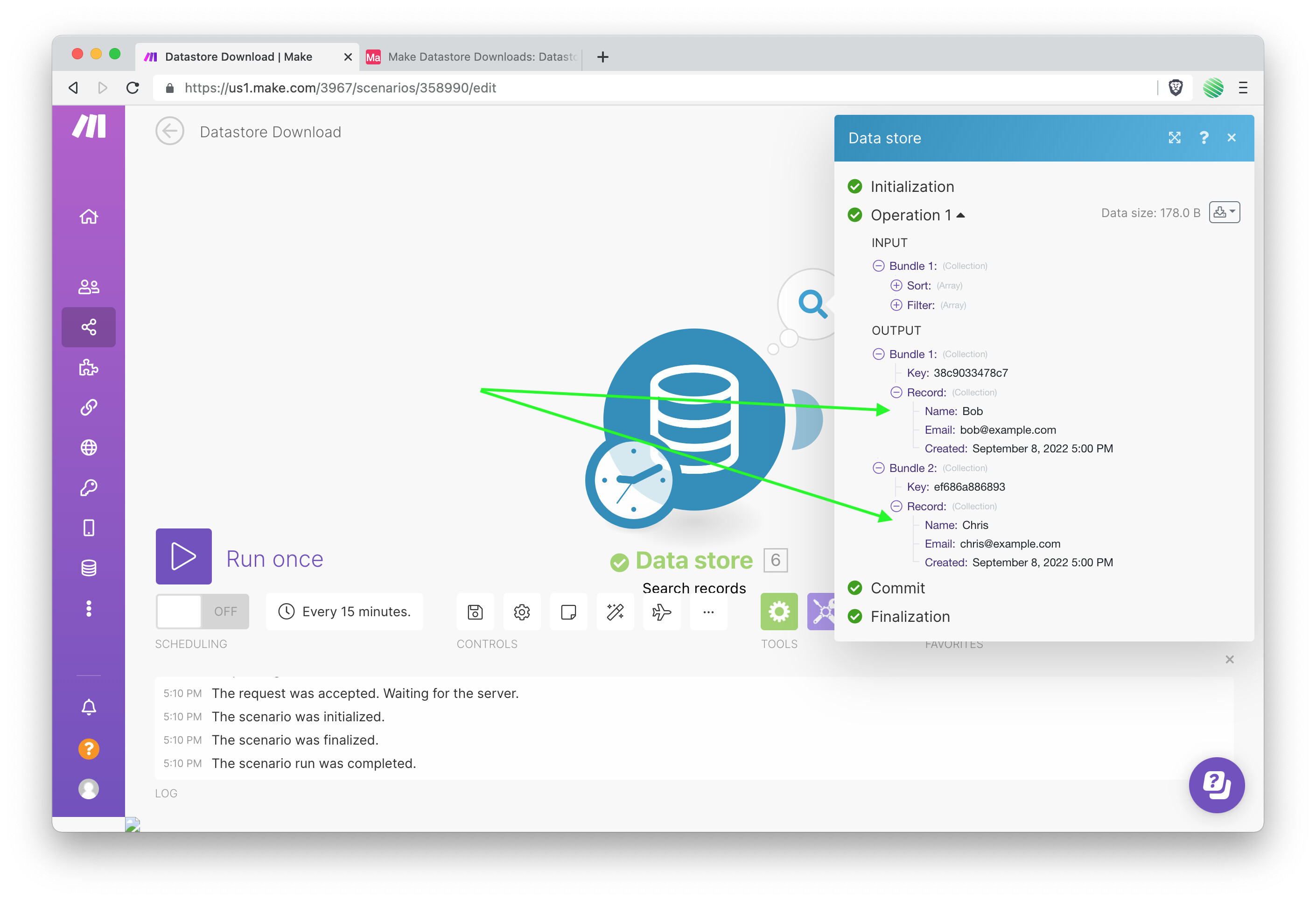
Run once:
Get the data out of the Datastore so that it’s available to your next Module.
Airtable:
I used Airtable for this build, you can use Google Sheets or whatever you like best.
In Airtable create a new Base, then Table, and add 3 columns. Make sure you date column is of type “Date”.
Airtable Module:
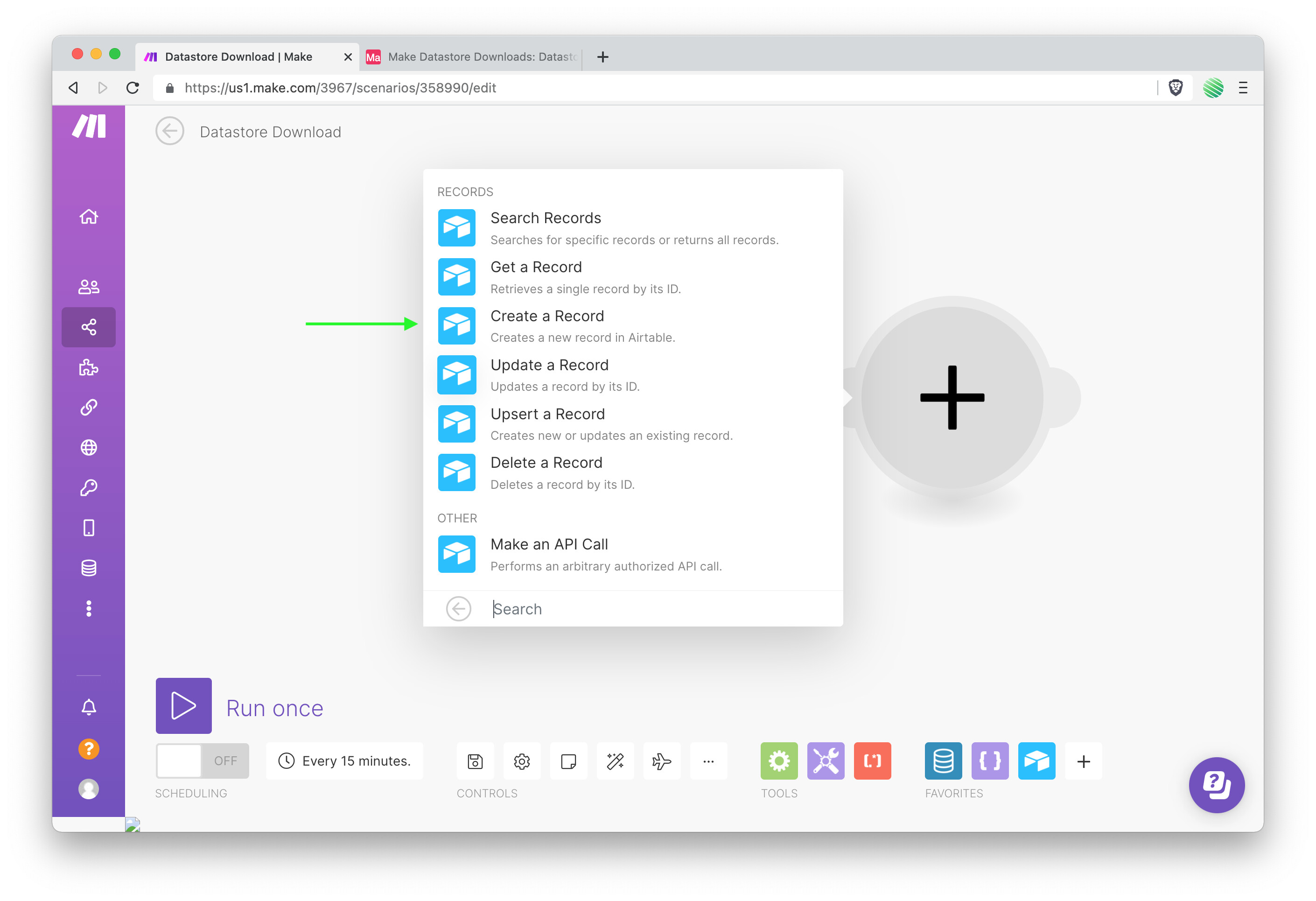
Add another Module. Search for and select Airtable.
Choose “Create a Record” from the list of options.
Setup the module:

Run once:

Find your Datastore backed up to Airtable!

I run through a lot of these setups (using Webflow to demo the builds) on my blog if you want to see more.
-
Here’s the downloadable Blueprint if you want to check it out.
-
Here’s a view only Airtable link if you want to see check out this Base.
Thanks for this Beaver!