You can now click togenerate a unique scenario page for any scenario you want to share.
To View: Anyone with the link can see your scenario on a scenario page. No login is required just to see what you built.
To Copy: If they want to use it, they can log in to Make and create a copy of the scenario in their own account to edit and run.
Here’s why you’ll love it:
Ease of sharing: Stop exporting, importing, and re-exporting JSON files. Just share a link.
Always Up-to-Date: The scenario page always shows the latest saved version of your scenario. If you make an update, the link is instantly current.
Fast & Flexible: It’s the easiest way to demonstrate automation, share a solution, and help others build on your proven successes.
Real-World ways to use it:
For your team: Turn your best workflows into a “playbook.” Onboarding a new team member? Send them a link to your “IT & Software Onboarding” scenario to get them set up fast.
For agencies & partners: Show, don’t just tell. Send potential clients a link to your “Advanced Client Reporting” or “Lead Nurturing” scenarios to showcase your skills.
For the Community: Built something you’re proud of? Share the link on social media or in a forum to inspire others and get feedback.
Which automation are you the most proud of? Share your scenario with us in the comments!
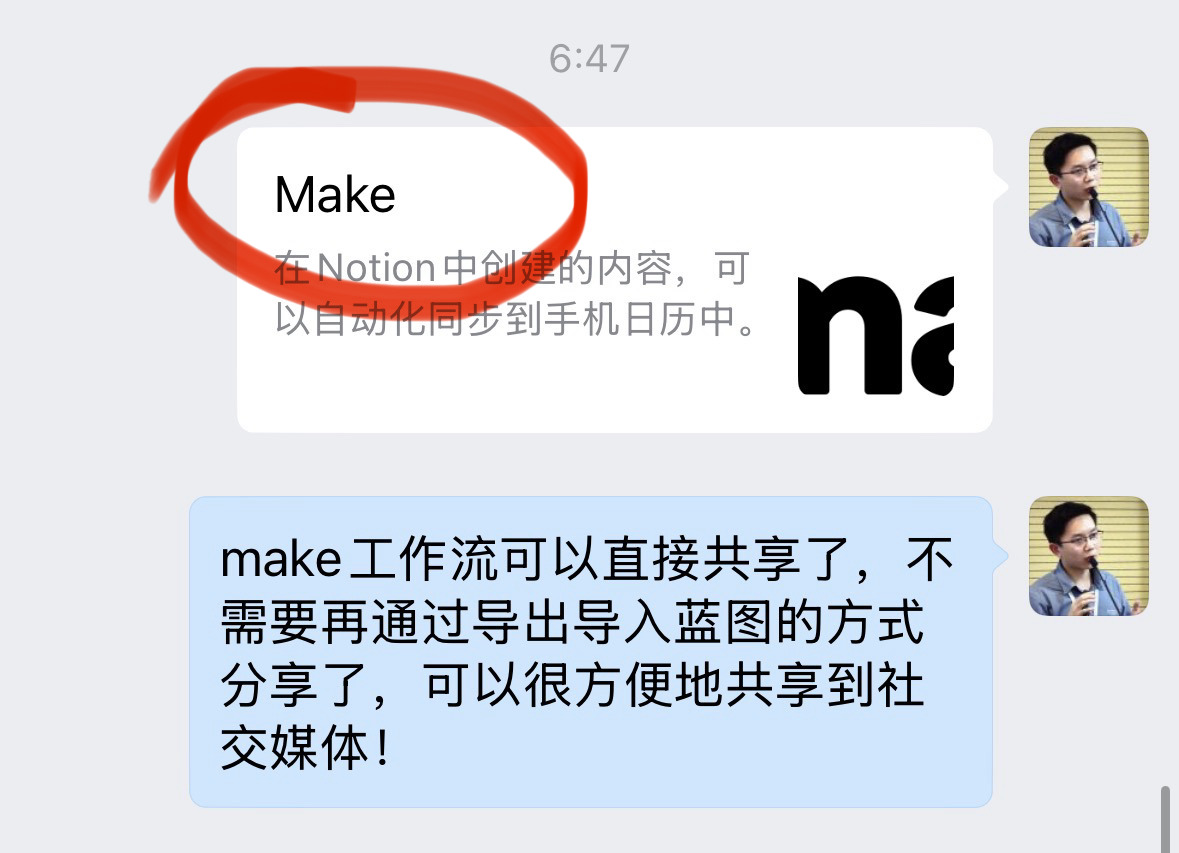
When I share it, the title displayed on the card is “Make” instead of the actual title of the workflow, which makes it inconvenient for the audience to read directly.
Hi @mszymkowiak , agreed this can be a bit of an annoyance. Right now the scenario is copied to the last team/organization you have opened (switching organizations in a new tab is enough). We know we need to make this a bit nicer
Thanks for the feedback, hope you will have success with the sharing feature otherwise!
Hi @Rico, the title of the workflow should always be displayed. Can you share bit more details on this?
How does the title appear in the ‘Customize public details’ section in the share modal, is all correct there? (In the scenario builder, when you customize scenario title/descriptions in share options.)
On which platform did you try to share the scenario?
Would it be possible to share the link of the shared scenario with us?

 How does this work?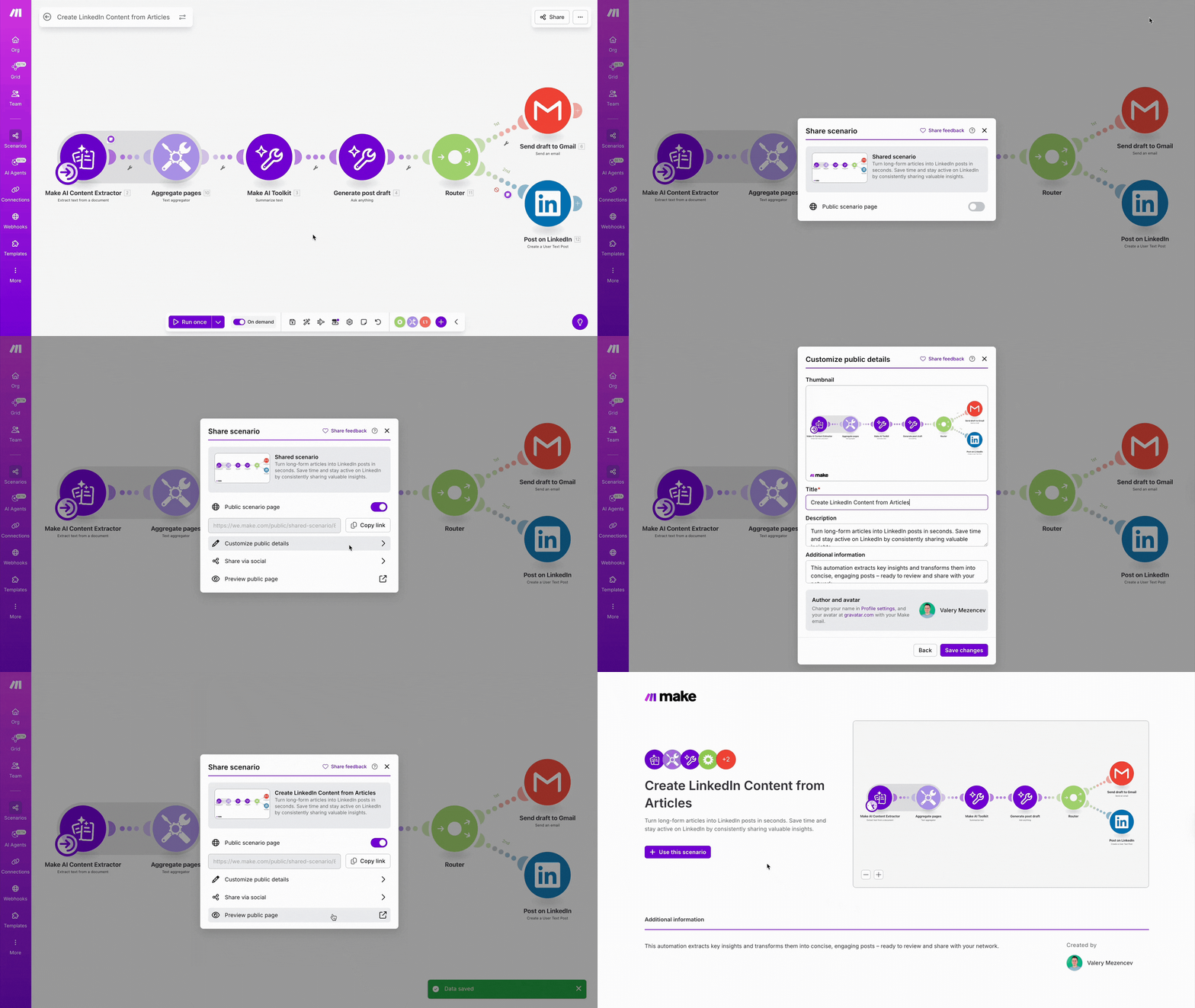
 Here’s why you’ll love it:
 Real-World ways to use it: