What is your goal?
to automate time entry logs in clickup based on matching gcal events
 What is the problem & what have you tried?
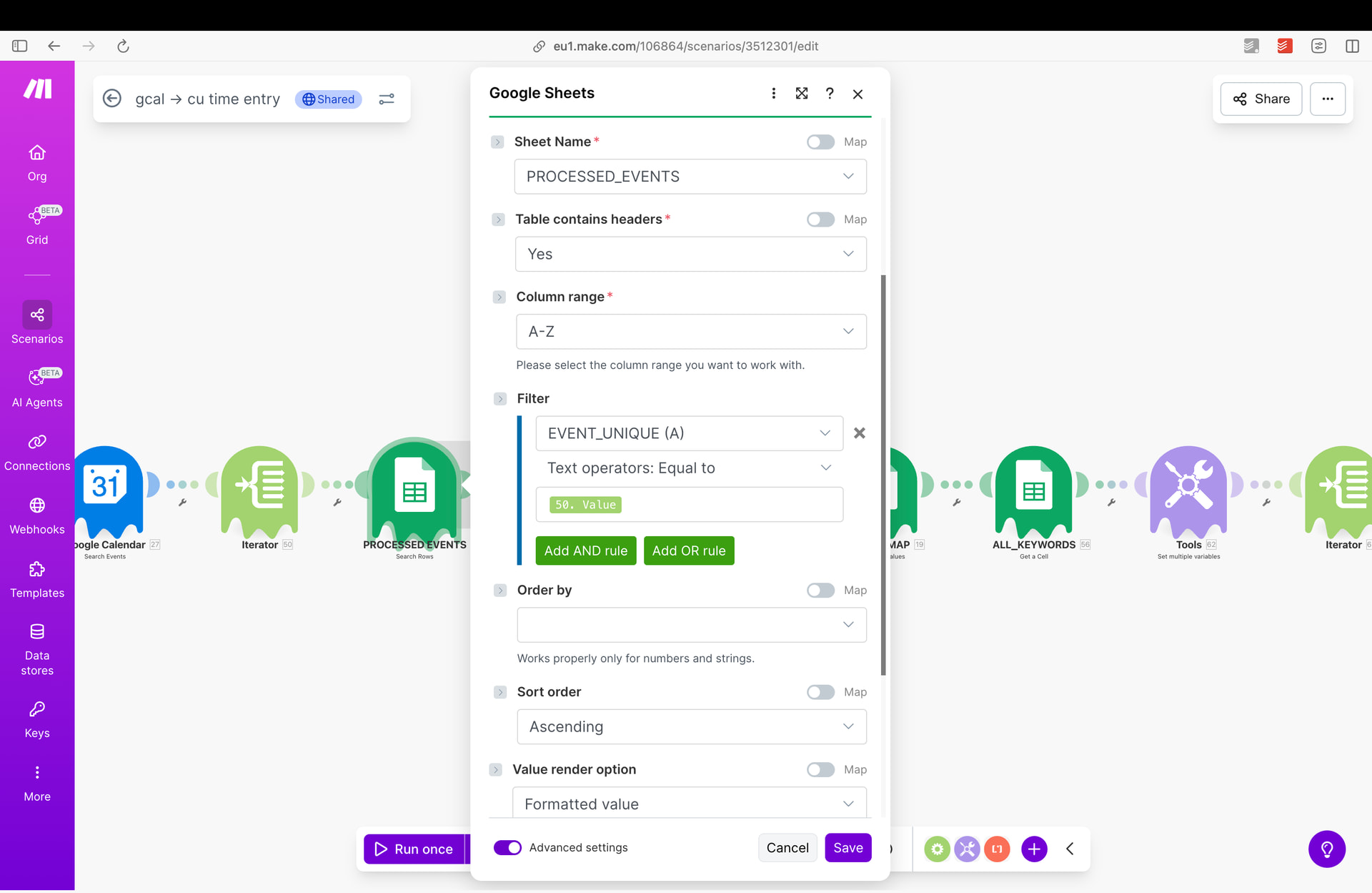
i’m getting multiply operations / time entries for a single event - in one cycle, i’ve tried delay, lots of workflow’s orders options
another thing - I want to filter only the events where any of the words in the event name (summary) matches any of the keywords, but make doesn’t have the any nor some function
 Screenshots (scenario flow, module settings, errors)
Gcal CU Time Entry.json (73.9 KB)
Hey Teresa,
lots to unpack here. You don’t need to iterate after a search module, it already does that. You don’t need to iterate after an aggregator, just don’t aggregate. You can use contains() to check arrays, dont need that double iterations with a filter. And finally the last aggregator is not aggregating anything.
I suggest we start over here. What does the incoming data look like, what are you comparing it against and what is the output you want to get?
hey @Stoyan_Vatov
Sorry for the delay, December was pretty crazy ;x
The incoming data consists of meeting information from Google Calendar:
meeting ID, summary, start time, end time, and attendees.
First, the scenario checks a Google Sheets file to see whether this meeting has already been processed, using the meeting ID as the key.
If the meeting is not found, it then compares the meeting summary against a list of keywords stored in the client_map sheet tab. Based on the matched keyword, it retrieves the corresponding ClickUp task ID.
Next, using the user_map sheet tab, the scenario processes the meeting attendees (including the organizer). It extracts their email addresses, matches them against the user_map, and retrieves the corresponding ClickUp user IDs.
Then, the scenario calculates the meeting duration based on the start and end times and creates a ClickUp time entry using the resolved task ID and user ID(s).
Finally, the meeting ID is added to the list of processed events to prevent duplicate time entries in the future.
TL:DR
It suppose to recognise meetings that are with / about clients, match them with correct task, creating time entry for each attendee
client_map tab

user_map tab

processed events tab

Incoming data
(from Google Calendar)
What the data is compared against
-
Processed events sheet (Google Sheets)
-
Client map sheet (Google Sheets – client_map tab)
-
Compare: any of the keywords in meeting summary
-
Against: any keyword list in client_map
-
Purpose: resolve the correct ClickUp task ID
-
User map sheet (Google Sheets – user_map tab)
-
Compare: attendee email addresses (including organizer) - there are almost always multiply attendees
-
Against: email addresses stored in user_map
-
Purpose: resolve ClickUp user ID(s)
-
Time calculation
Output
-
ClickUp Time Entry
-
Processed events update
- meeting ID added to the processed events sheet to prevent duplicates
@Stoyan_Vatov up, all your help is still needed 
Hey Teresa,
yeah you definitely need to rework the scenario. You have several misconfigured iterators and a misconfigured aggregator at the end that is not doing anything.
The first iterator is not doing anything, you can delete it. Not sure what you are looking to get out of the second iterator, but thats not an array you have mapped inside. Do you need to process it per attendee? Or do you just need the first attendee? There is an array aggregator down the line, is that one supposed to bring you back to one bundle?
That check for the summary containing key words will eat a ton of operations and pass for every matched keyword. You can iterate the keywords array and then use the contains filter to check if the summary has them. No need to turn the summary into an array and iterate that too.
Can you also share a screenshot from the history of a run so we can see what is producing how many bundles?