When an AI agent initiates a call, there are four possible outcomes:
- Call transferred (This is straightforward and can be handled directly within Vapi)
- Voicemail
- No answer
- Lead response – e.g., Not Interested or Interested
I can use Make (Integromat) to update specific cells in Google Sheets based on route logic. However, my question is:
How do I fetch the call outcome data from Vapi in real-time or post-call to trigger the correct route in Make?
Are there any recommended or efficient solutions for this workflow?
Welcome to the Make community!
To do this, you can try using the Vapi “Watch End of Call Report” module —
Listens to end of call report from Vapi call via this webhook.
For more information about the Watch End of Call Report module and Vapi app, see the corresponding Integrations page and the Help Centre documentation.
Hope this helps! Let me know if there are any further questions or issues. P.S.: investing some effort into the tutorials in the Make Academy will save you lots of time and frustration using Make!
— @samliew
@Fawad_Hanif
Hi,
Hope you are good.
Good question.
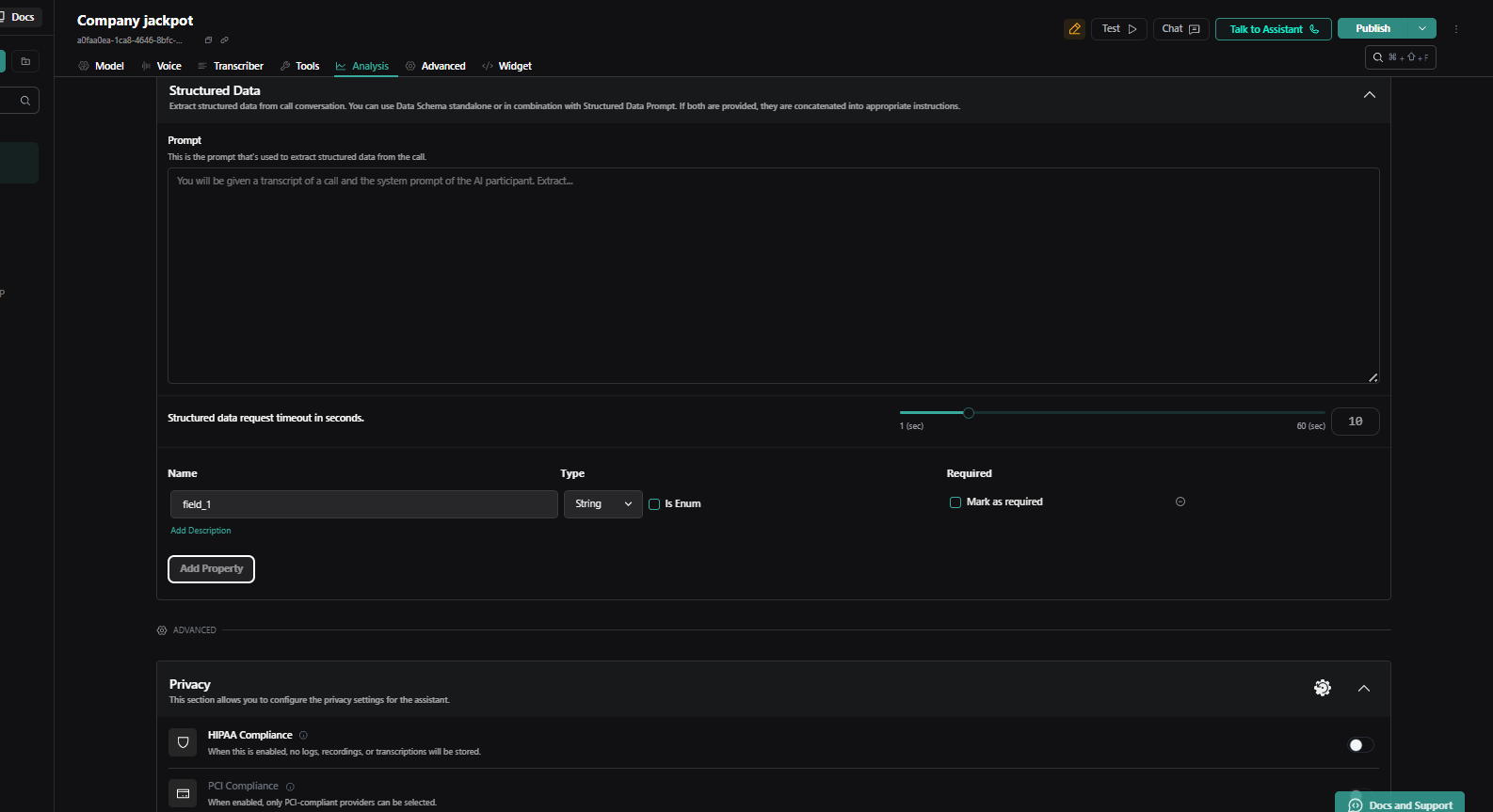
In the Vapi UI, under the analysis section, you’ll find structured data.
You can add prompts like: “Give me an output—for example, if the call was transferred, set a property in property section as ‘call_transferred’ to yes or no.”
Similarly, you can create custom parameters based on different outcomes. These outputs can then be used in Make to build routers and easily trigger the correct flow.
If you have any Voice AI-related queries, feel free to reach out—we’re happy to help!
Best regards,
Digipanda Consulting Pvt. Ltd
@digiPanda_Automation
when i use this Vapi “Watch End of Call Report” module it say
There is a new version of the Vapi app available. Consider replacing this module with a newer version.
Could you please create a separate topic for this?
While you can continue an existing thread, a more effective approach would be to start a new topic. It helps other community users to respond to your query, and keeps our space organised for everyone. If you start a new conversation you are also more likely to get help from other users. You can refer others back to a related topic by including that link in your question. Thank you for understanding and keeping our community neat and tidy.
The “New Topic” link can be found in the top-right of the header:
Thanks!
Hope this helps! Let me know if there are any further questions or issues.
— @samliew