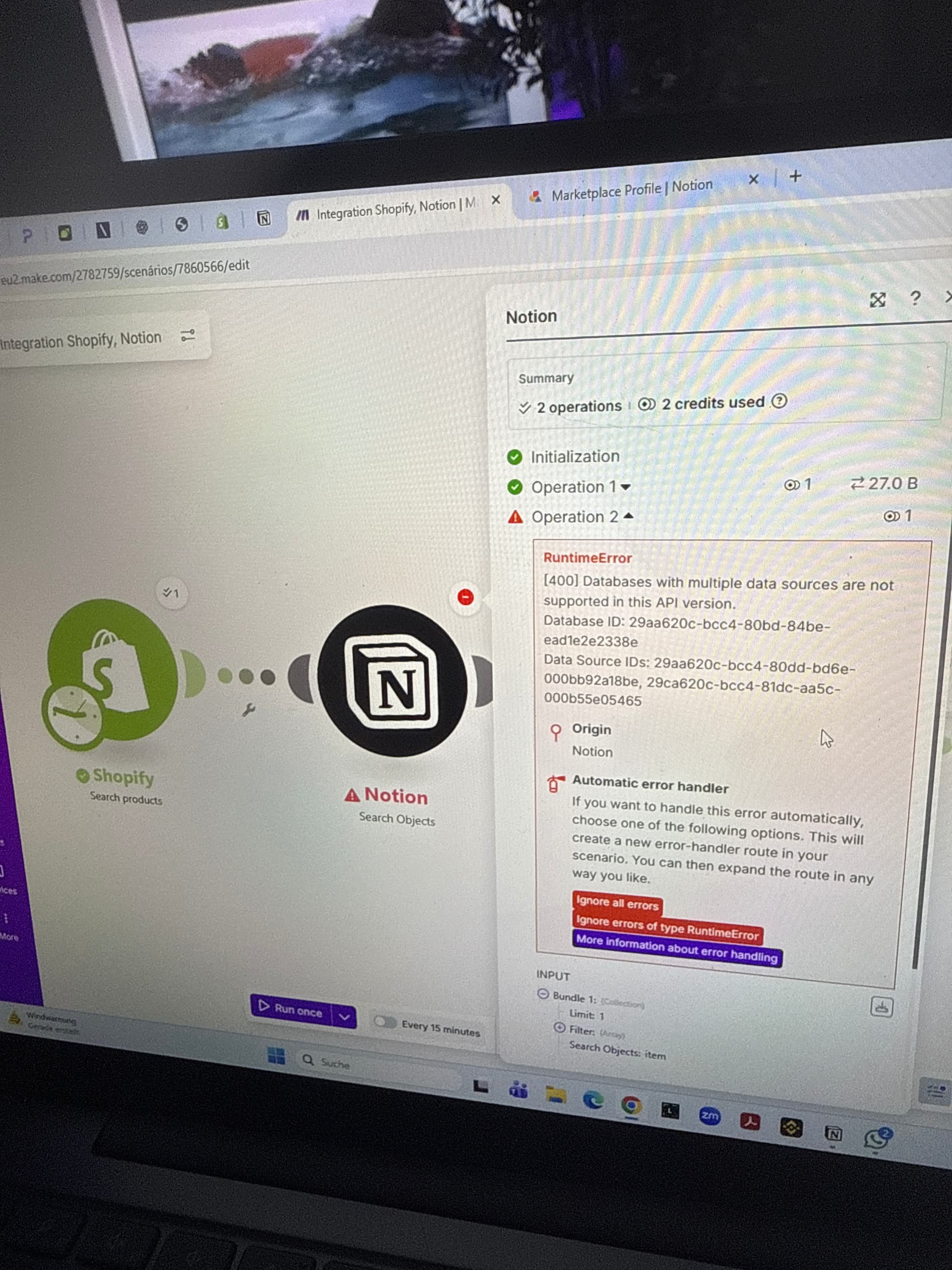
I’m trying to connect Shopify → Notion using the new “Data Source” API.
I’ve already switched from “Database (Legacy)” to “Data Source Items”.
Database ID: 29aa620cbcc480bd84bee…
Error message:
[400] body failed validation. Fix one: body.filter.or[0].title should be defined, instead was ‘undefined’.
I’ve tried “Search Objects”, “Create Data Source Item” and “Create or Update Data Source Item” but it keeps returning undefined fields.
These are my current mappings:
-
Shopify → Notion connection (WWS Verbindung)
-
Title → Name (Title property)
-
Preis (€) → Number (Euro)
-
Kategorie → Multi Select (Product Type)
-
Beschreibung → Rich Text (Description HTML)
-
Bild → URL (Image source)
-
Status → Select (Active / Draft)
-
Erstellt am → Date
The connection is valid, API key works, and I can read the database, but it fails when writing or filtering.
Could someone confirm the correct mapping for Notion Data Source properties in the new API schema?
Or share a working example of a Shopify → Notion integration using Data Source Items?
Screenshots attached:
-
Error [400] body failed validation
-
Property setup view
-
Data Source connection screen