Hello,
I’m working on a scenario as a beginner, and I’m trying to let people input some data on Tally, and get a full downloadable presentation from that data made by ChatGpt. However, I’ve been stuck on an issue for a while now.
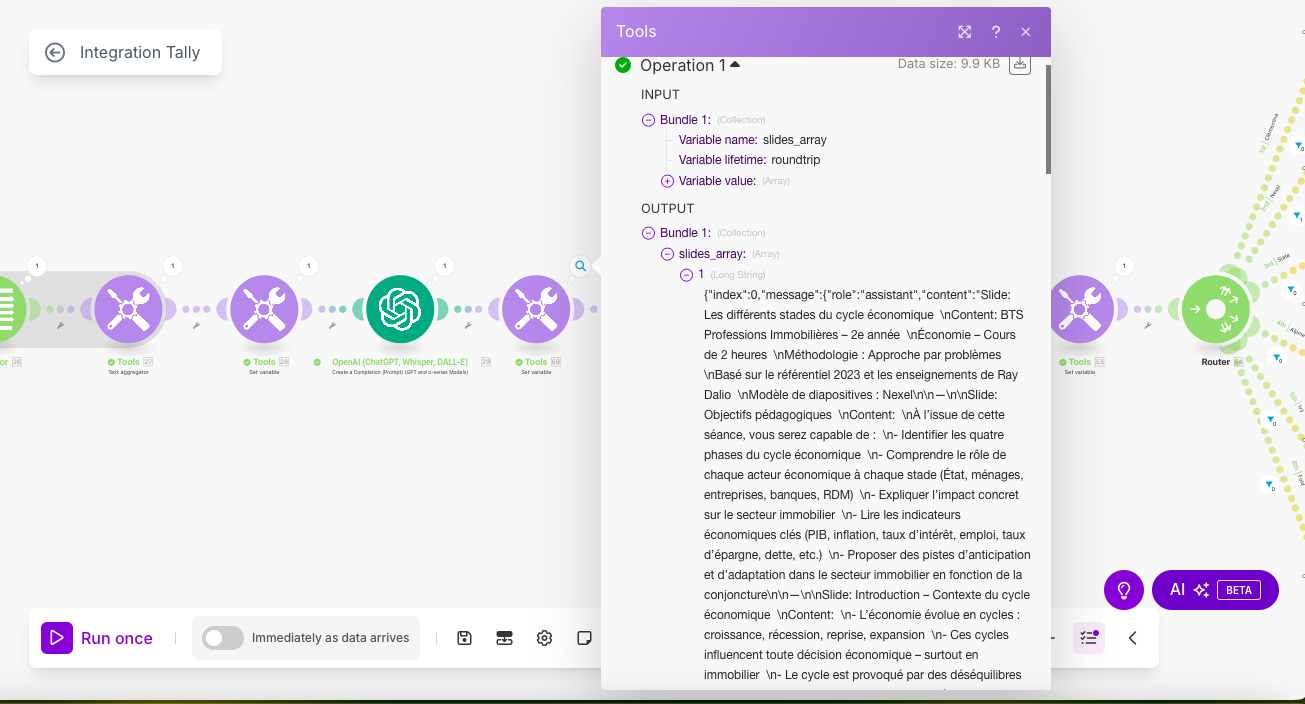
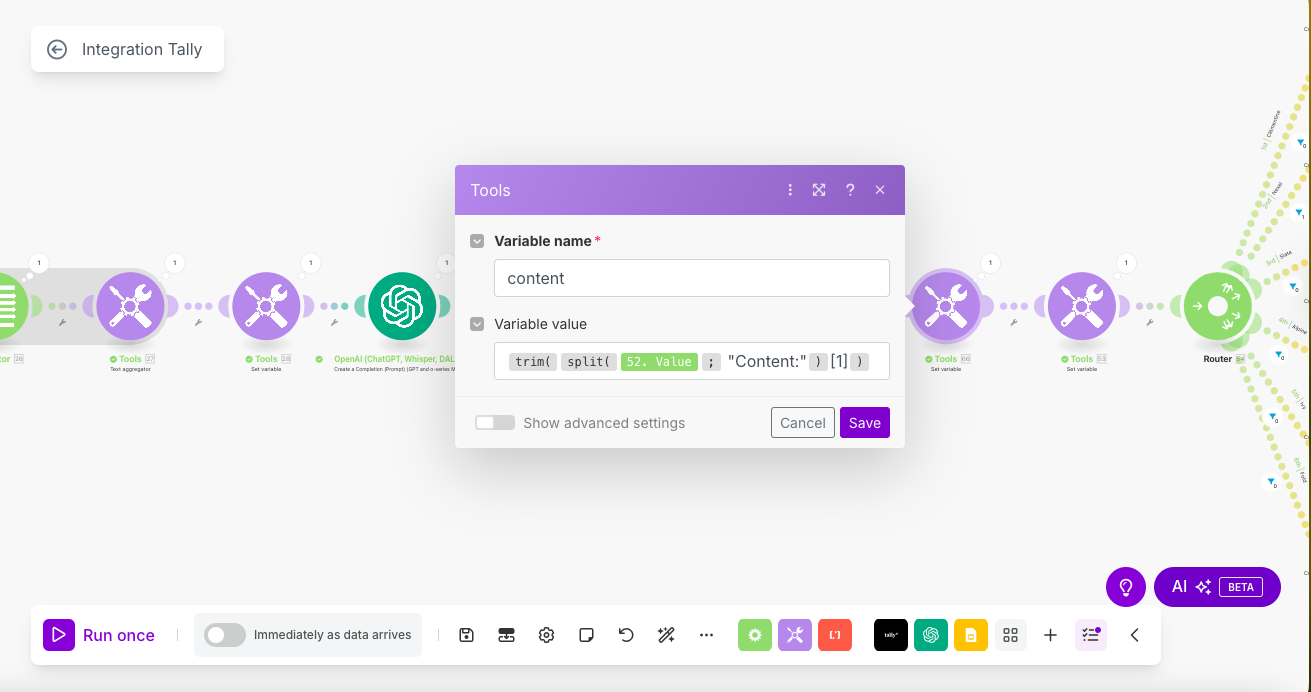
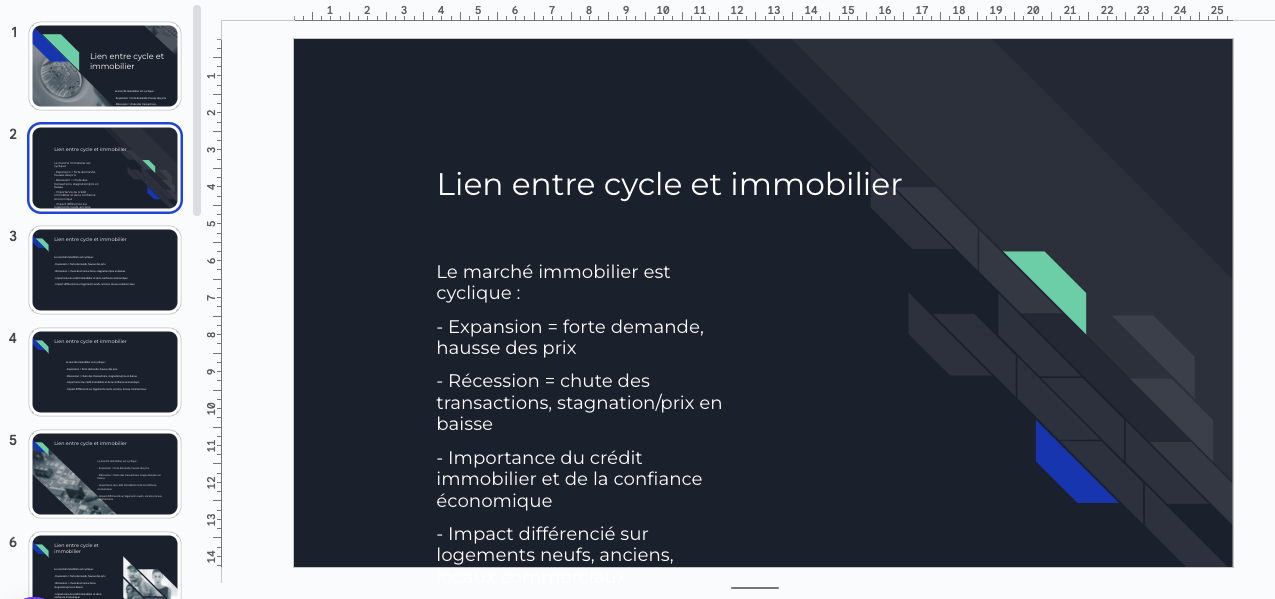
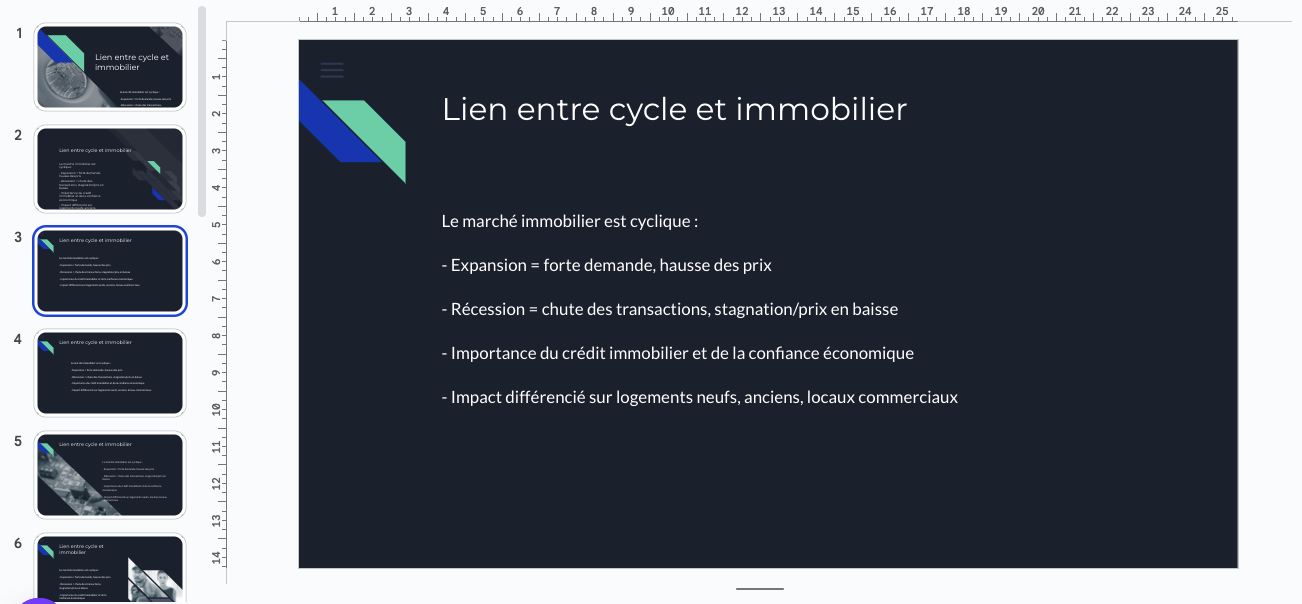
Whenever click “Run once”, I see the full output from chatgpt in every single “Title” and “Content” placeholder of every single slide (As you can see in one of the screenshots). I’ve been using “Iterators” and “Set Variables” but they haven’t been very helpful. I’m leaving some screenshots of the inputs in each one of those as well. Any suggestion would be more than welcome.
Thanks <3.
Hey @Mohamed5, Welcome to the community!
If you are working with json as text output, instead try this : I want to parse out JSON - #3 by Prem_Patel
Let me know if you need more help!
Best,
@Prem_Patel
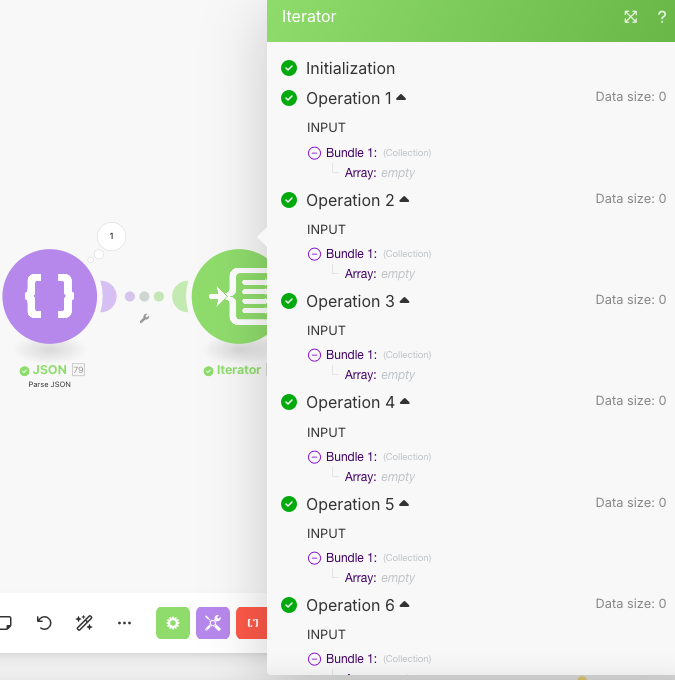
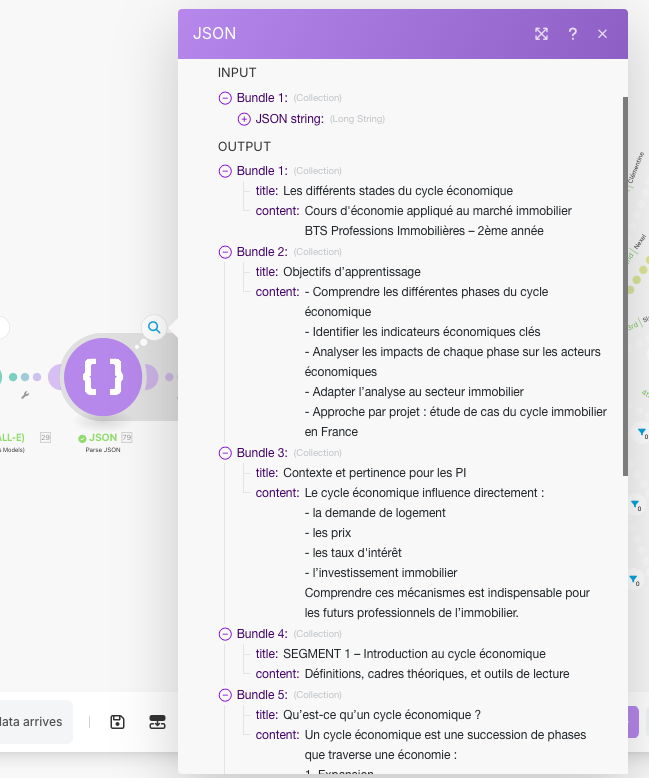
Hello Patel, Thanks a lot. I’ve done it with an additional Parse JSON module and the output looks clean. But do I need to add an iterator afterwards and before the google slides module? Because I currently do, and the Operations all receive epmty arrays.
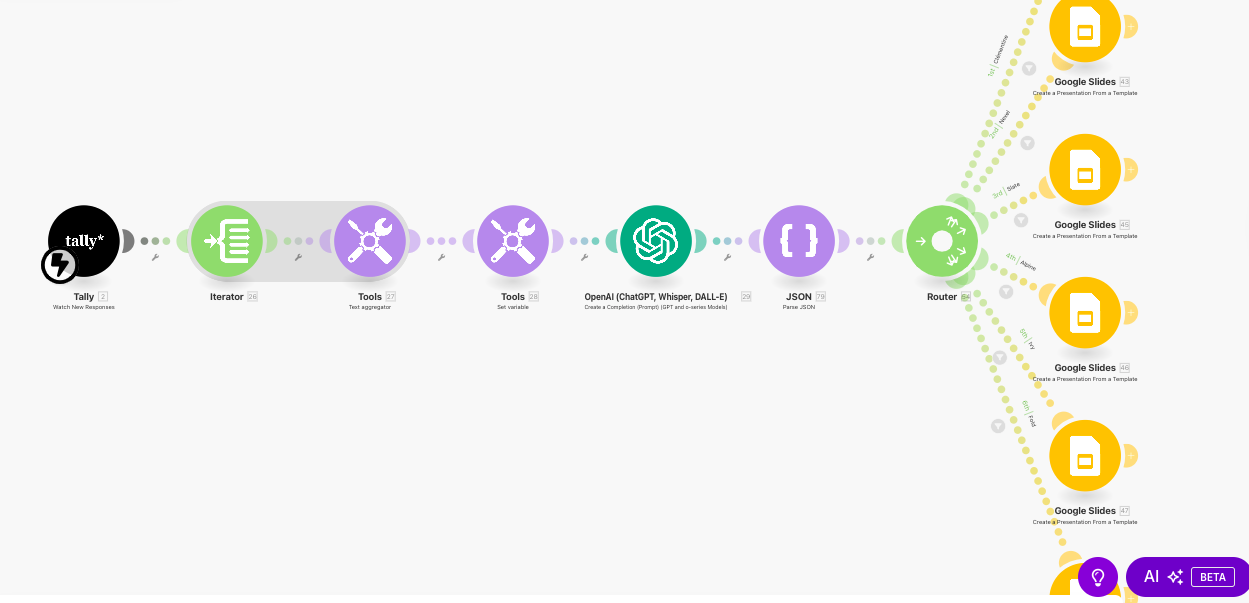
Hello @Prem_Patel . I was able to parse out JSON. and as you can see, the output is much cleaner now. But I still get the exact same object on every single slide. Do you, or anyone else know which module to use to fix that issue? You also have a screenshot of my scenario.
Thanks,
Mohamed
Great job so far! Can you share the output from JSON Parse module if there are any updates in it, filters setup and mapping you’ve done in the Slides modules?
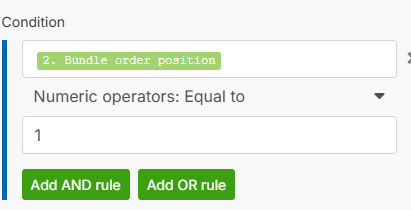
By looking at it i think you need to update the filter with bundle order position to do this, value will be the number that you need pass for that specific slides.
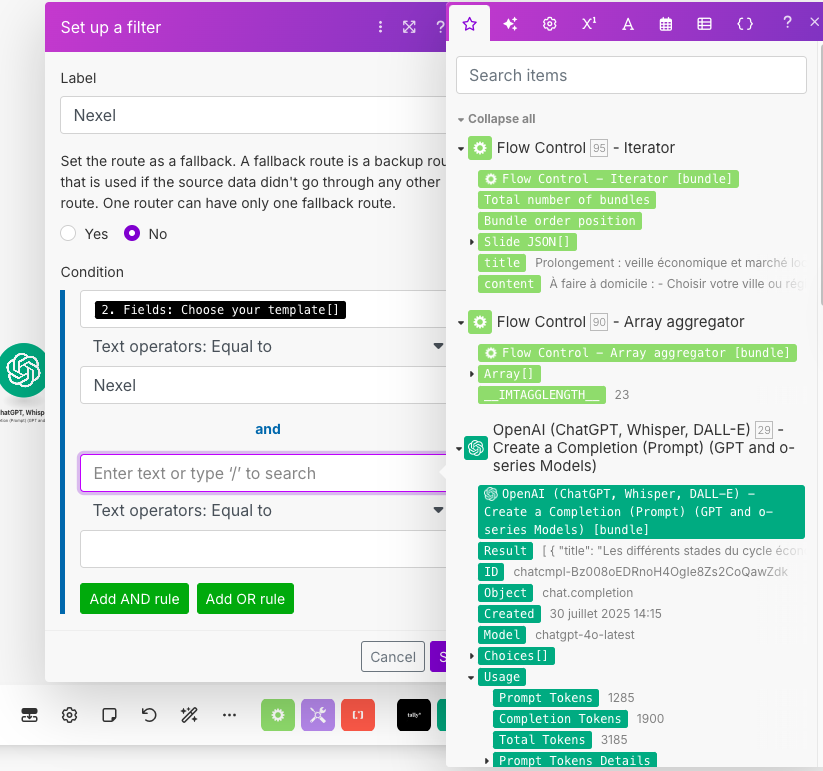
Thank you @Prem_Patel. You can find the screenshots below. I have also added an aggregator and iterator right after JSON. I don’t know what you think about that. I already have a condition for each google slides presentation since there are many templates to choose from. But I’ll add a rule. I just need to know for the “Condition field” which output from the Iterator or aggregator I should add.
For now you can use last module before router > Bundle order position to send data to specific slide. Or Add Slide number key in the json format instructions that AI output will have. and using this you can filter that out to which silde or slide template it will go.
@Prem_Patel Is the “Bundle order position” exactly named like that? Because I can’t find it. And I’ve tried the second option but it creates one whole presentation per item, where the same item goes into every single slide.
Can you please describe what is the purpose of eouter and filters before each slide module? Based on that may be i can help. And please describe that in detail so may be i can assist further.
So, I am building a platform that allows people to get custom presentations for courses. And as you can see in the first screenshot, there are multiple templates to choose from. And that’s why I use the router and filters. As you can see in the second screenshot, if for example, they choose the template “Nexel”, the the scenario will only flow to the Google Slides module that is connected to that presentation. So that’s basically why I got a router and a filter for multiple Google Slides “Create a presentation from a template” Modules.
But right now the biggest issue, is making the Chat GPT output flow correctly in the slides. I’m struggling to make every slide flow in only one slide, with the title going to its placeholder, and same for the content. So far, either the whole output gets pasted in every placeholder of every slide, or only one slide from Chat GPT is put in all Google Slides Slide.
So i guess you just want something that helps you define content for different slides. So it will be best if you modify your gpt prompt to create an arrayed JSON with slide number as well like each collection or item from array will have title, description and slide. And from parsed output array you can use Map and Get functions to load value from each item based on slide number value. so you can create further mapping for 1 slide only or multiple slides. That’s what i can say because if you have multiple templates and slides, it’s hard for me to judge and share best possible outcome. But what i shared above will definitely help.
Hello,
Thank you very much @Prem_Patel ! I was able to fix the issue. I had to use an iterator after the Google slides module to create a presentation from a template, before usine “create a slide from a template” module for each type of slide.
Glad that it helped @Mohamed5