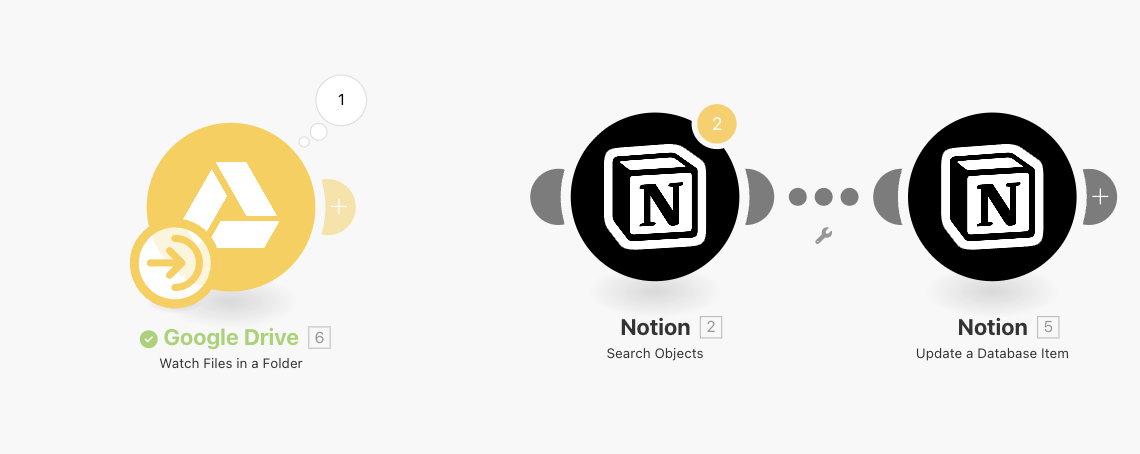
Your scenario contains a premium tier 1 app. To get access to premium tier 1, upgrade your plan.
Tooday I got this notification…wow.. great play Cant beven use Google drive
Your scenario contains a premium tier 1 app. To get access to premium tier 1, upgrade your plan.
Tooday I got this notification…wow.. great play Cant beven use Google drive
Hey there @Paul7
Sorry to hear about your issue. Could you please give us more details about the problem?
Creating a connection for Google Drive should be available to everyone on all the plans that we offer as long as you have a Google account.
Thanks! 
Sry, it works again…weird.
I’m using the Google Drive – Watch Files in a Folder module in Make. My goal: trigger whenever I upload a file. However, when I start the workflow it fires immediately but returns 0B (empty). Why is this happening?
Thanks,
Welcome to the Make community!
This is because the module is a POLLING trigger, and not an INSTANT (Webhook) trigger.
If you don’t see any bundles from the trigger module and operations on the rest of the modules, it means there are no new responses (empty output bundle) when the scenario ran to check for new items. This is called a “Check run”.
There are two main types of triggers, Polling (scheduled), and Instant (webhooks). Polling triggers can only run on a schedule. Instant triggers can be run as soon as data is received by the webhook.
The module you are using does not push changes — it’s basically a API request that Make has to occasionally “call” to fetch the latest changes/items.
To find out more on the different types of Trigger modules, see refer to Types of Modules and Webhooks sections of the Make Help Centre.
If you want your scenario to only run when there is new data (and not on a schedule or timed interval), see if your app has an “Instant” or “Webhook” trigger in Make. If not, check if the third-party service has a feature that can send out a webhook when content is created/updated - and then you can point it to a “Custom Webhook” trigger in your scenario.
If you want to re-run your scenario on older data,
Go to the Epoch Panel, by right-clicking on the trigger module (polling triggers only), and select “Choose where to start” from the list of options in the context menu.
If you select “From now on”, the next time the scenario runs it will only return new data (or nothing if there is no new data).
You can also select other old data to re-run your scenario with next using the “Choose manually” option. This will then show you a list of previous historical items you can select to process the next time the scenario is triggered.
For more information, see
Hope this helps! Let me know if there are any further questions or issues.
— @samliew