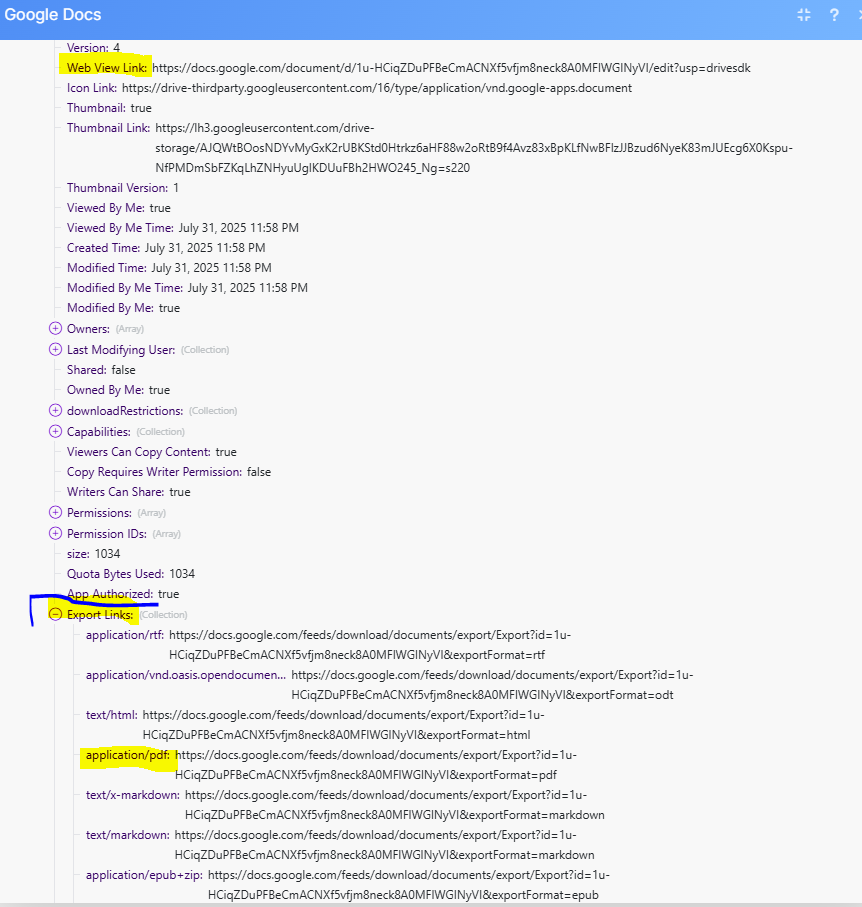
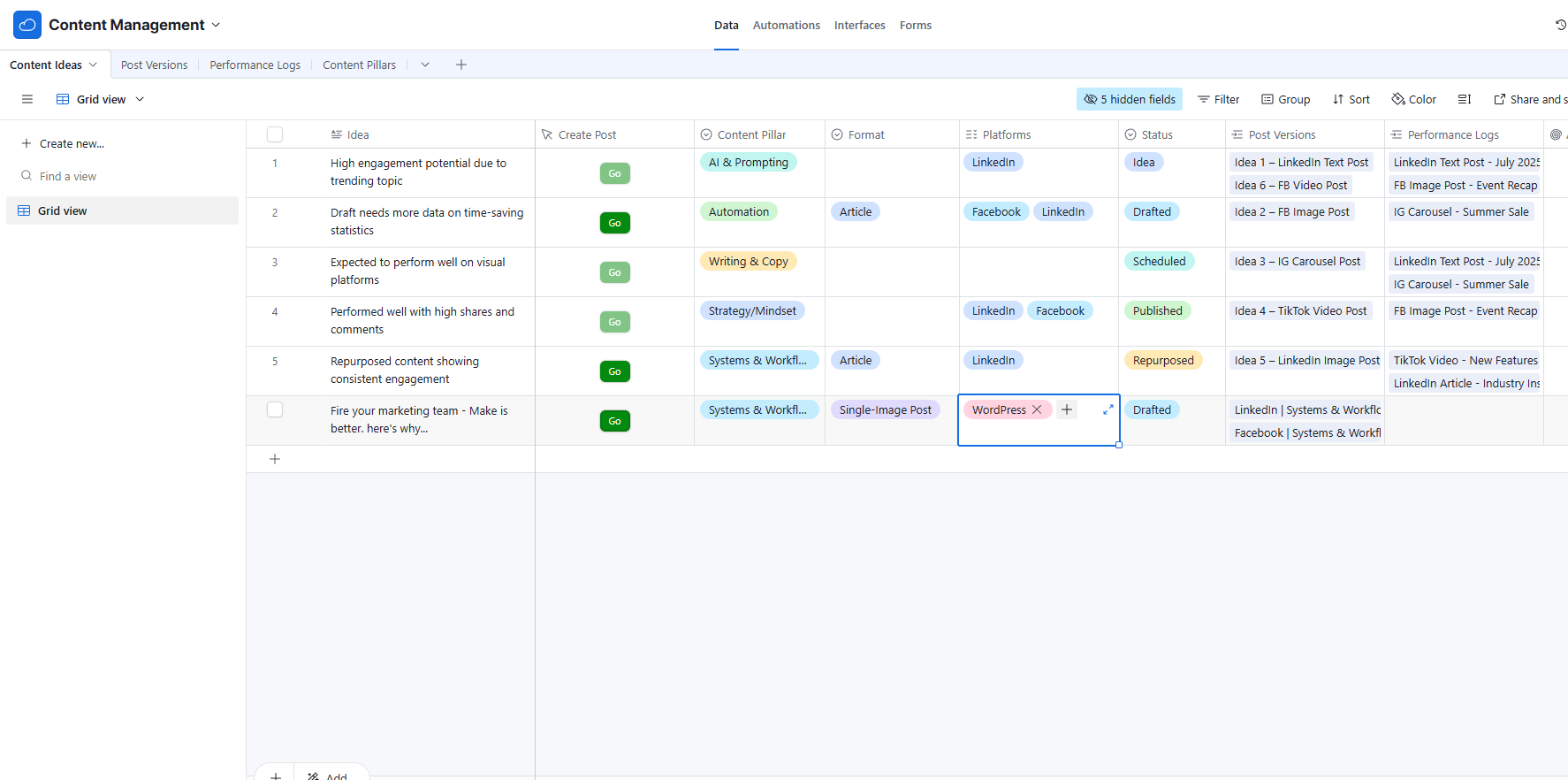
I’m trying to build a content calendar that’ll allow me to repurpose content to different platforms, check there are no duplicates, give performance metrics, etc. The first stage of the process is to write a new idea, select a pillar and format, then hit “Go”.
At the moment, I’m unable to insert the Google Doc link into the Airtable module. I’ve tried adjusting the field type in Airtable to URL and long text, but I’m getting the same errors every time.
The latest record should create the document for a WordPress post.
Here is my scenario in Make:

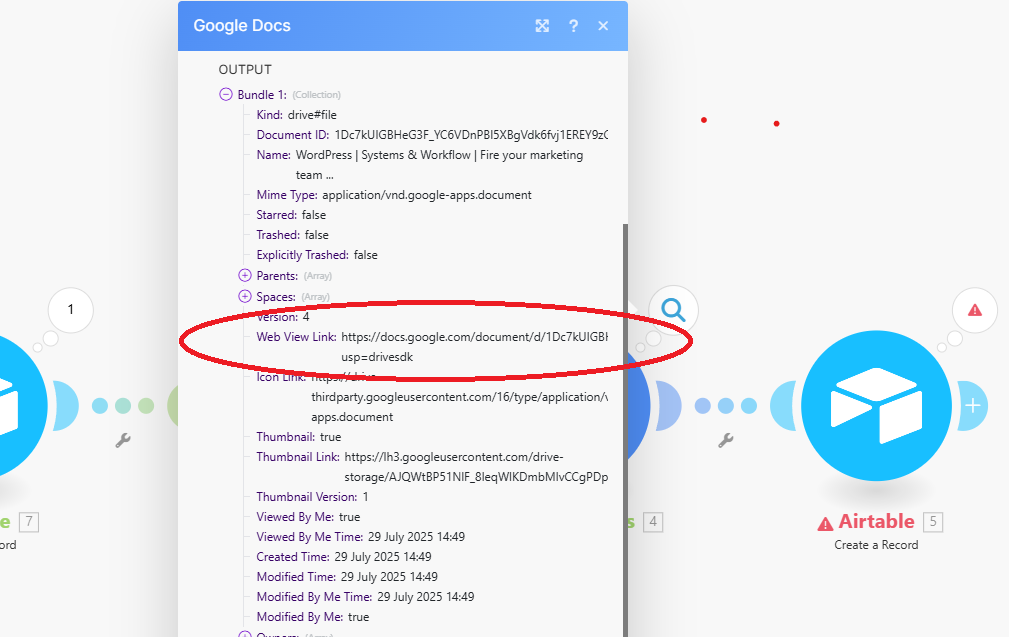
Everything else runs smoothly, except for the last Airtable module. Here’s what I’m using from the Google Doc output…
And this is what I’m trying to do with it…
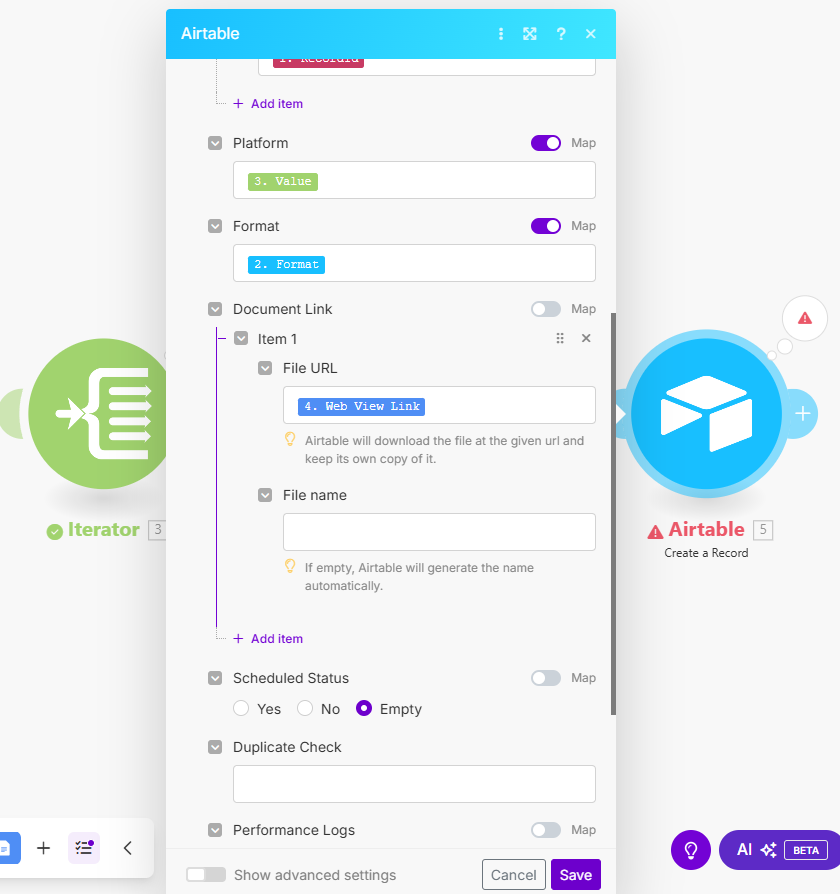
Which gives me the following error message…
[422] Cannot parse value "[{“url”:"https://docs.google.com/document/d/1Dc7kUIGBHeG3F_YC6VDnPBl5XBgVdk6fvj1EREY9zGo/edit?usp=drivesdk"}]" for field Document Link
I’ve tried mapping the Web View Link from the Google Doc output to the “Document Link” in the Airtable module too. But that just gives me this error…
Validation failed for 1 parameter(s).
- Array of objects expected in parameter ‘fldVZmPjxnR1Byg4k’.
Any suggestions would be much appreciated. Cheers!