I have an Account Auth & Retrieval scenario that I’m currently building.
The issue im finding myself running into is when i run the scenario as intended without the common path linked up (Branch 4 of the router) it returns the two test account details along with all the relevant data as intended. But when i add the Common path (Branch 4 of the router) to converge all the set multi variables, the scenario only returns a set of results for only one of the test accounts before moving onto the common path and trying to complete the scenario.
Is there a way to prevent this from happening until each branch has returned the full set of data for both test accounts or will i have to create a new scenario and pull the Set multi variables in that way once this scenario completes without the common path?
how did you name the variables? Are they all with the same names? Cause in that case the latest set variables module defines what is in there and the get variables module will only return those. You need each path to have uniquely named variables to be able to pull all of them on the 4th path.
Each set Multi Variable module is named something different. I’m gathering information on the 4th branch , but its only gathering 1 accounts information and not the the other.
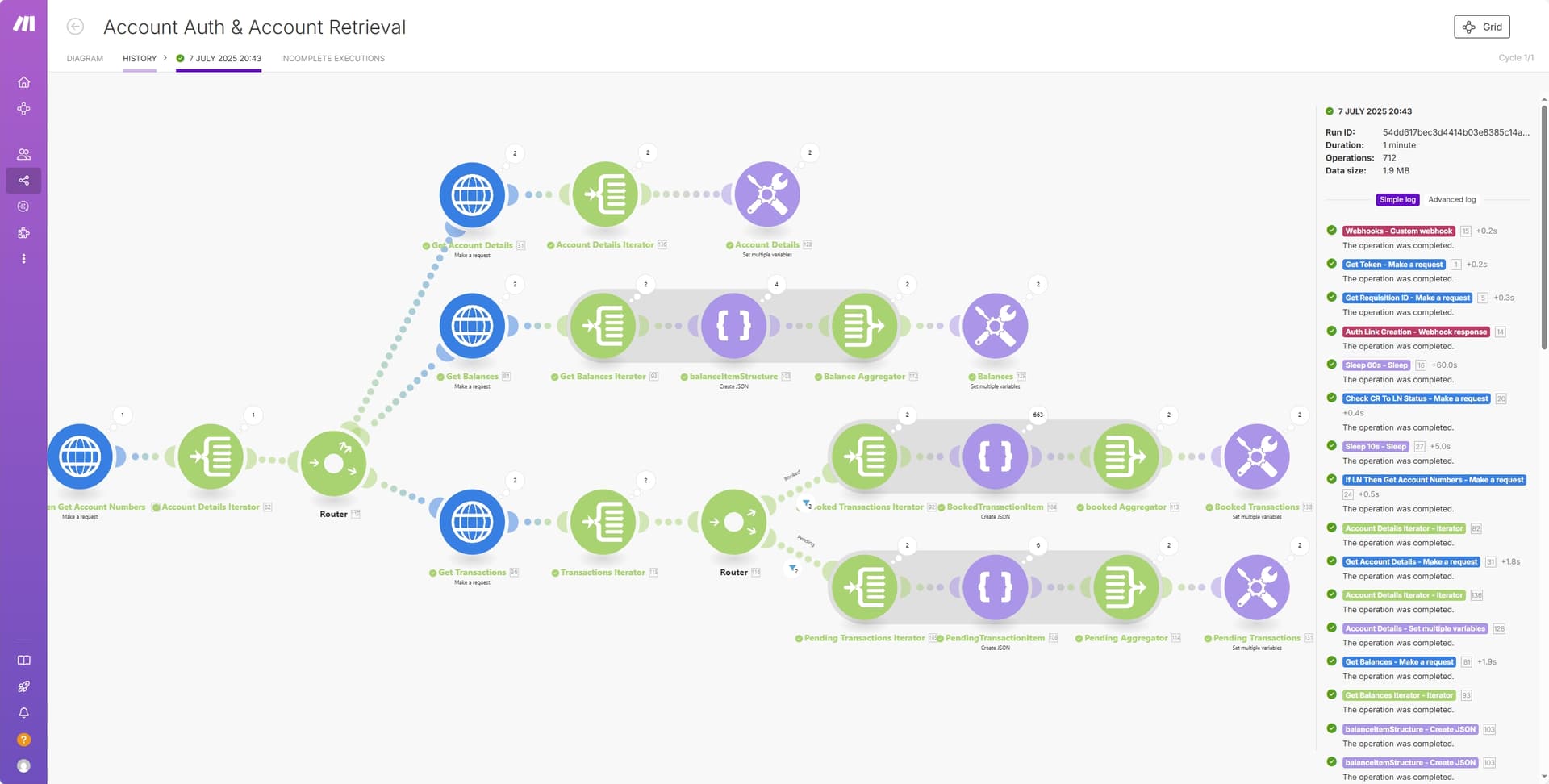
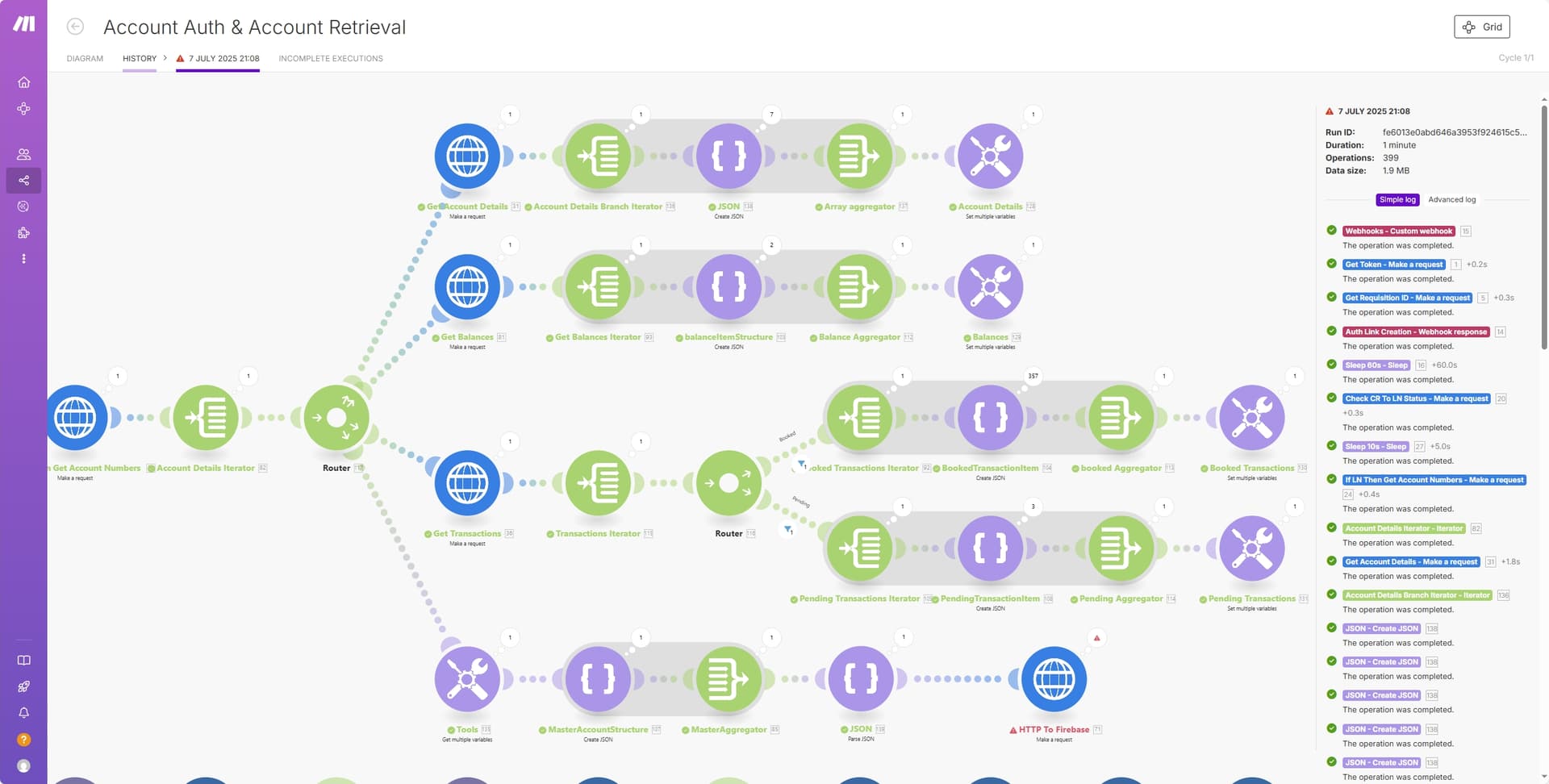
For example when i unlink the 4th branch and run the scenario i will get about 630 bundle returns for the booked transactions and 6 for pending transactions. Then when i link the 4th branch i only get 315 bundle returns for booked transactions and 3 for pending transactions. So when the 4th branch is linked, the scenario is only returning 1 accounts data before it pass’s onto the 4th branch.
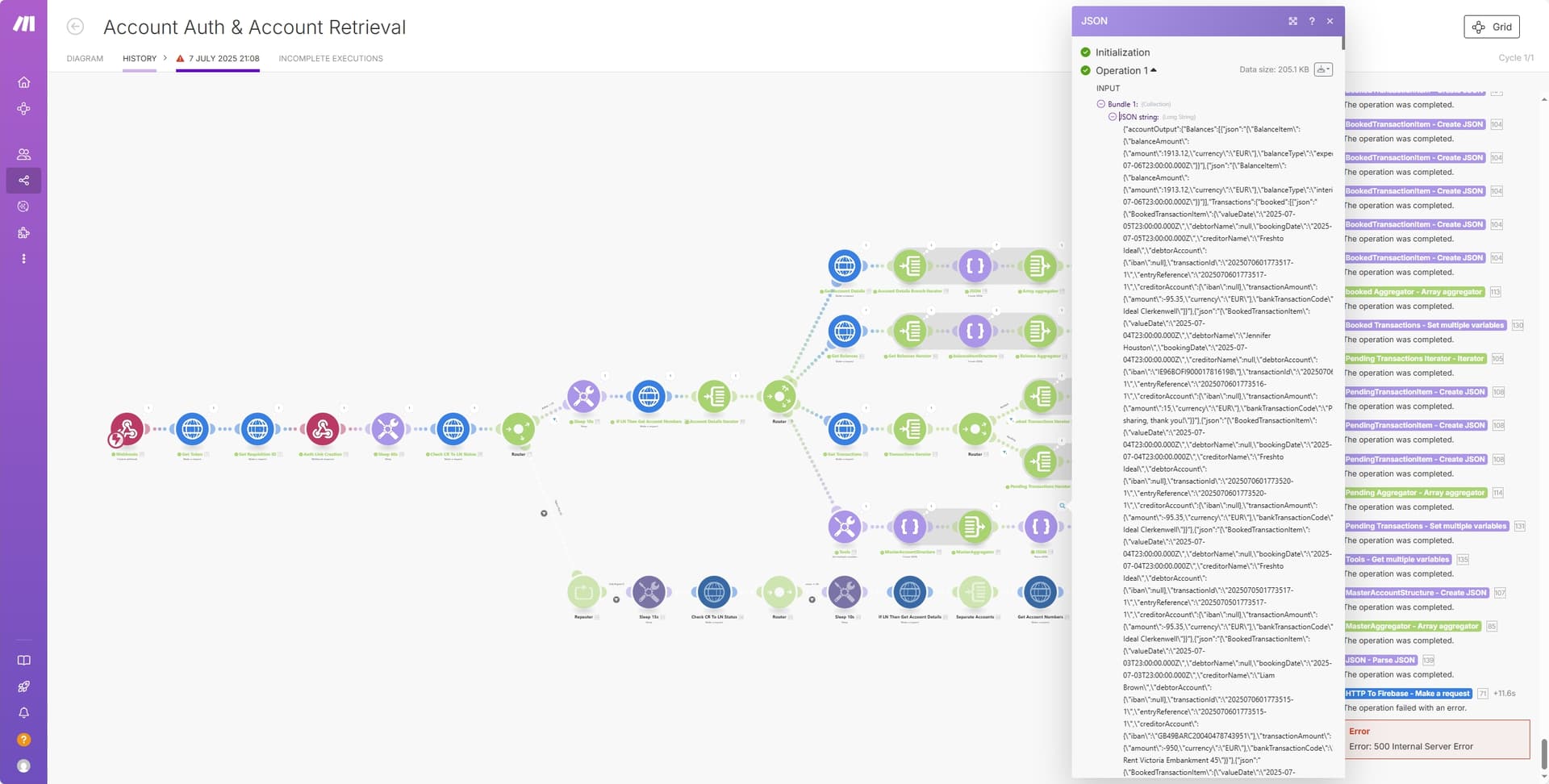
Ahhh I see. i assumed the scenario would gather all the data before attempting to send it to firebase Module. well this would bring me onto the next issue of the the Firebase http module failing with a 500 internal server error.
I believe the issue to be that the final Parse Json Module is not actually parsing the Json String created in the previous modules to the correct Json format for it to be passed to my firebase database.
Just to bring this conversation to an end, I now have a solution the problems I was having.
The initial issue with the scenario ending before it had time to produce the data for both accounts, was indeed down to my HTTP final module to the Firebase database not completing and producing a internal server error 500.
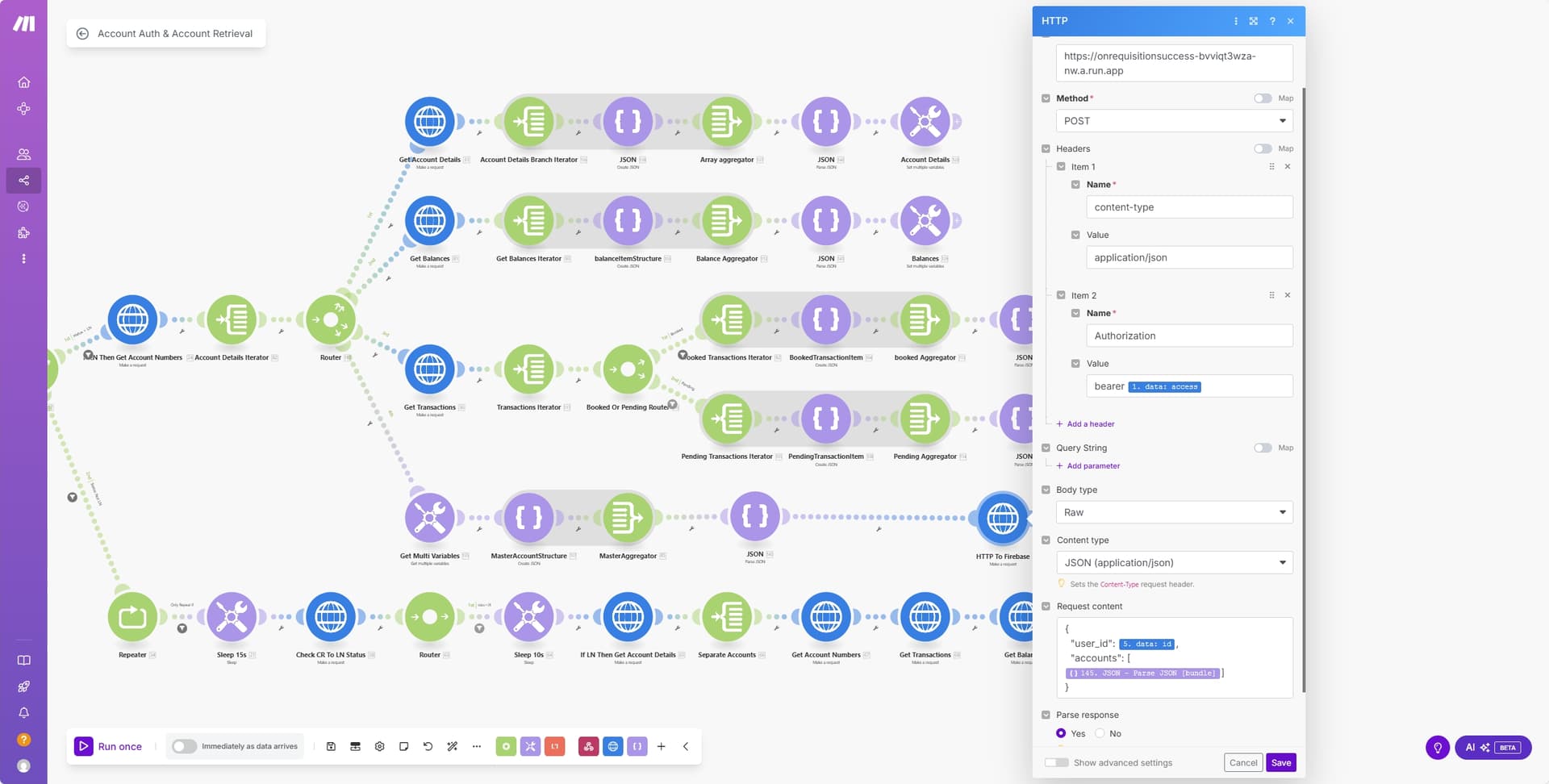
Upon checking the logs for my cloud function it was producing an error in relation to the userId not being valid JSON. After reinspection of the request content section for the http module I found that the ‘“user_id”: {{5.data.id}},’ was only mapping to the object {{5.data.id}} and not to the array “{{5.data.id}}”. So I was just missing the " " marks around the mapped data.
With that change made I then got a 400 error which was down to me trying to parse nested data into the http module where my functions code only required a flattened data structure. After re structuring the data to a flattened version I was then able to execute the scenario with no further errors.
Upon writing the data from the http module to the firestore database, it was only saving Iban & Balance values. Again this was down to my functions code not being fully complete and providing the correct headings to be populated in the database.