Frixi
August 1, 2025, 2:06pm
1
I am using the module “Creating an email campaign” to create Brevo Campaign (not sending them).
It works pretty good, but placeholder within the related template are not being replaced.
I tried also different formats for the variables as described here:
Hey,
i have created today a scenario with Brevo and Templates. In Make you need to define the parameter for Brevo and pass it in the request.
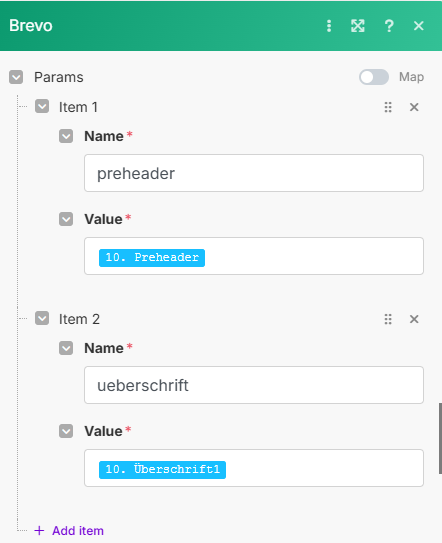
You need to activate “show adcanced settings” → “Params” → Name = Variable name | Value = Content
[Bildschirmfoto 2024-05-25 um 15.34.23]
In Brevo Template you can access the variable in this format {{ params.VariableName }}
[Bildschirmfoto 2024-05-25 um 15.34.54]
If this not resolve your issue, then check in the Template for “verbatim”. this is ex…
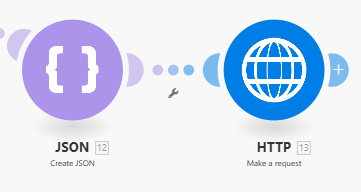
And also using the http module.
Looking forward for your help!
Hi @Frixi
Seems that you have problems in syntax. Pls refer to
Brevo's API provides developers with programmatic access to all of the key features in the Brevo suite: transactional emails, email marketing, contact database management, SMS, chat and more!
in params you can check correct syntax,
Best regards
Frixi
August 2, 2025, 10:33am
3
Thank you for responding!
My params seems to be correct.
But meanwhile the Bravo Support Team wrote me, “the data will only be populated once you trigger the email to send to the contact and this data is imported in the relevant attribute. When you are creating the campaign the data won’t be populated yet.”
Can anyone confirm this?
When not dealing with plain HTML I should use Stripo for dynamic content insertion, right?