Hi,
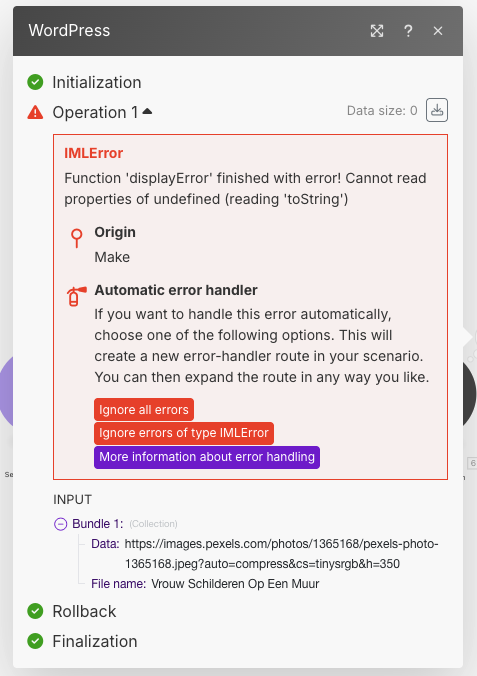
I’m getting a IMLError Function ‘displayError’ finished with error! Cannot read properties of undefined (reading ‘toString’) when using the WordPress → create an media item module.
I assume that the data is incorrect or invalid but I can’t figure out which data to use to create the media item.
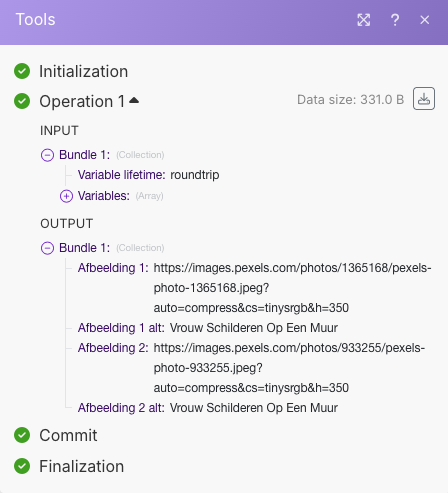
Right now I’m using the Pexels module which generated an output of 10 images. Then I use the Array Aggregator to setup the array with all the data and then create custom variables, one for the image source and one for the image alt / title.
But somehow this data is invalid? But what kind of data does the WordPress module need to create the media item?
Hi @Niels_Pilon Welcome to the community!
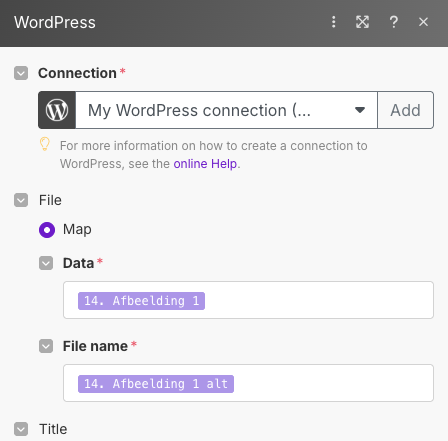
You need to download the image using the URL before you can map the image data, as map option is for data of an image after downloaded using option like Http - Get a file or from any other service that you use to host the image file.
And after that you can map http get a file output data in the create a media module.
or if you want to add Name manually with some other dynamics you can use these map options as well
I hope this helps!
Best,
@Prem_Patel
Thanks @Prem_Patel for the additional information! Just made the adjustment in our scenario and the found image was succesfully added to the Medialibrary in WordPress!
Glad that it helped you! @Niels_Pilon