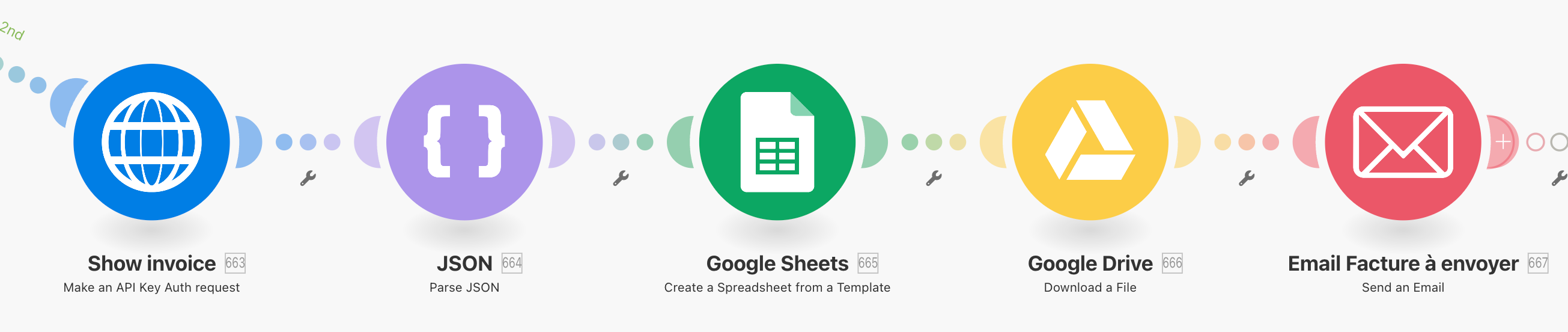
Hello, I definitely don’t find the solution to make the Create a Spreadsheet from a Template module works…
I had different errors, but no solution for the following one :
BundleValidationError
Validation failed for 1 parameter(s).
Missing value of required parameter ‘name’.
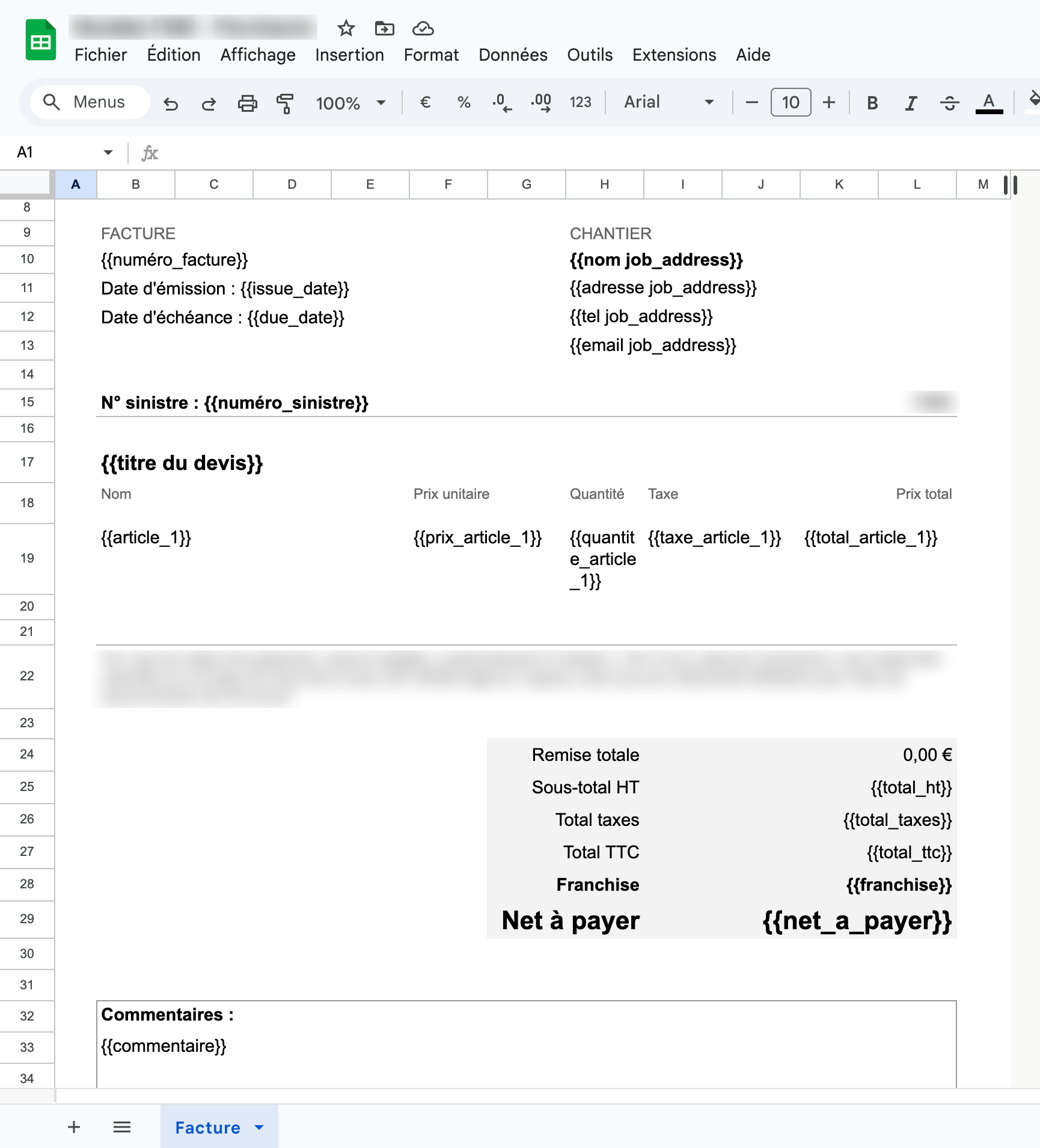
It’s quite a simple invoice template and every variable are there :
Hello @Garry_V,
Can you show a screenshot of the whole set-up of your module? You can cross things out such as name of the spreadsheet and the connection.
Things I see right now:
- There is a missing value in the parameter ‘name’, this is the name of the spreadsheet that will be made
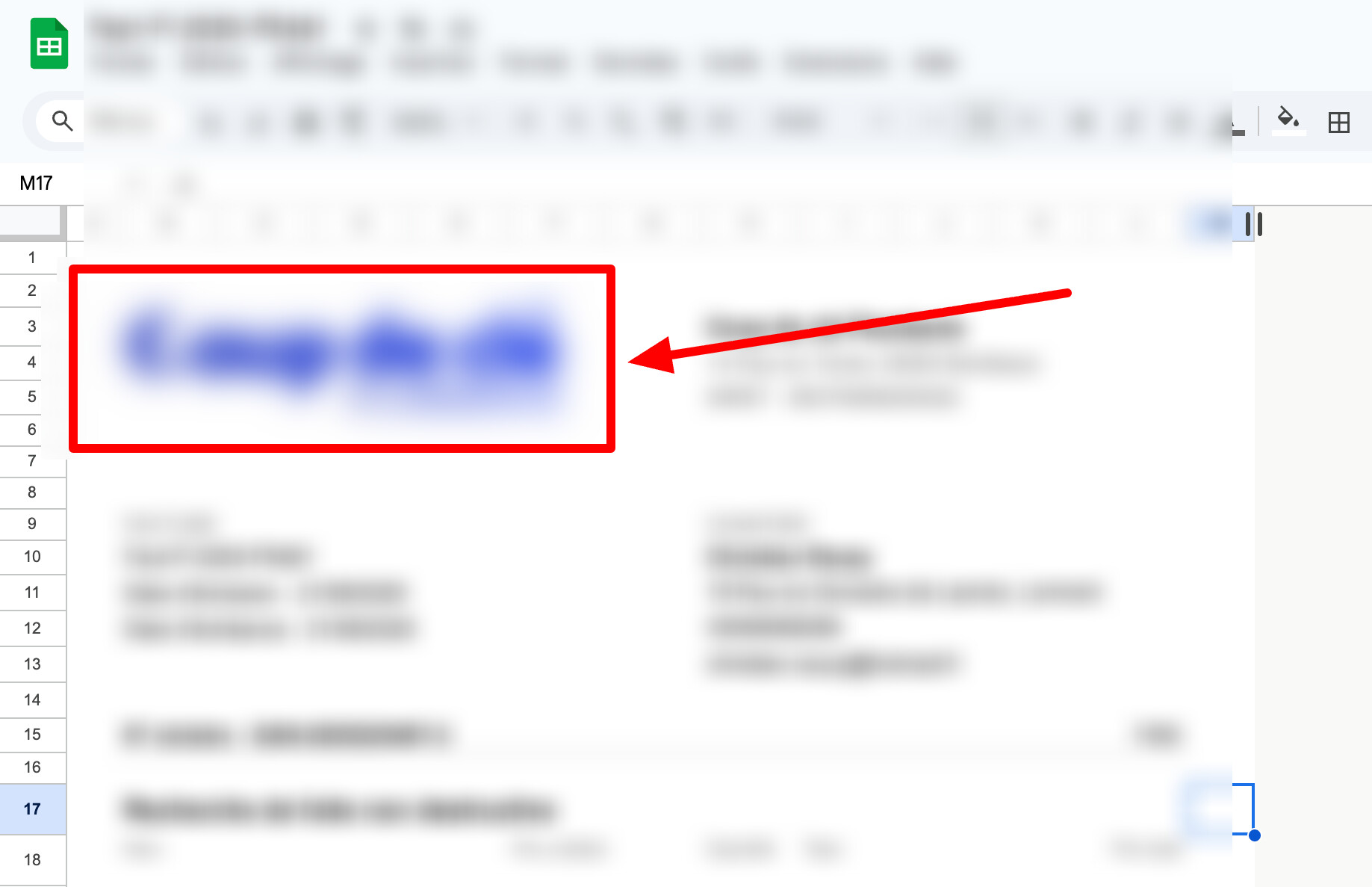
- Your spreadsheet contains a picture instead of the values/variables inside cells, is that right?
If you can provide me with the information above, that would be helpful for me to help you 
Thank you @vdwintelligence
- There is a missing value in the parameter ‘name’, this is the name of the spreadsheet that will be made : You’re right, I’ll do new tests
- Your spreadsheet contains a picture instead of the values/variables inside cells, is that right? : Yes, there is my logo here
Hi Garry,
Thank you for your response, that clears things up!
First of all, you are not able to extract any information of the pictures inside the spreadsheet. I don’t know if that’s what you’re trying to accomplish, but if that is the case, it won’t work, you will need the variables as text strings inside your spreadsheet.
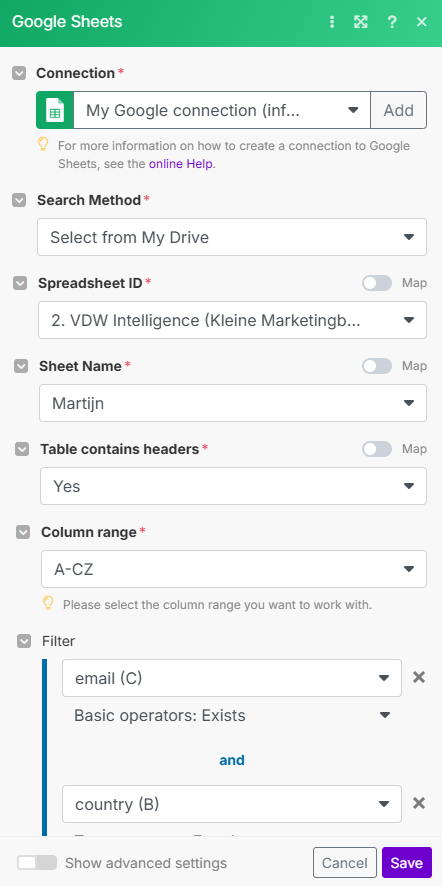
Secondly, did you get the module to run? If not, can you provide me a screenshot of your setup? For example, this would be a screenshot of my google sheets module setup:
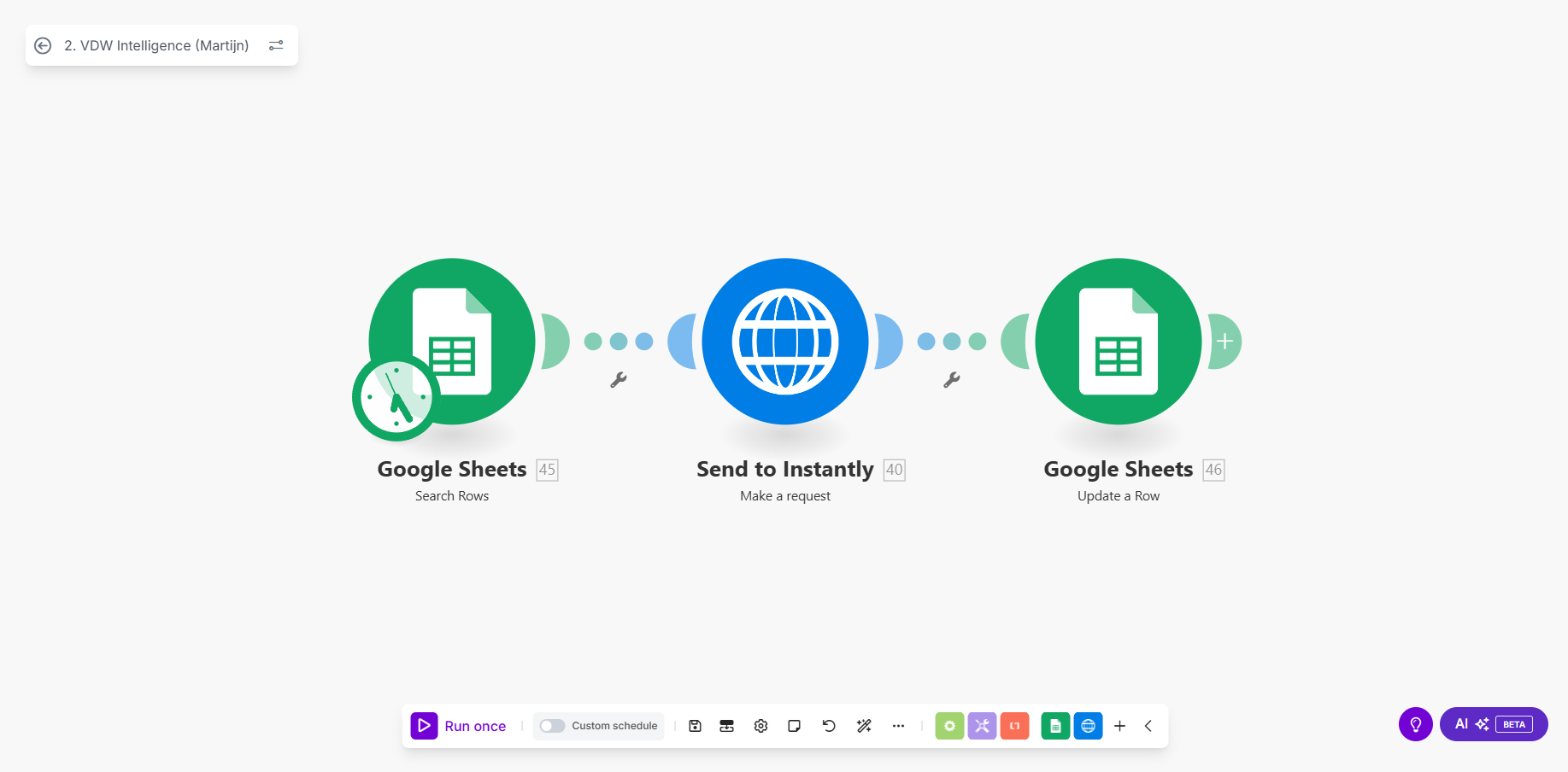
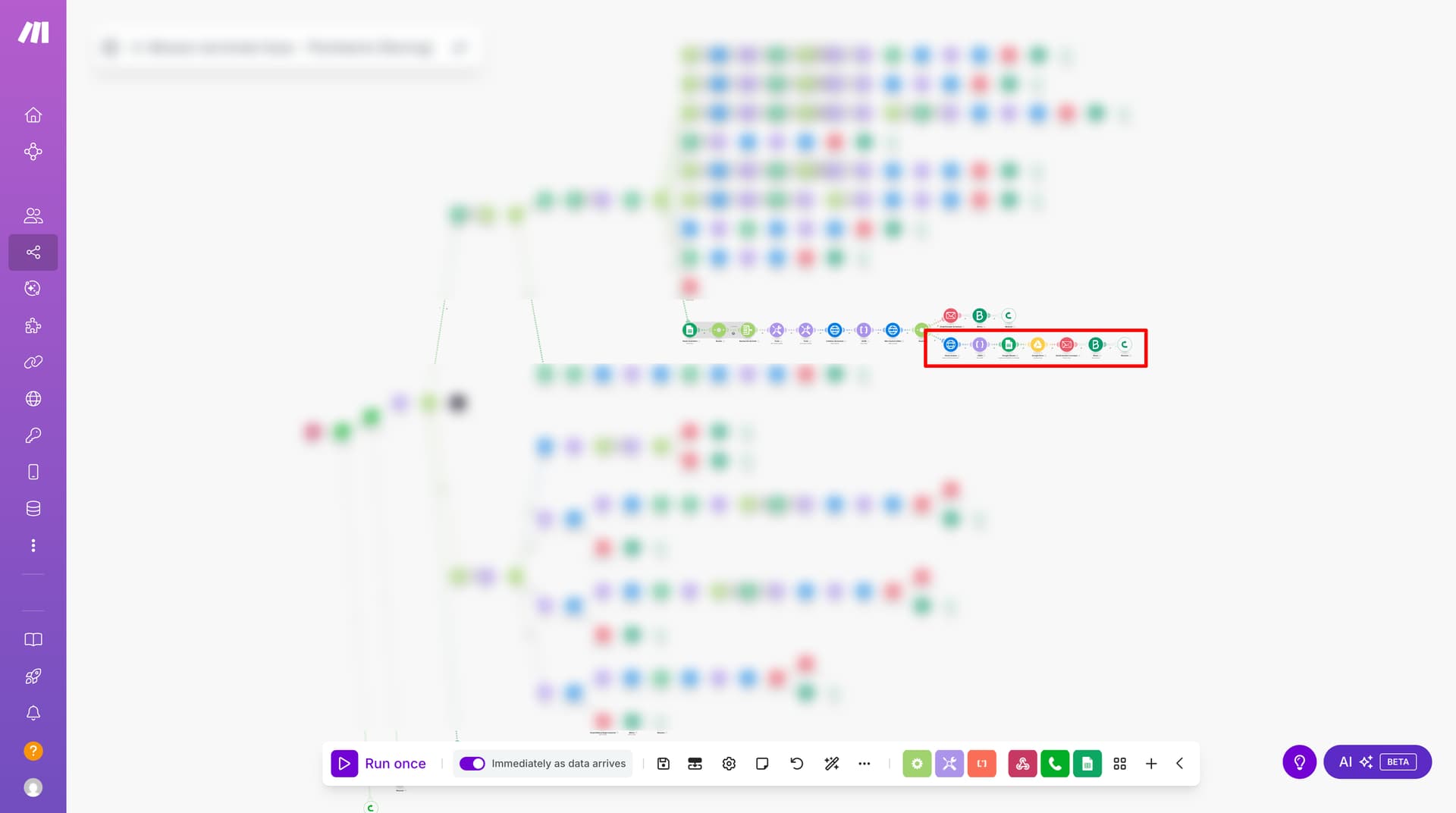
Also, can you provide me with a screenshot of your scenario? Like this:
Hello @vdwintelligence , sorry for the delay.
Well, I’m not sure to understand what you’re saying about pictures, because I think I’m really trying to do what the Create a spreadsheet from a template module was made for.
In few words, I made a invoice Spreadsheet template, including a logo. I just want to duplicate this template thanks to the module, and create an invoice with the copy by automating data integration.
It’s quite a big scenario :
Your template might have been changed, and the “Values” fields originally detected by this module might be outdated.
You can try refreshing the fields by clicking here.
Hope this helps! Let me know if there are any further questions or issues.
— @samliew