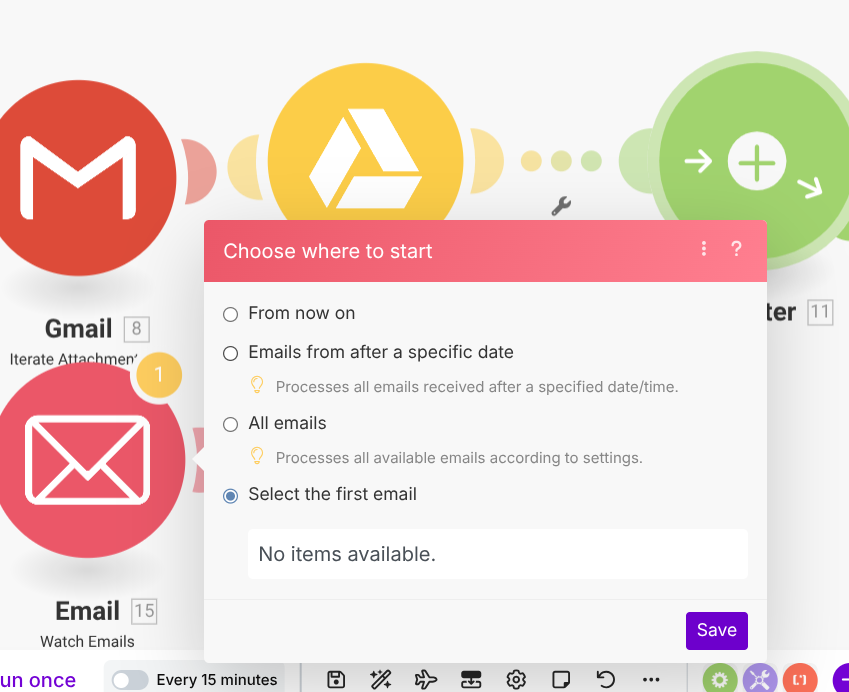
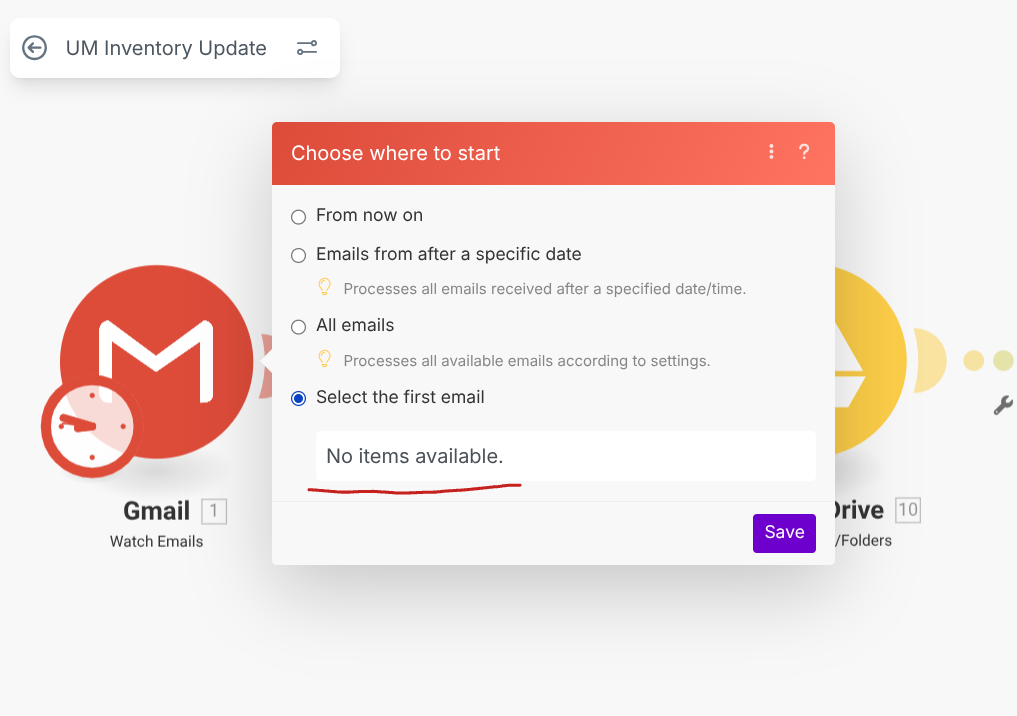
Gmail Watch - Select the first email isn't giving any options

Hello Folks,

I created the scenario where I want to extract gmail attachment to the google sheet folder. Unfortunately, the Gmail Watch is not loading the emails according to the settings in the ‘Select the first email’ dropdown menu.

The fact I have the other similar scenario where it works fine with the smaller size attachment, I assume the issue might be due to the limitation to the size of the attachment.

I wonder if anyone experienced similar issue and was able to resolve this somehow?

Best regards,

Robert

Hey @Robert_A and Welcome to the Make Community!

You’ll usually see this issue if your Gmail filters in the module settings are set up incorrectly - as in they aren’t finding any results.

1 Like

Hi Donald,

Thank you for your response. Here is the screenshot from my gmail search by one of the module filter value. As you can see I get results.

However, it doesn’t work in make module.

Any more ideas what is wrong in filter settings?

Any chance your Gmail module is connected to the wrong account?

Maybe try sending an email using the same connection and see what happens.

You could also try reauthorizing the connection from the Connections settings page.

If there were an incorrect connection, I would not be able to select a folder. Since I can see the list of available folder options, I can confirm that the correct account is connected.

I see. I would still try to reauthorize the connection anyway or even just replace the module entirely.

Also, if you’re on the free plan, you’d still see emails, but the module won’t be able to download emails that are larger than like 5MB due to attachments.

Hey @Robert_A

I noticed the folder says “all mail” twice.
Just a guess here, but it could be related.
Try changing it so it only says once.

Welcome to the Make community!

Can you confirm if you even have at least one UNREAD emails from that SENDER?

You can verify this by pasting this into the Gmail search box in Gmail:
is:unread from:indiesales@umusic.com

Hope this helps! Let me know if there are any further questions or issues.

@samliew

Hi there,

In my earlier response I actually included the screenshot that verifies that there are plenty unread messages in the gmail account.

Best regards,

Robert

In that case, switch to a Gmail filter with that same query.

Hope this helps! Let me know if there are any further questions or issues.

@samliew

I selected the folder only once. Somehow the second folder added after I safe the module settings. However, I have another similar scenario where I see ‘all mail’ twice too. However, it successfully completes the job.

Best regards,

Robert

Great, happy I could help :slight_smile:

Hey Juan,

Please do not confuse the topic. Your suggested solution was not effective. I am still encountering the same issue with the initial scenario I reached out about. The example I provided was meant to illustrate why the suggested approach did not resolve my problem.

Thank you Donald,

I tried to reauthorize the connection multiple times and it did not help either.

I checked the emails i expect to extract the attachment from and they all less than 4MB.

Indeed i’m on a free version. I don’t mind to subscribe if I see everything is working smooth.

What is the point paying if it is failing on such a small workflows.

Best regards,

Robert

Hey @Robert_A

My bad, I misunderstood.

Did you try running the scenario by choosing “from a specific date’" or " all emails”?

Thanks Juan,

Yes I did. It did not extract any file either. It looks like the Gmail watch module restricted or ignore some of the emails. I assume the issue is related to hidden limits for free accounts. Even though I did not reach the limits for free account just yet. Looks like it was not fixed since Integromat times. I think I had similar issue when I was setting up workflows at the time. It got resolved only when I subscribed to paid account.
Best regards,

Robert

Hey @Robert_A

Could be.
You could also try:

  • Making sure it’s the right connection if you have several restricted google connections.

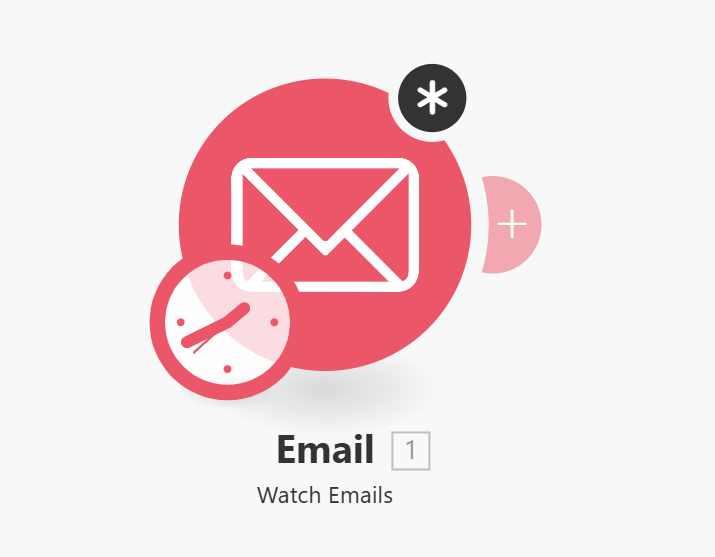
  • Try the email module instead of the gmail one (attached image)

Unfortunately, with Watch emails is the same story. It is not loading the expected emails.

Best regards,

Robert

Thanks Samliew,

I tried gmail filter too. It did not help. Still the same problem.

Hey @Robert_A

Well, try isolating the settings in your module and you’ll find what’s not working.

For example, remove everything and just change the connection or just change the criteria, and so on.

Eventually you’ll see what might be causing the issue.

Let us know if you find it.

Best

@juan_burstein