Hi,
I use the filer
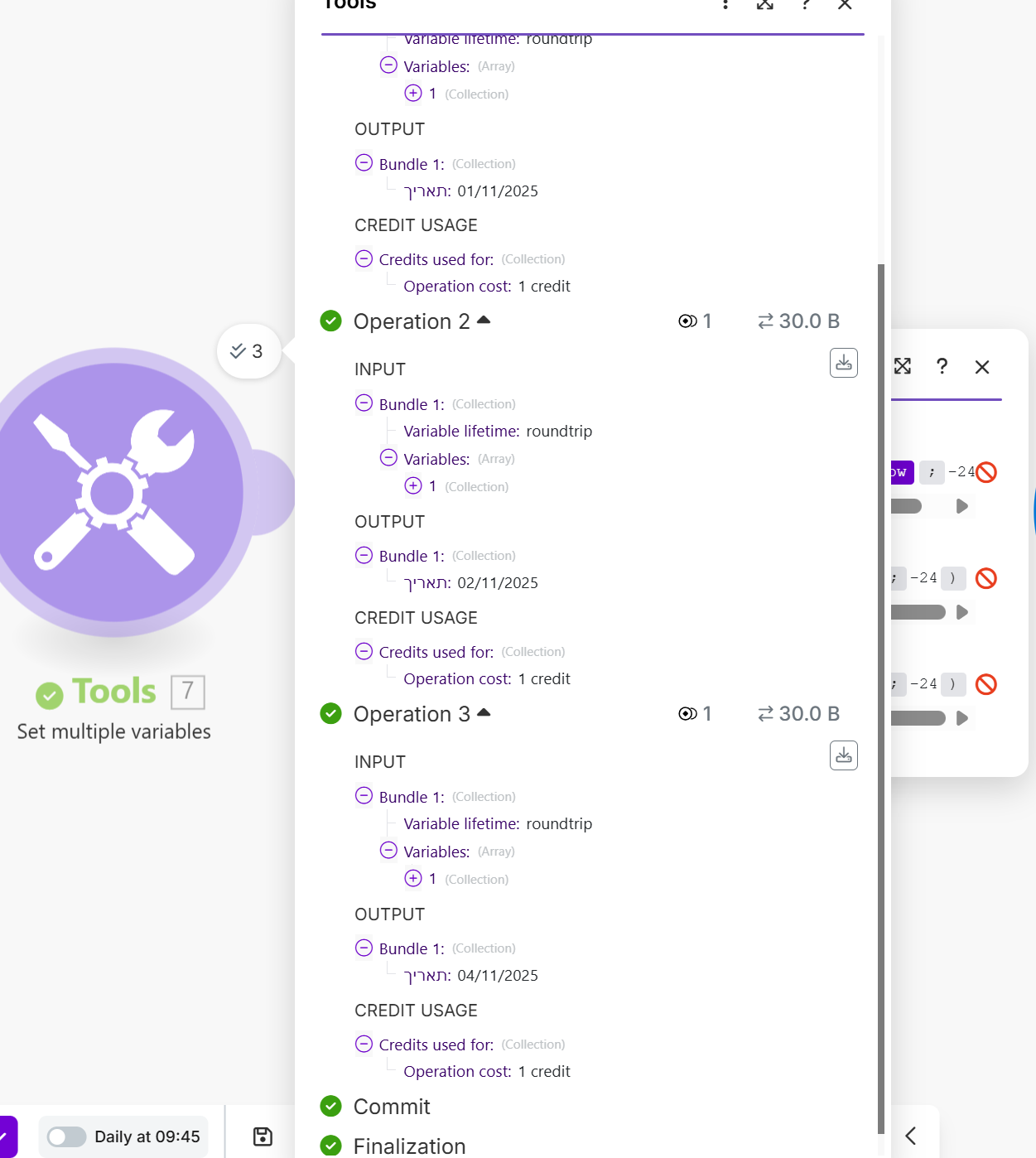
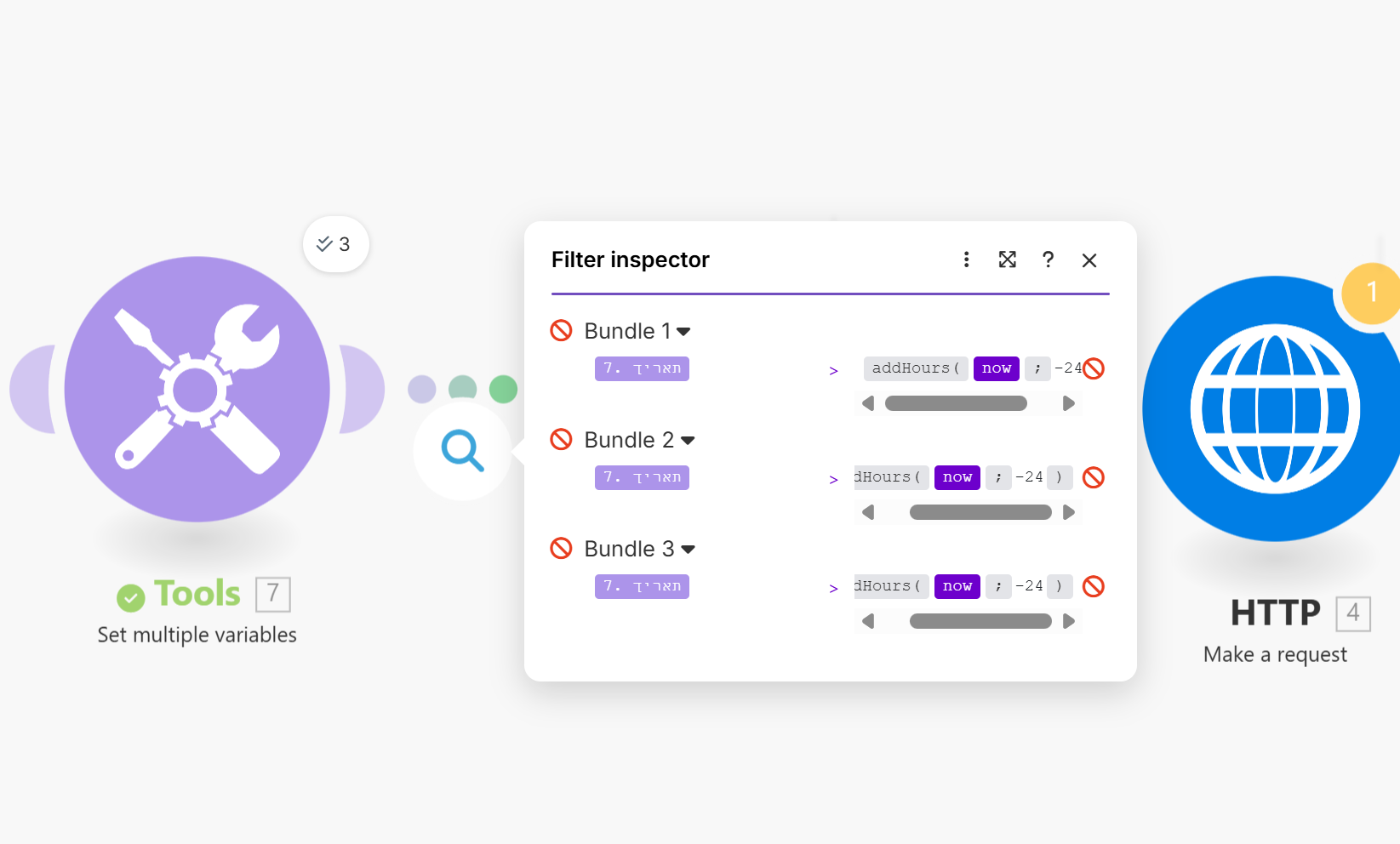
The purple is the date:

Earlier than…?
Shouldn’t it be Later than?
You want to filter between -24 h to 0 h (now); and not from the start of 01/01/1970 to -24 h ago
Hope this helps! If you are still having trouble, please provide more details.
— @samliew
We’d love to help, however, you have not provided sufficient information to demonstrate the problem that would allow us to reproduce the scenario and any issue/s and/or error/s.
To allow others to assist you with your scenario, please provide the following:
1. All Relevant Screenshots
We need to see what you’re working with to give you the best advice. Screenshots are extremely important because Make is a visual editor — a picture provides us with more context.
It would help us identify the issue by having screenshots of:
- the full scenario,
- the zoomed in section of the scenario that you are referring to (if your scenario is huge),
- a full scenario run/execution (showing output “speech” bubbles),
- any error messages,
- individual module fields,
- relevant filter settings (conditions), and
- each module’s output bundles
- any external services (spreadsheet headers, sample data, regex101.com, etc.)
You can upload images here using the Upload icon in the text editor:

We would appreciate it if you could upload screenshots here instead of linking to them outside of the forum. This allows us to zoom in on the image when clicked, and avoid tracking cookies from third-party websites.
2. Scenario Blueprint
Please export the scenario blueprint. Providing your scenario blueprint file will allow others to quickly recreate and see how you have set up the mappings in each module, and also allows us take screenshots or provide module exports of any solutions we have for you in return - this would greatly benefit you in implementing our suggestions as you can simply paste module exports back into your scenario editor!
To export your scenario blueprint, click the three dots at the bottom of the editor then choose ‘Export Blueprint’.

You can upload the file here by clicking on this button:

Sharing these details will make it easier for others to assist you.