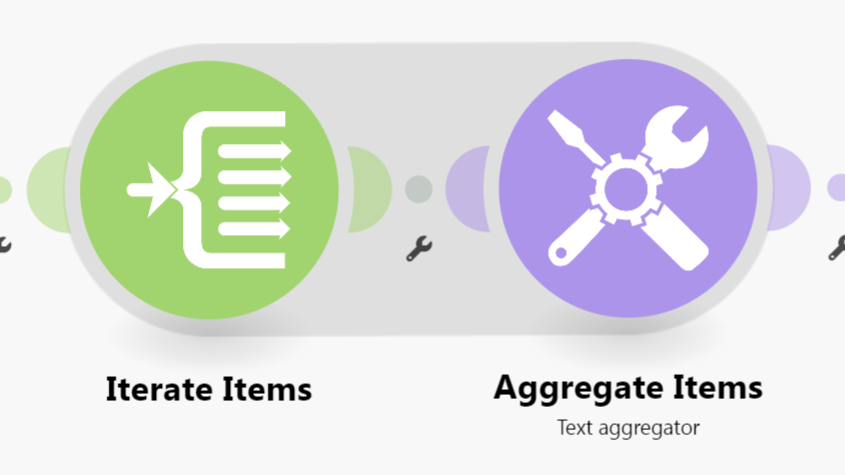
Hi! I am trying to make an automated system that sorts the data from my Shopify into a list.
What is the problem?
I am trying to use the iterators and aggregator tool and have made it into JSON. i am now converting the JSON data into google docs, but I am having multiple errors when I convert it.
What have you tried so far?
I tried to change the format of my google docs content into different styles. I also tried to double bracket the blocks but it is still not having the output I want
Every result (item/record) from trigger/iterator/list/search/match modules will output a bundle. This can result in multiple bundles, which then trigger multiple operations in future modules (one operation per bundle). To “combine” multiple bundles into a single variable, you’ll need to use an aggregator of some sort.
Aggregators are modules that accumulate multiple bundles into one single bundle. An example of a commonly-used aggregator module is the Array aggregator module. The next popular aggregator is the Text Aggregator which is very flexible and can apply to many use-cases like building of JSON, CSV, HTML.
You can find out more about the other types of aggregator modules here:
 What is your goal?
 What is the problem?
 What have you tried so far?
 Screenshots: scenario setup, module configuration, errors