What is your goal?
I want to send bulk emails with gmail at contacts stored in airtable. I understand there is apps like mailchimp to achieve this but I have a pretty low volume of email to send so I would like to explore what I can do directly from gmail for now.
My actual workflow is : I write draft emails in gmail and I use gmail contacts labels to send different email to different lists of people. In some situation I even copy/paste emails manually. But I would like to gradually scale up this process and 1. use airtable to store my contacts and 2. use make to automatically send specific drafts email to lists of contacts that match some conditions.
I know I can use gmail within airtable but I would prefer to keep writing my draft in gmail if possible for now.
 What is the problem?
I think I understand how to iterate lists of emails from airtable to gmail in Make, but I have problems with the gmail “send a draft email” module. It ask for a draft ID and I don’t know how to get it. Lets say I have 3 or 4 different drafts email, can I get their ID from gmail manually and paste the ID in airtable so I can refer to specific drafts in my automation? Is there a better way to do this somehow?
 What have you tried so far?
So I tried finding a way to dynamically find drafts ID somehow but didn’t succed. I tried to find the ID within my gmail account and I didn’t find it.
Thank you for your help, I’m willing to explore completely different ways to achieve this.
Be
 Screenshots: scenario setup, module configuration, errors
Hello,
Welcome to the community.
I’m afraid that drafts can be sent only once, so you must work around this by sending emails using BCC to multiple people (can impact your mailbox reputation) or copying them using a dedicated module.
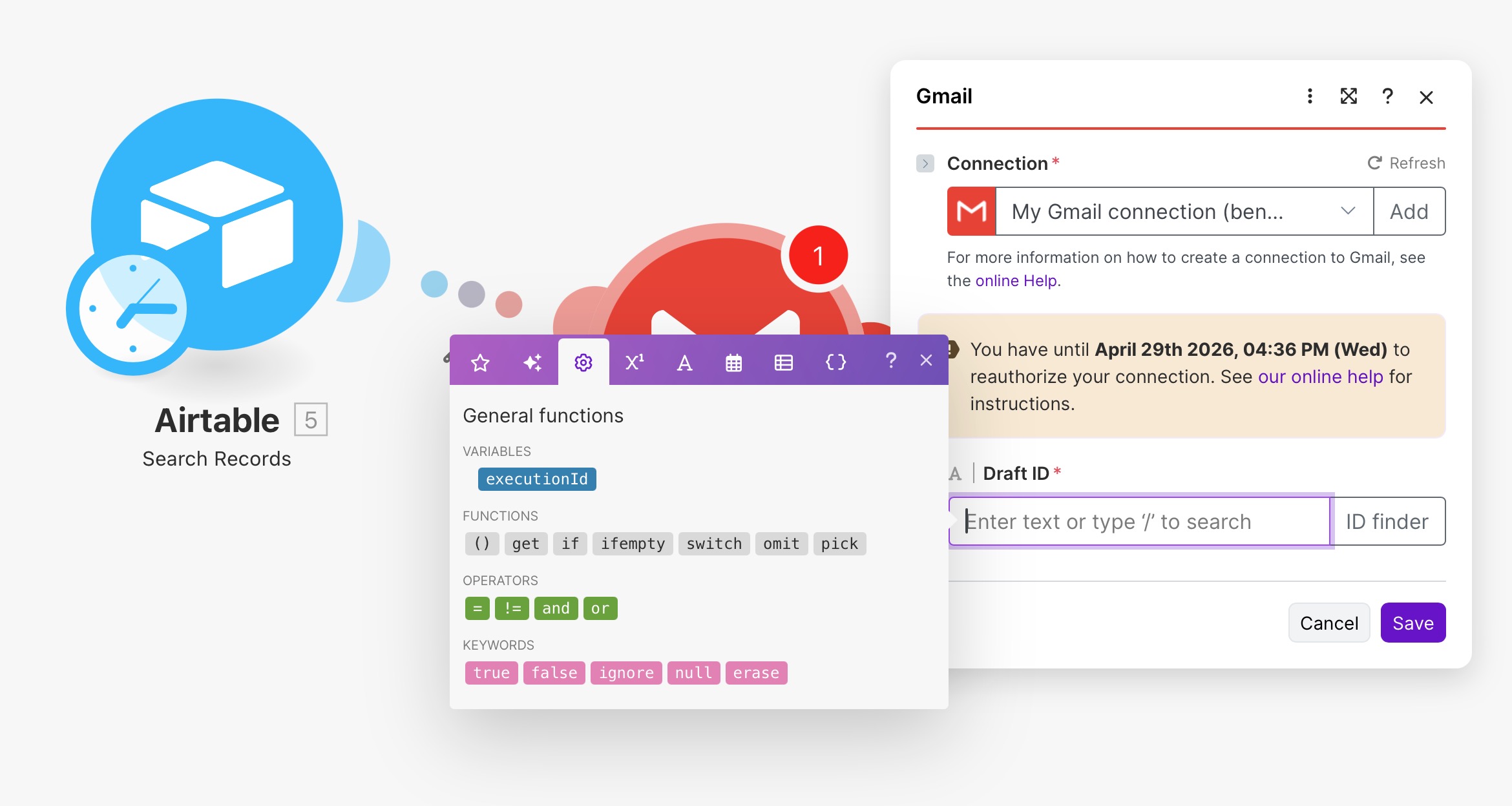
How to obtain a draft ID? Click on ID finder.
What I recommend - prepare your messages in HTML format, copy the code into Airtable, and then use the value of the record with HTML code as the message body.
Hi @Benoit_Fortier,
I think the issue is with selecting the correct module. If you plan to create draft emails, please use “Create a Draft Email.” To send that draft later, use “Send a Draft Email” (which requires the draft ID).
If you want to send the email directly instead of saving it as a draft, then select “Send an Email.”
Oh, yes of course draft will only be sent once, that’s an oversight by me lol.
Thank you for your suggested solution, I was planning to experiment with it soon. But i’m still interested in investigating how far I can go within gmail (to see if I can accomodate teammates that are used to their workflow within gmail).
Regarding the ID finder : is it possible to find the draft ID by doing a dynamic search with criteria pulled from my airtable record? Example : I write a draft email with a specific and unique “subject” in gmail. I copy that subject in Airtable so that I can use that information to find back that specific draft using the ID finder. One way to do this would be to get the draft ID from gmail (instead of having a unique “subject”) but I can’t figure out how to get that information.
Another solution I would like to investigate is to sync (2-ways) my google contacts and my contact list in airtable. The most important aspect I need to sync is Labels : I would like to be able to change my google contacts label within airtable so that my team can use them to send emails to specific groups of contacts within gmail. Actually I think I prefer this solution to using the ID finder. I managed to sync my contacts from gmail to airtable but I can’t make it to work the other way around. When I map the “labels” field in the gmail module with my label field in airtable I get a “RuntimeError [400] Contact group resource name “Test1” must be in the format “contactGroups/<contact_group_id>”“ and when I try to change the format I get a “RuntimeError [400] Request contains an invalid argument.”
Anyway, I’starting to feel this is a little bit convoluted, but I’m still curious to know if it’s possible, thanks for your help!
For sure it is - Make somehow is fetching IDs. You should dig into Gmail API docs and create a request using the “Make an API call” module.
Divide your process into small pieces, e.g., “microservices”
Would you mind to elaborate a little bit on this? I will happily read any doc you can throw at me.
Thanks for your help!
Disclaimer: I used “monolith” and “microservices” intentionally. If anyone wants to be strict about these terms- please don’t read it literally; this is just a simplification of a rather complex topic for Make.com purposes. 
Sure.
In “classic” programming you have two main approaches to architecture- monolith where everything “lives” on one instance- other words, where everything depends on everything.
Any change to code can result in a crash somewhere else.
The second approach is called “microservices”- each part of your app is relatively small, often uses a separate database, and modules communicate with each other using APIs, merging them into one UI.
Here is a visual representation:
In Make.com you can also build your scenarios as “monoliths” or “microservices”.
What does it mean- you can build one huge scenario, very complex, handling the process from A to Z or… you can build workflows like microservices.
There are scenarios doing small pieces of the process.
As a result- if done correctly- you finish with a complex process handled in an easy way. Pleasure to maintain and add new functionalities later. Also- in scenarios which are crucial- you will be processing someones personal data- help maintain security and avoid errors like bulk sending emails to everyone.
You can simplify it using new awesome Make.com features like subscenarios: Subscenarios - Help Center